


Ezcap401 HDMI Video Capture Card USB3.2 HDMI2.1 4K144 HDR VRR 1080P240 Game Recorder for PS5 Xbox Switch DSLR Camera OBS Live
Taxes incluses. Frais d'expédition calculés au paiement.
In stock, ships in 1 to 3 business days Only left in stock
- Secure checkout
- Tracked delivery
- Help by email
- Ships in 1 to 3 business days
You get a tracking number by email as soon as it ships.
- Delivery in 5 to 10 business days
To the US, UK and Europe. See the shipping policy for other regions.
- 30-day returns
Request a return within 30 days of receiving your order. Conditions apply.
Details
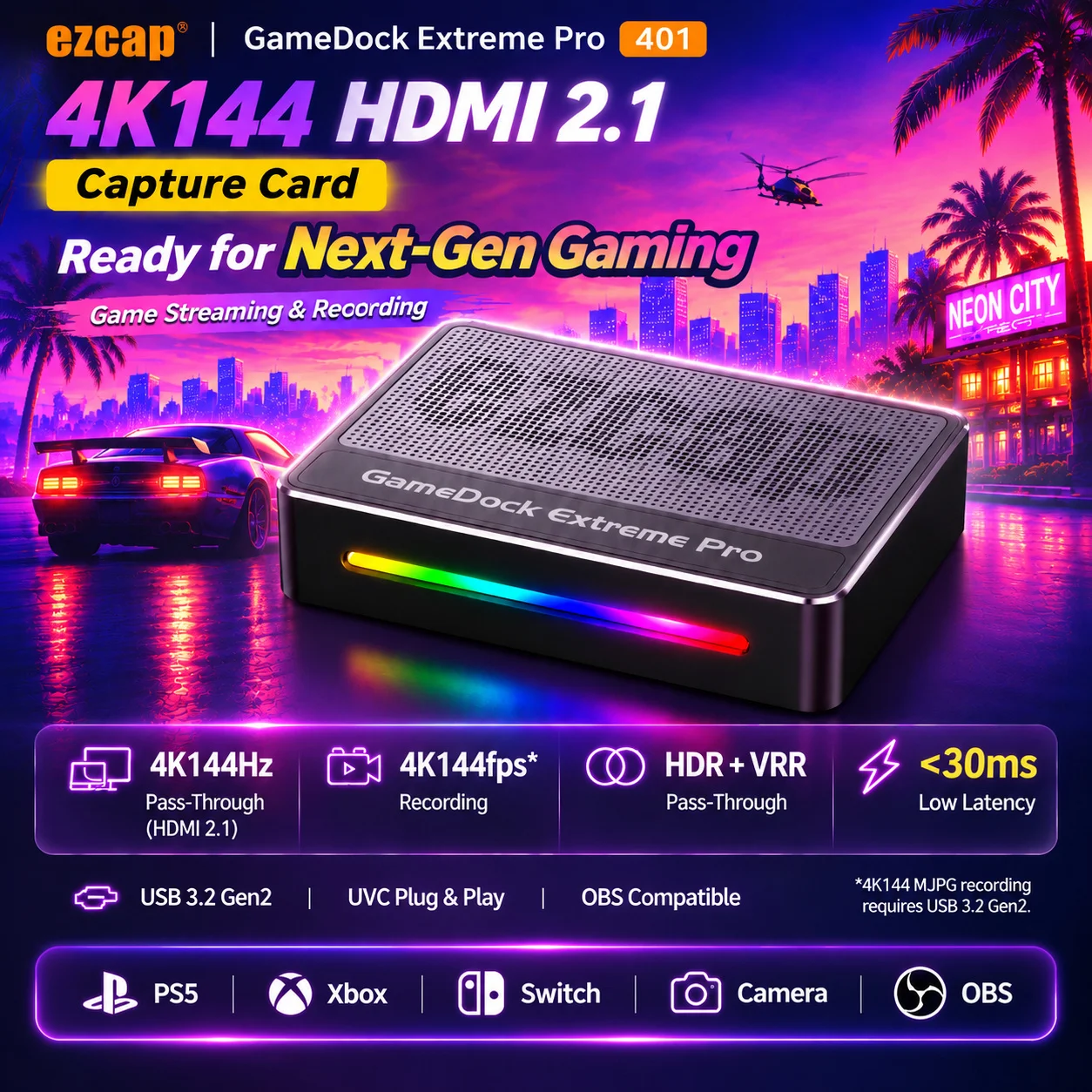
Ezcap401
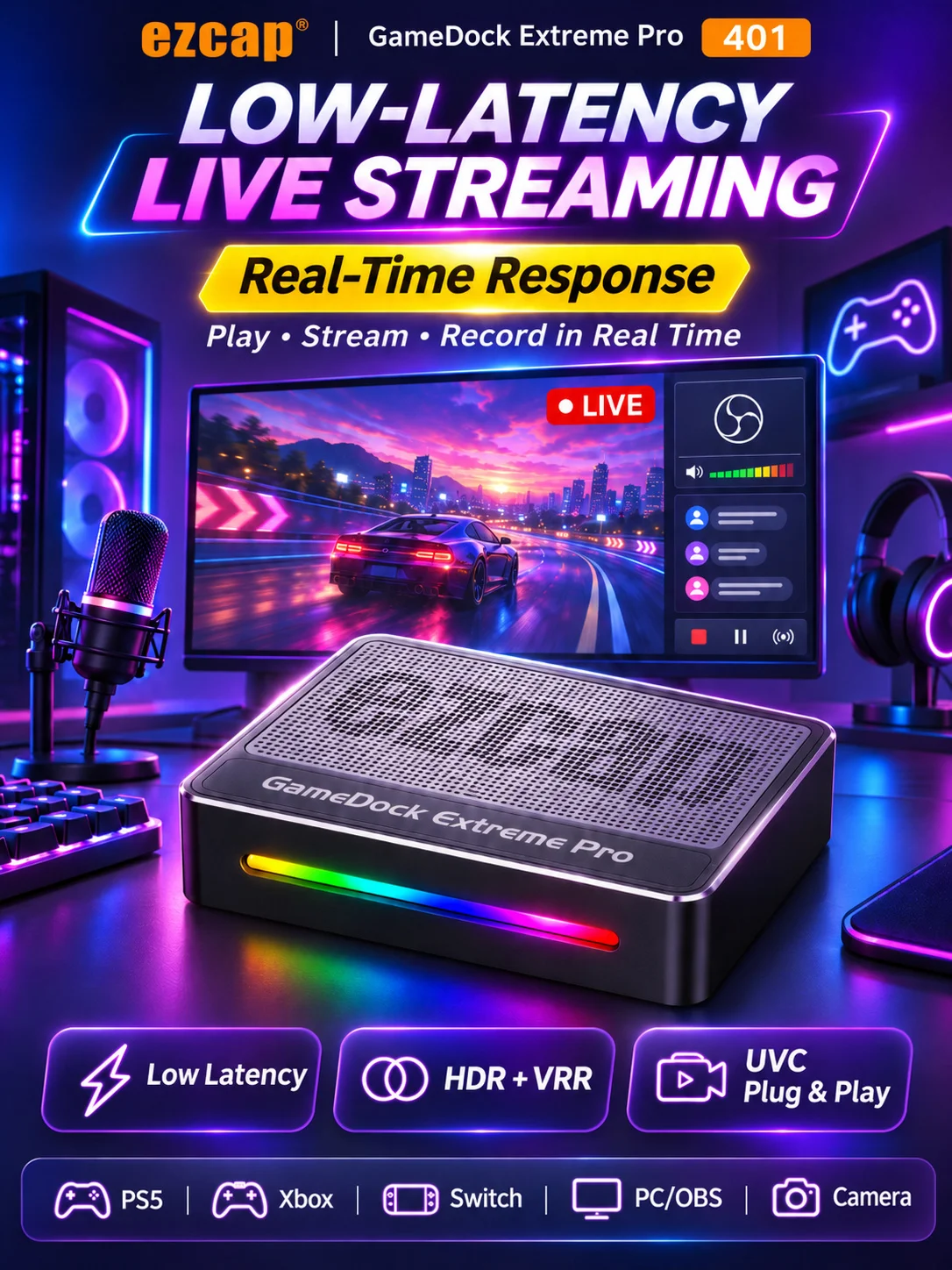
- HDMI input and pass-through for 2160p144, 1080p360, and 1440p144.
- Recording at 2160p144, 1080p240, and 1440p144.
- Supports HDR and VRR input and pass-through.
- RGB true-color video format up to 4Kp30.
- Latency of less than 50ms.
- UVC compliant; plug-and-play.
- Supports most third-party video capture software.
- USB 3.2 Gen2 Type-C ultra-high-speed interface.
Ezcap401 GAMEDOCK EXTREME PRO
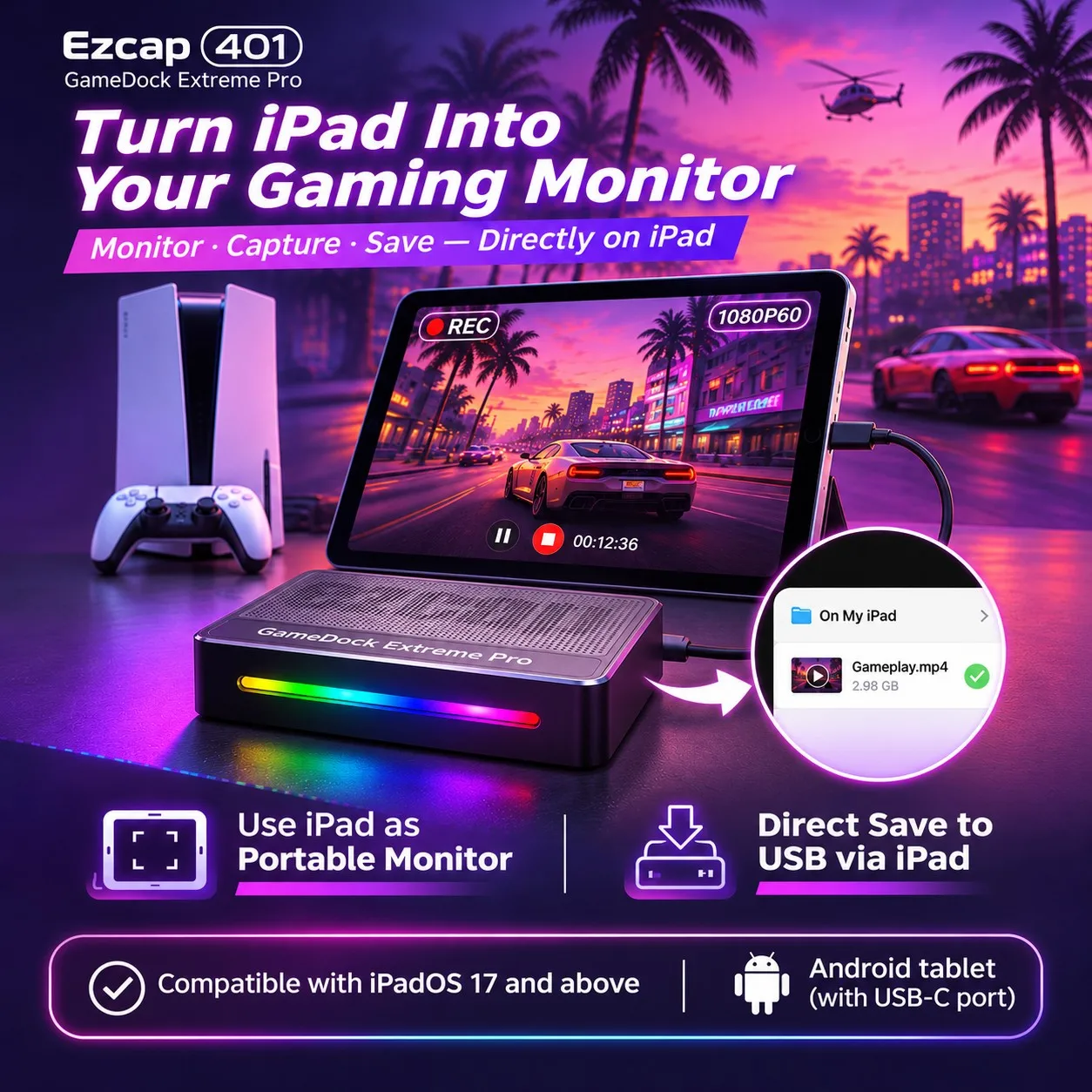
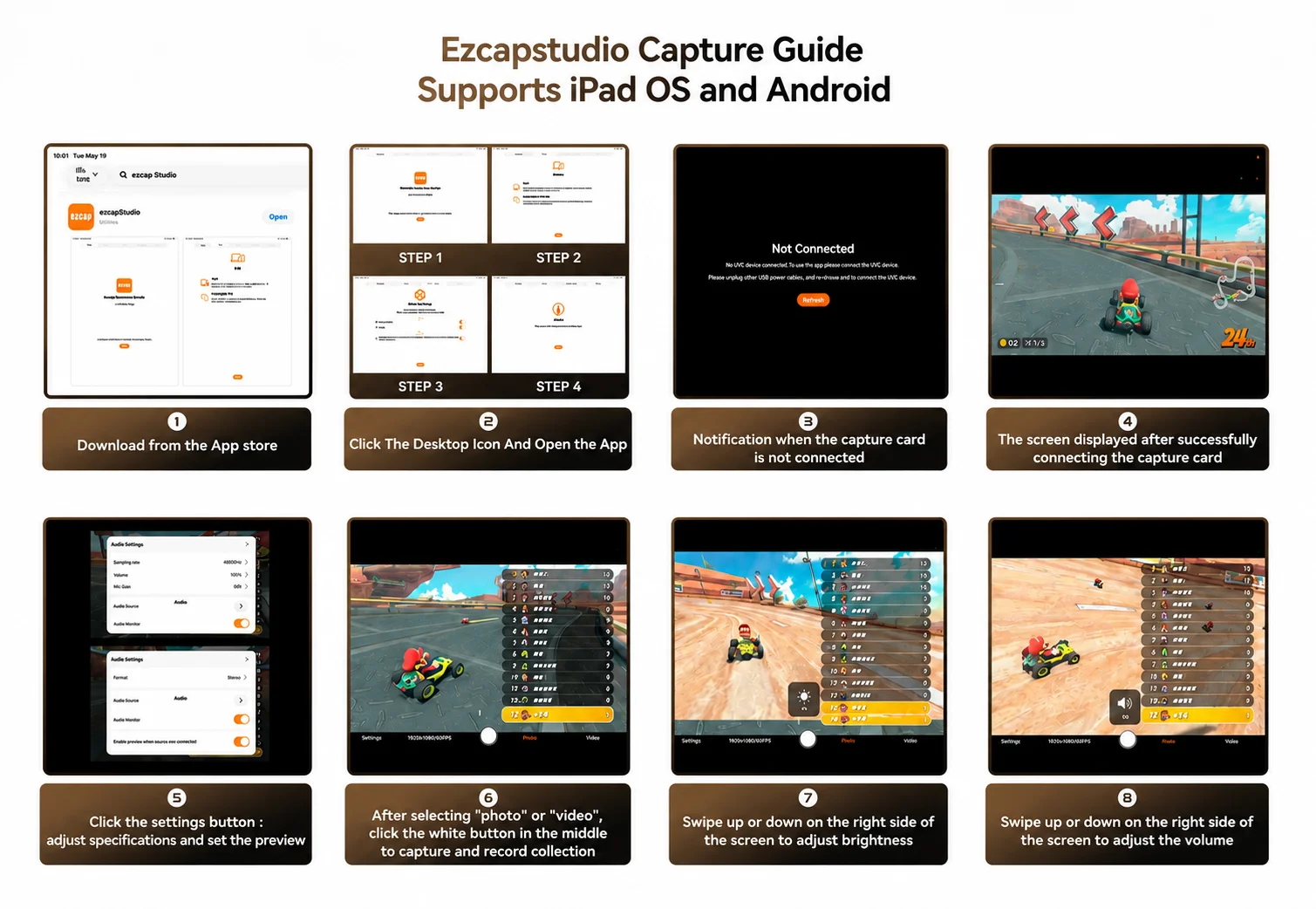
Turn IPad Into Portable Monitor
Direct Save to USB via iPad
Note:Compatible with iPadOS 17 and above Android tablet with a USB-C port
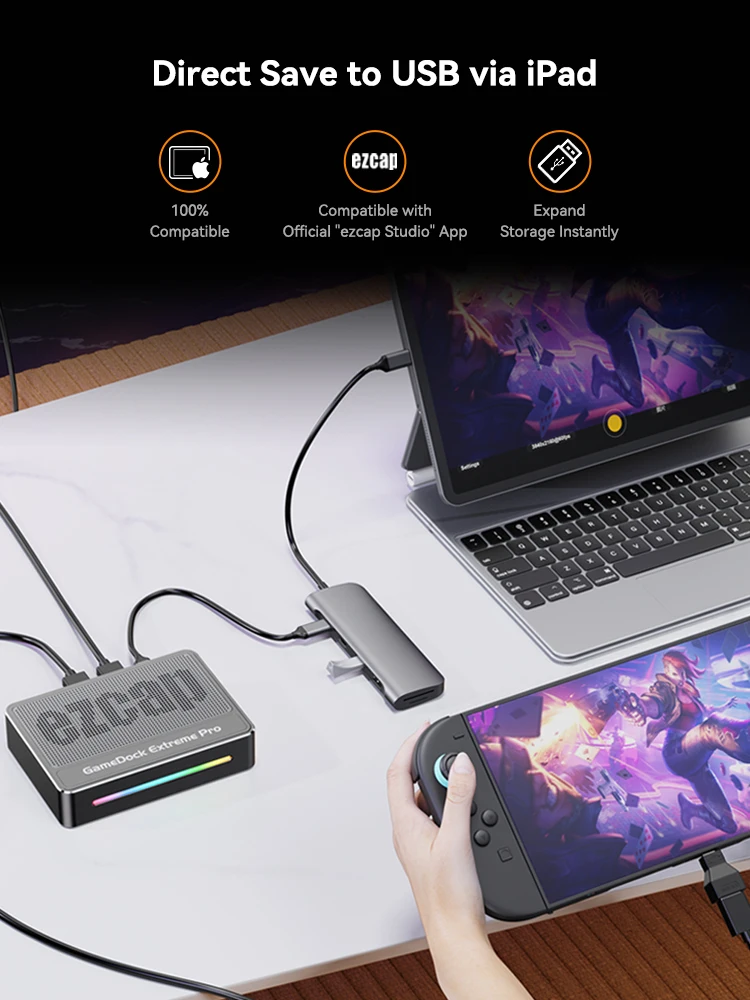
Save Directly To USB Drive
Record on iPad Using Internal Storage
Unlimited Recording
Instant Backup
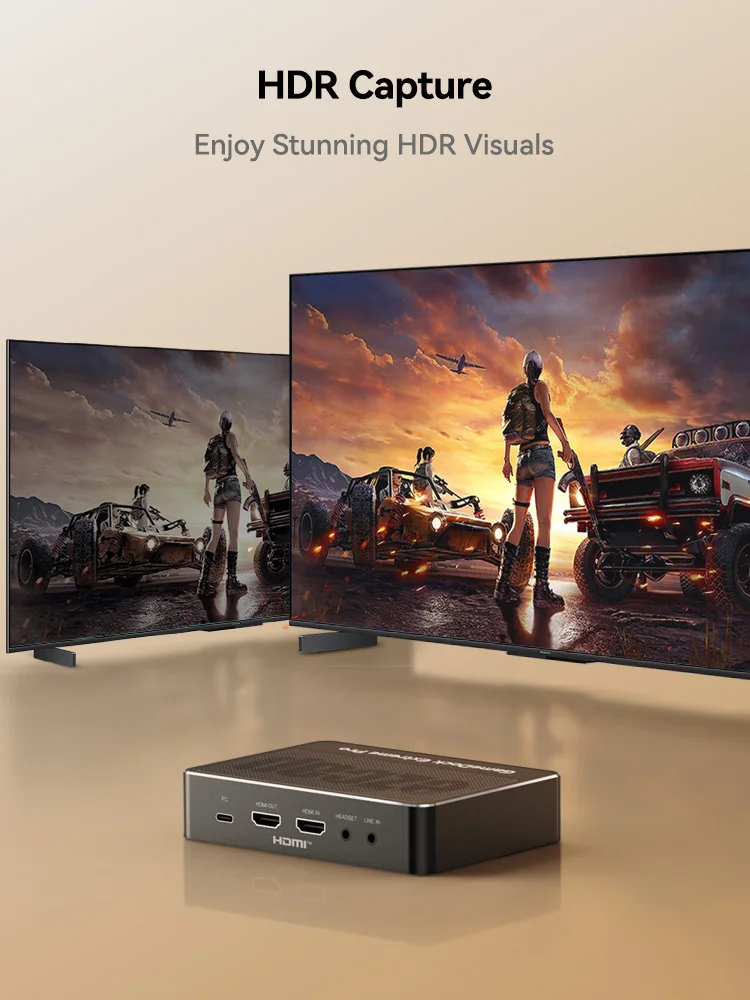
HDR Capture
Enjoy Stunning HDR Visuals
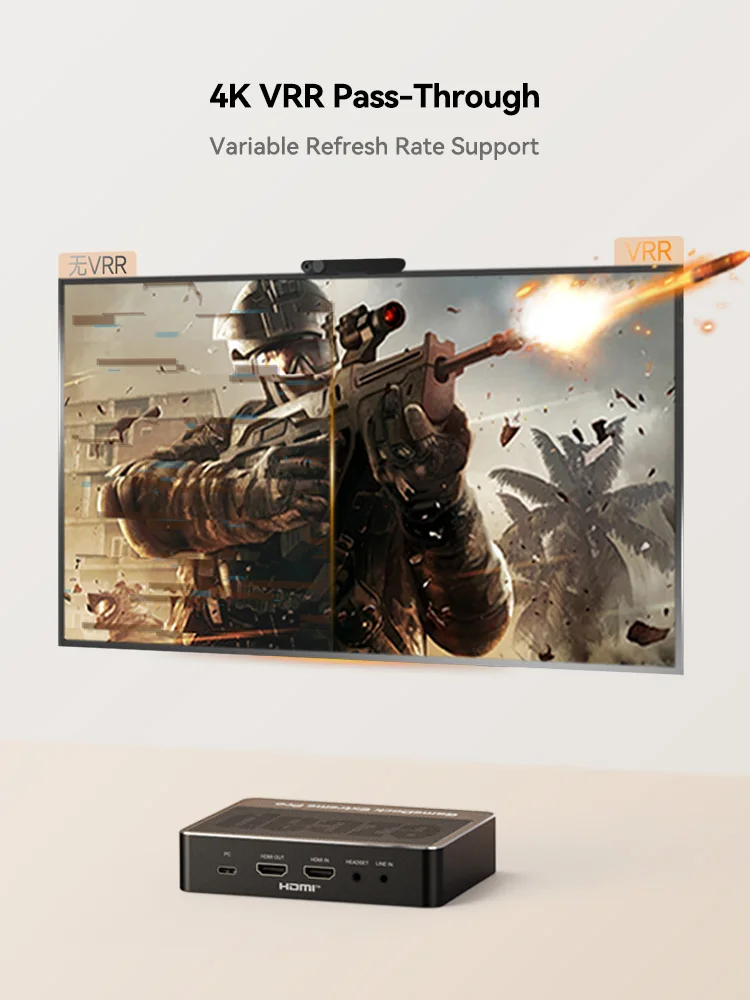
4K VRR Pass-Through
Variable Refresh Rate Support
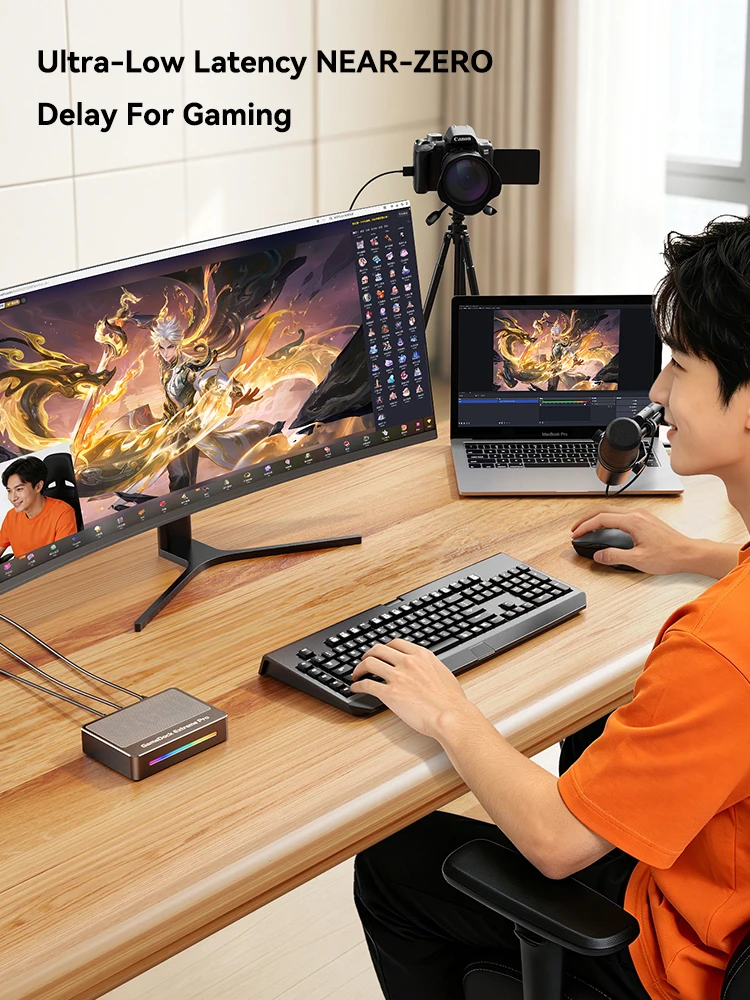
Ultra-Low Latency Near-Zero Delay For Gaming
Overview:
Product Overview and Connections
1. LINE IN: 3.5mm audio (TRS 3-pole) for connecting to Audio mixer, and mix
the audio with video together.
2. Headset: 3.5mm audio (CTIA 4-pole) for output to earphone and microphone
input.
3. HDMI IN: HDMl input port, connect to game console or other video source.
Support HDR and VRR input.
4. HDMI oUT: HDMI output port, connect to TV or monitor.
5. PC: To connect to computer USB port.
6. Status Indicator: WHITE flashing - Power on. RED flashing - Software
detected device but no HDMI input. BLUE flashing- HDMI input. Colorful slow
flashing - Device running.
Specifications
Interface:USB 3.2 Gen 2 Type-C
Video Input/ Output(Pass - Through):HDMI 2.1 enabled
USB 3.2 Gen2:
3840 x 2160 – 144fps/MJPG、60fps/NV12、50fps/YUY2、30fps/RGB24/P010。
2560 x 1440 - 144fps/NV12/MJPG,120fps/P010、60fps/YUY2/RGB24。
1920 x 1080 - 240fps/MJPG/NV12、120fps/YUY2/RGB24/P010。
3440 x 1440 - 144fps/MJPG、60fps/NV12/YUY2、30fps/P010。
2560 x 1080 - 144fps/MJPG/NV12、120fps/YUY2/MJPG/RGB24/P010
USB 3.2 Gen1
3840 x 2160 - 60fps/MJPG、30fps/NV12。
2560 x 1440 - 60fps/MJPG,60fps/NV12/YUY2,30fps/RGB24/P010。
1920 x 1080 - 240fps/MJPG ,120fps/NV12,60fps/YUY2/RGB24/P010。
3440 x 1440 - 60fps/MJPG。
2560 x 1080 – 60fps/MJPG、60fps/NV12/YUY2、50fps/RGB24、30fps/P010


