
Magnetic Magic Keyboard for iPad Pro 13 M4 2024 M5 2025 13" Case for iPad Pro 11 M4 M5 11" Floating Stand Wireless BT Keyboard


Magnetic Magic Keyboard for iPad Pro 13 M4 2024 M5 2025 13" Case for iPad Pro 11 M4 M5 11" Floating Stand Wireless BT Keyboard
Product Details
【The main video is for reference only.】
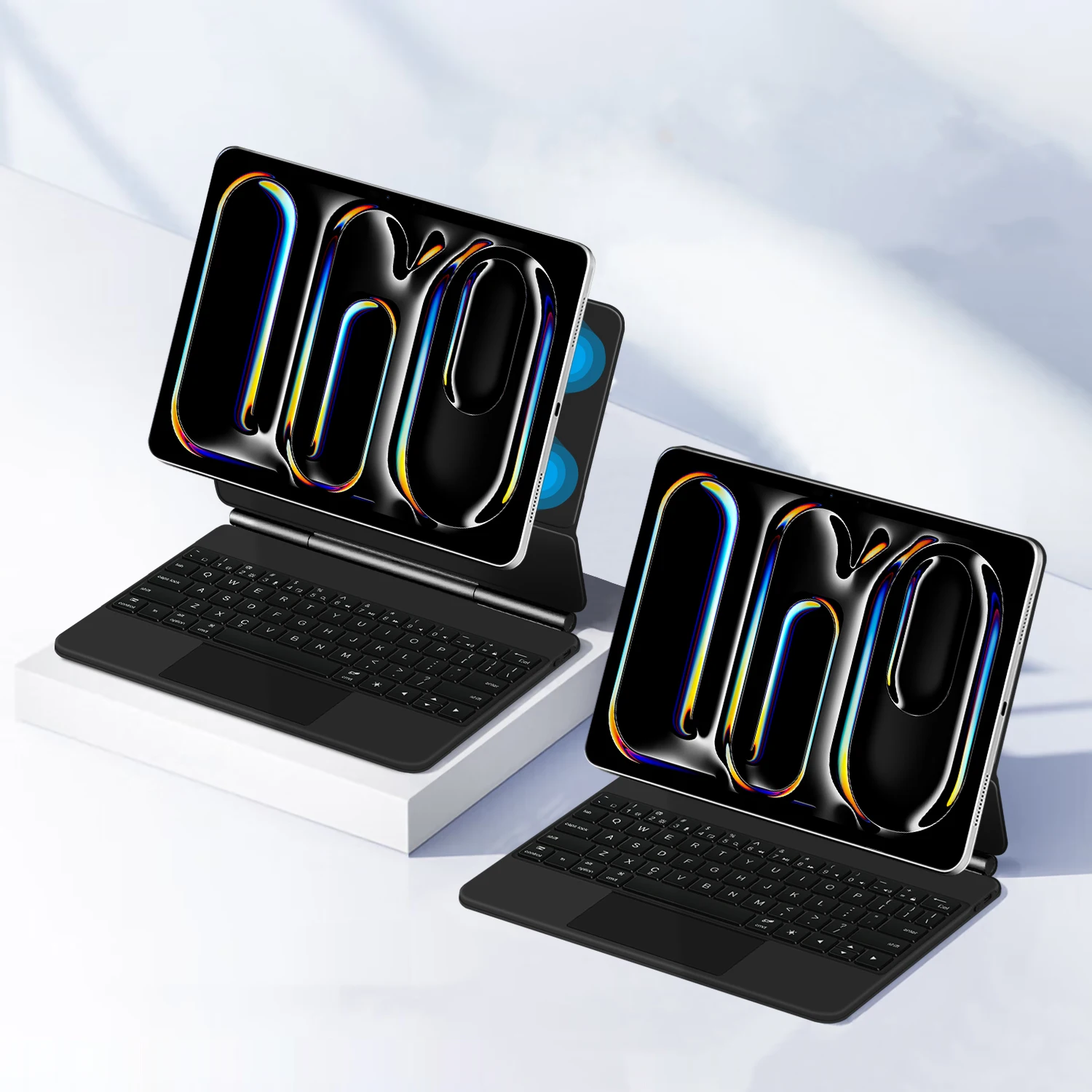
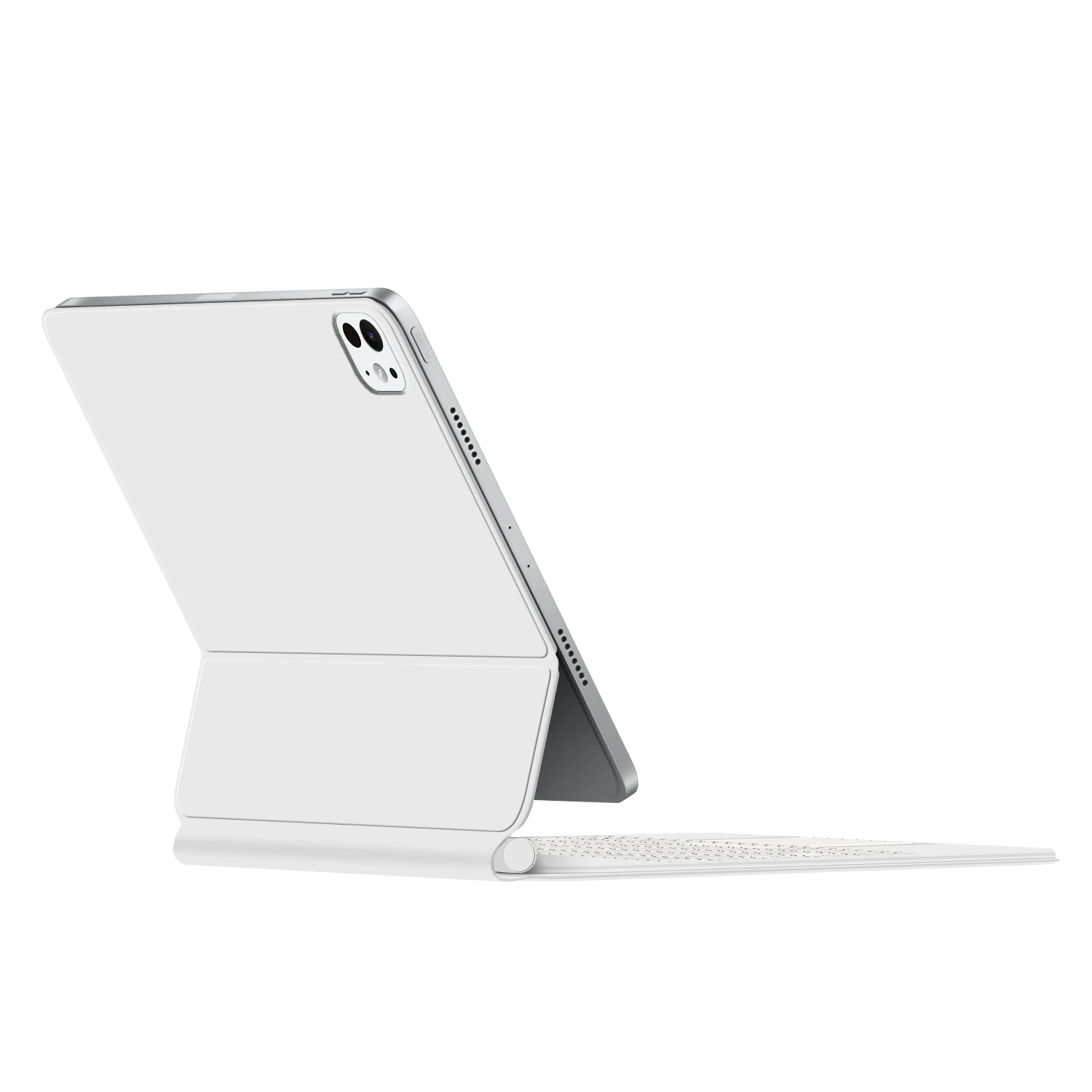
For iPad Pro 11/13 (M4/M5) Magic Keyboard
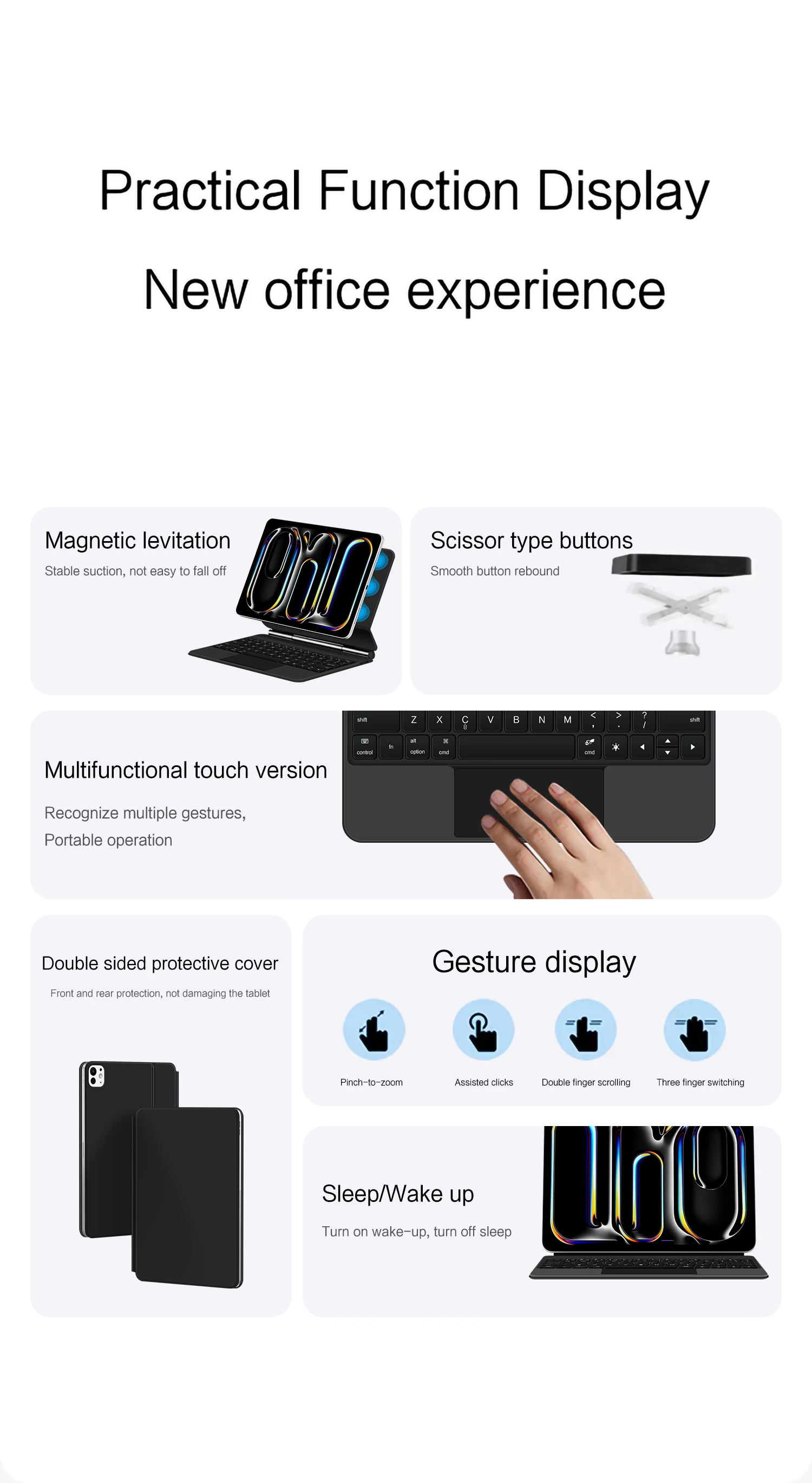
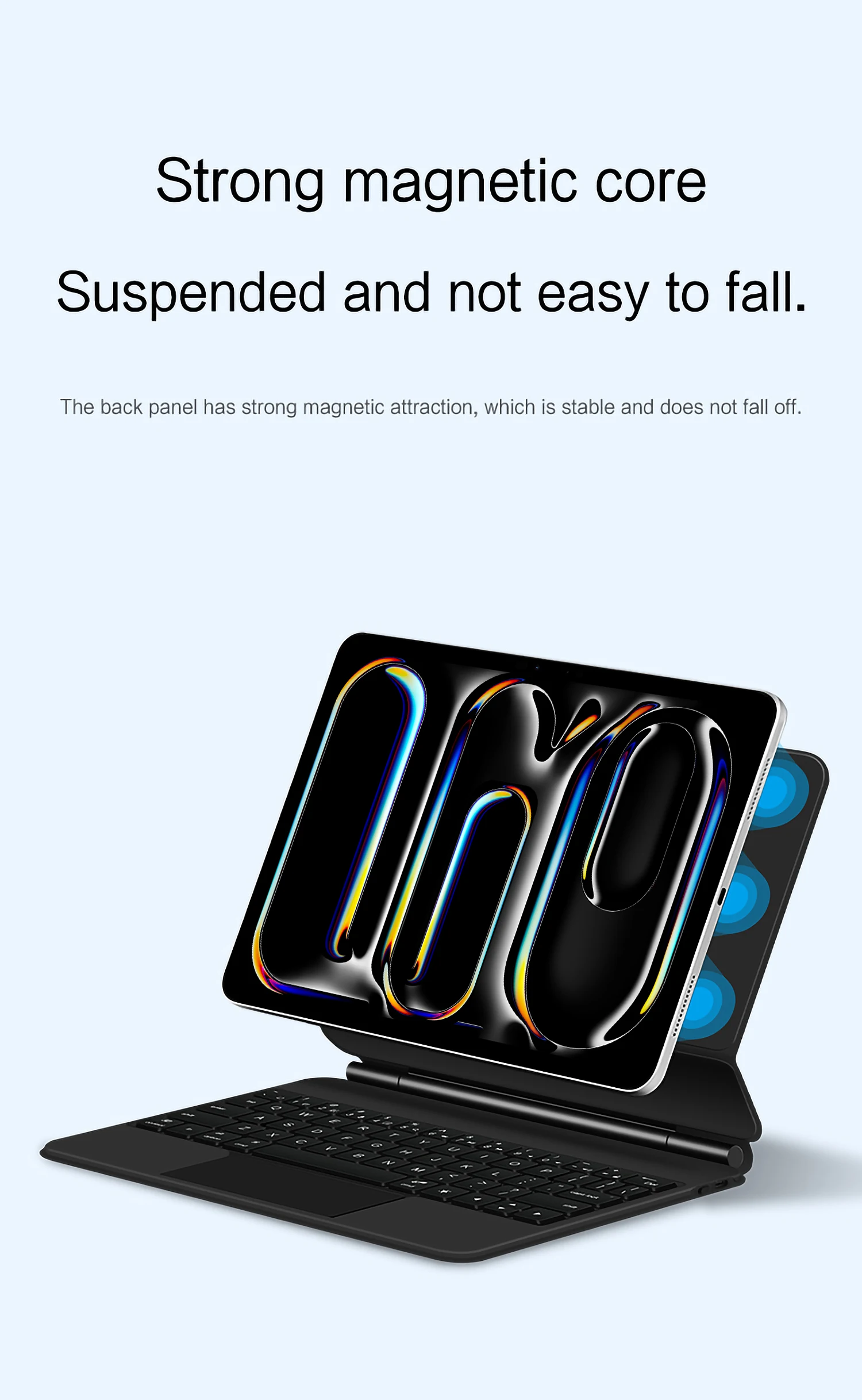
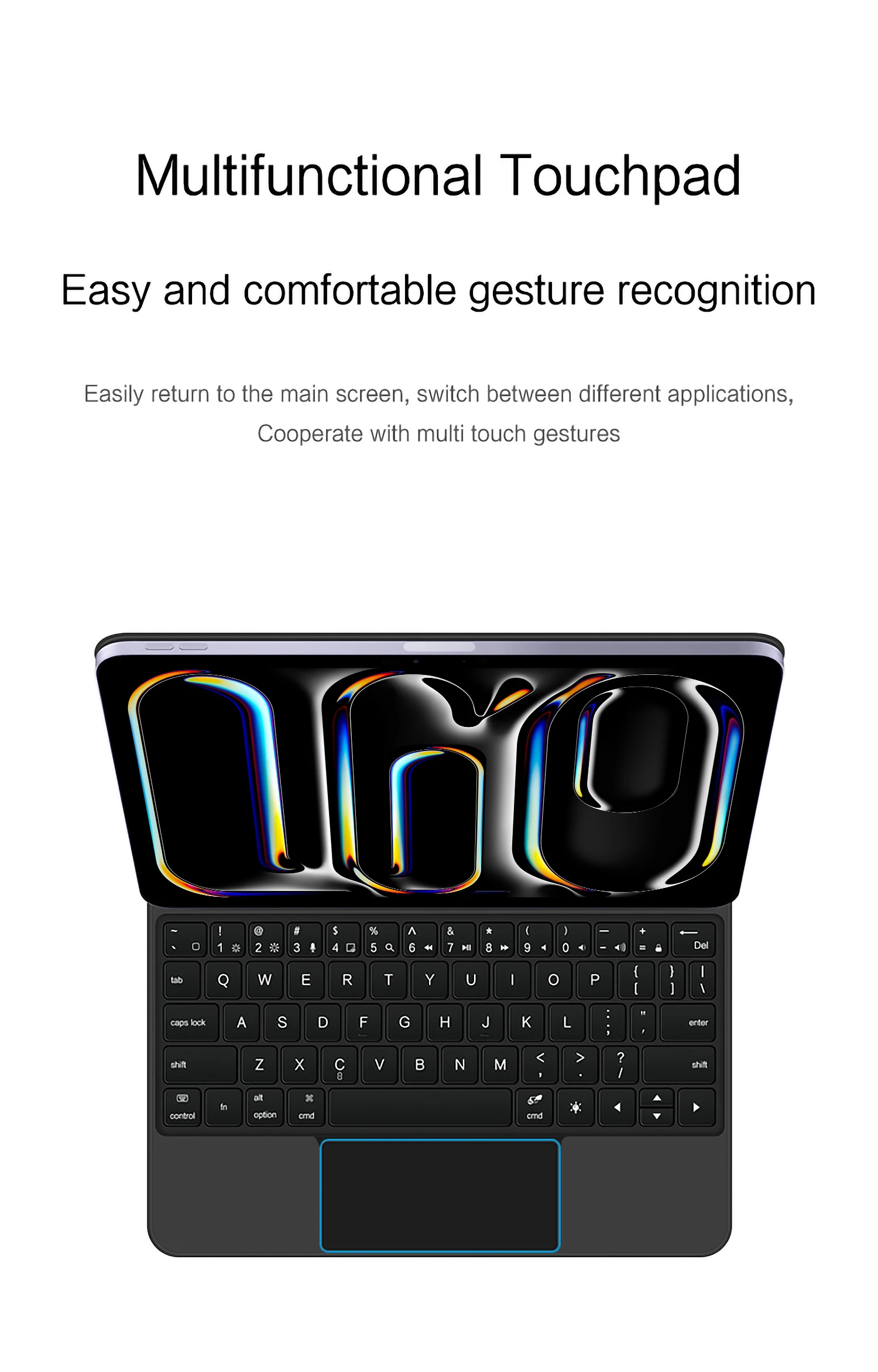
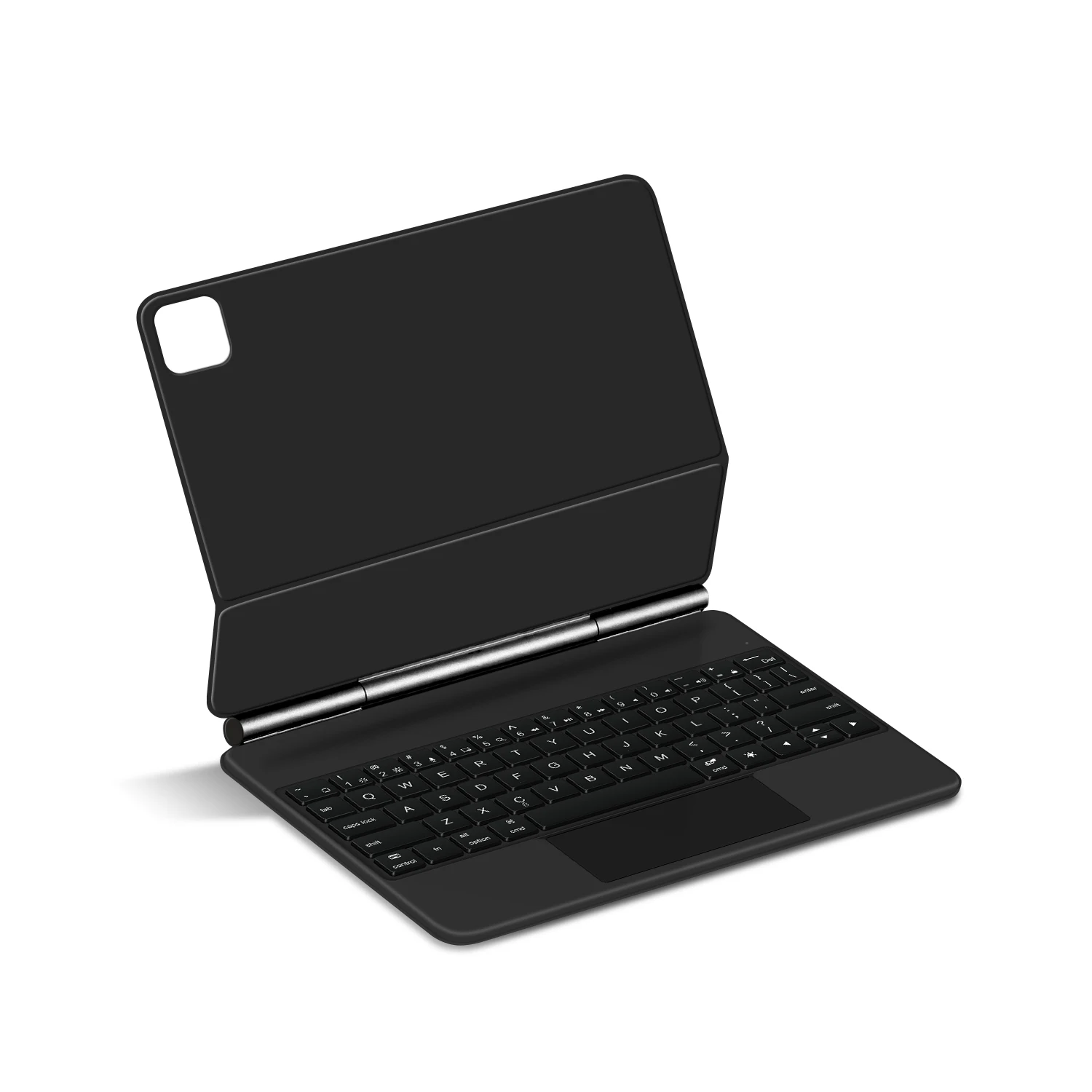
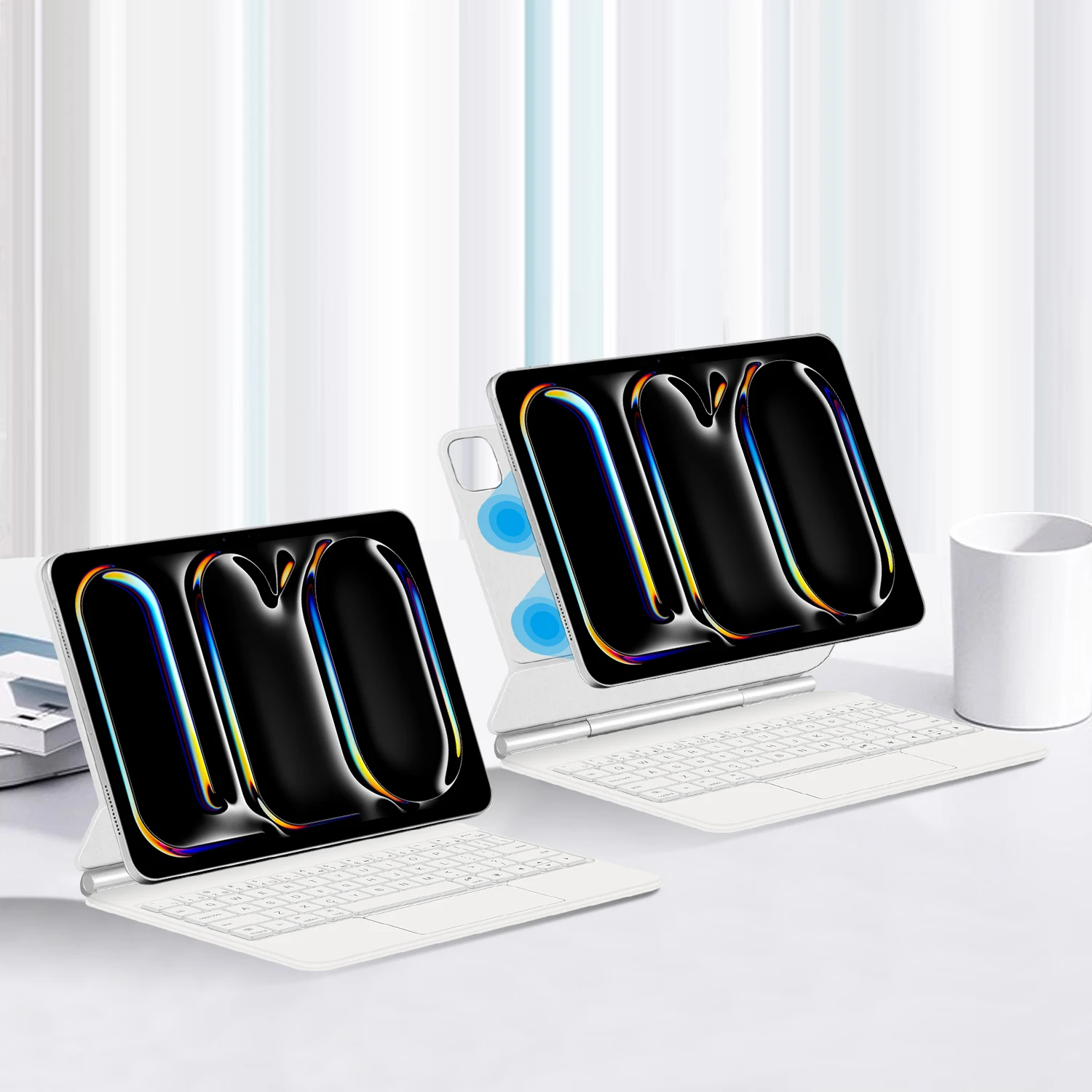
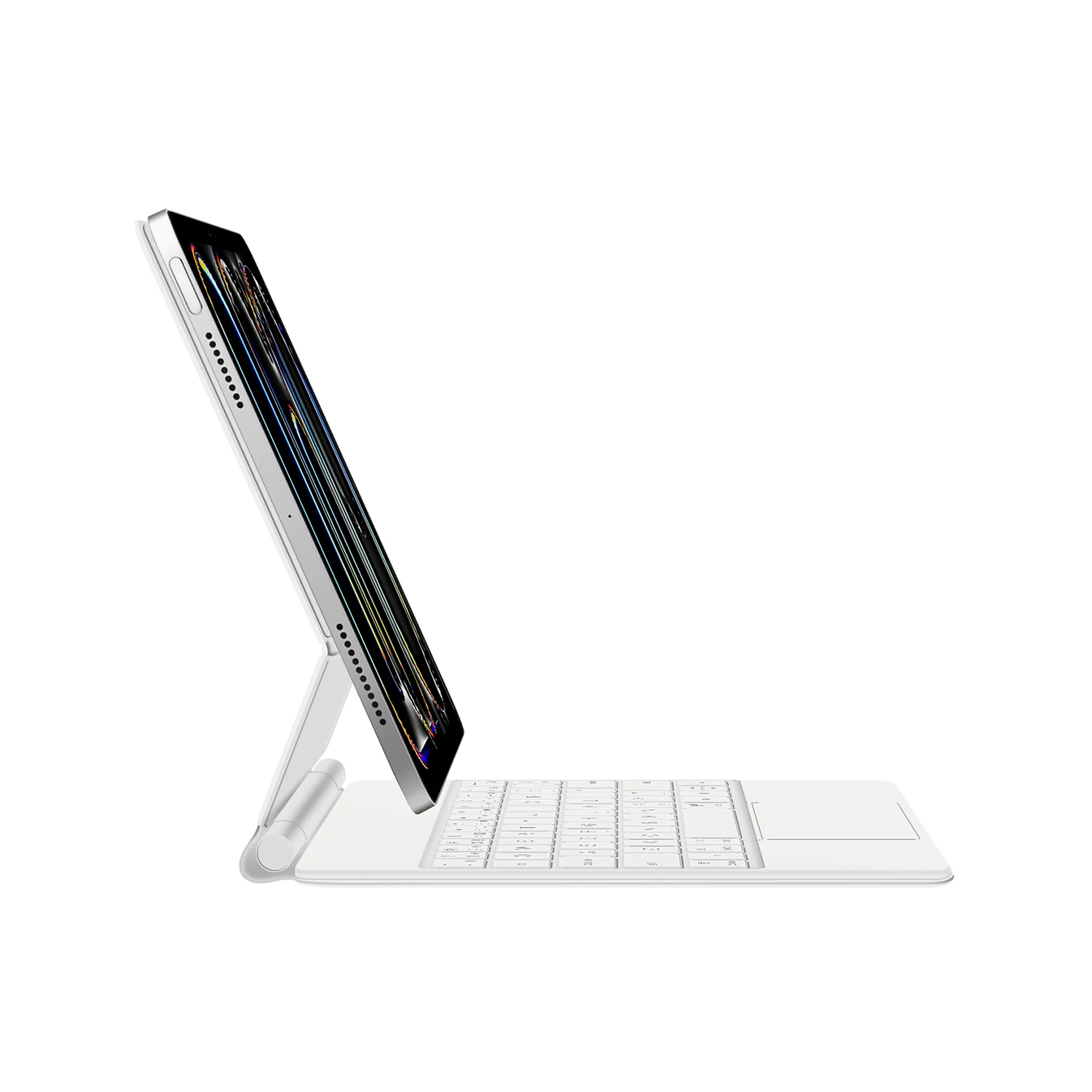
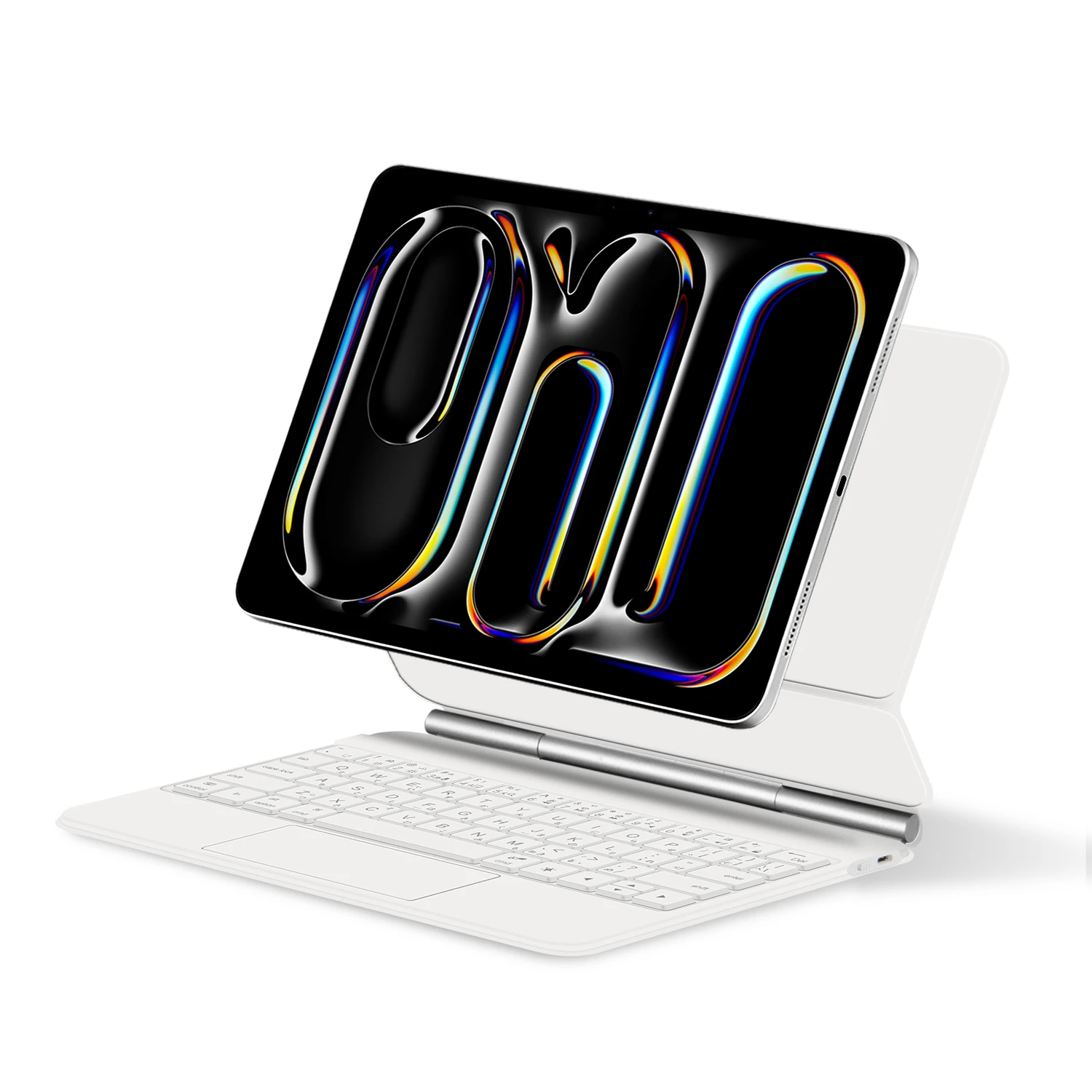
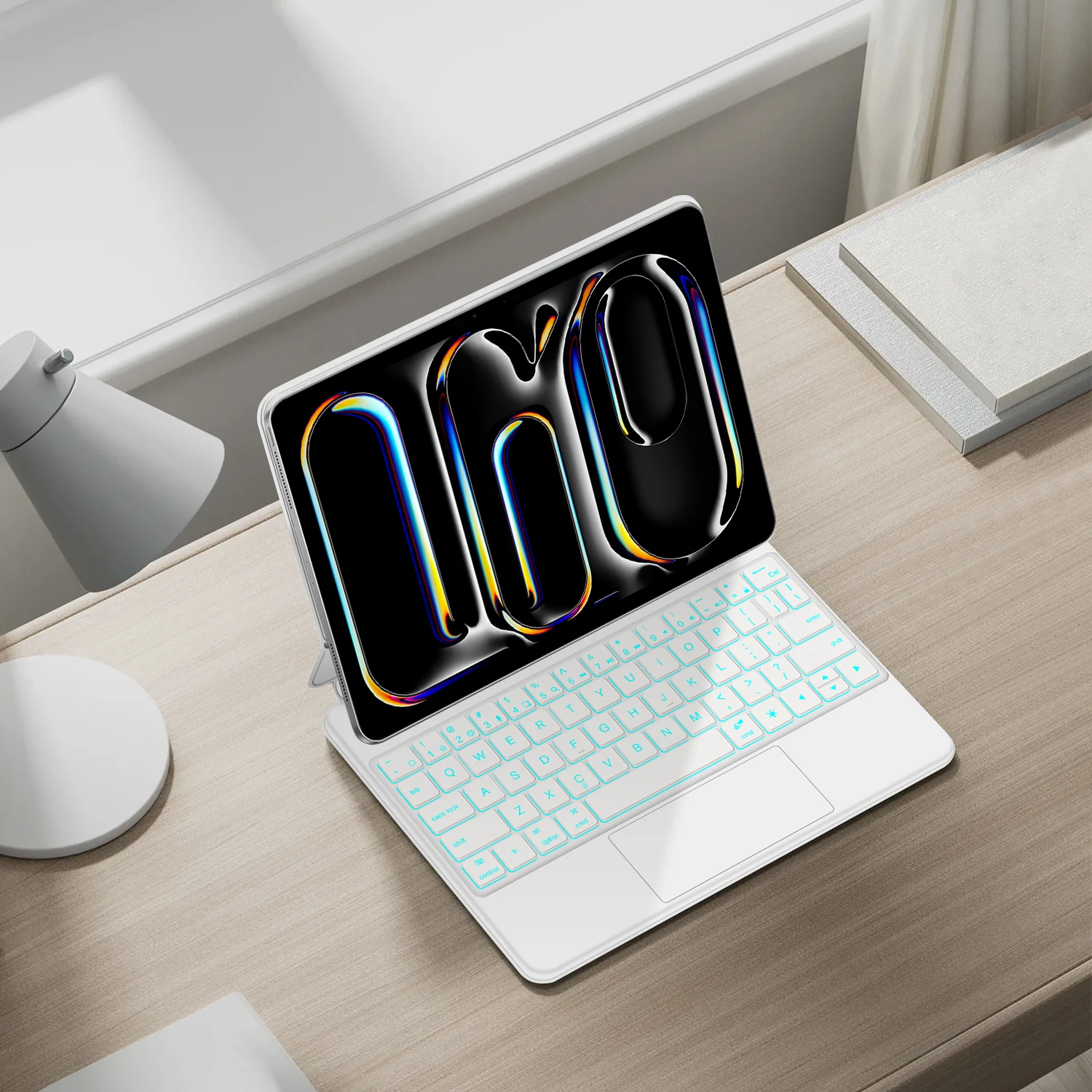
Magnetic separation, backlight, touch panel, multi angle support、Wireless Bluetooth connection
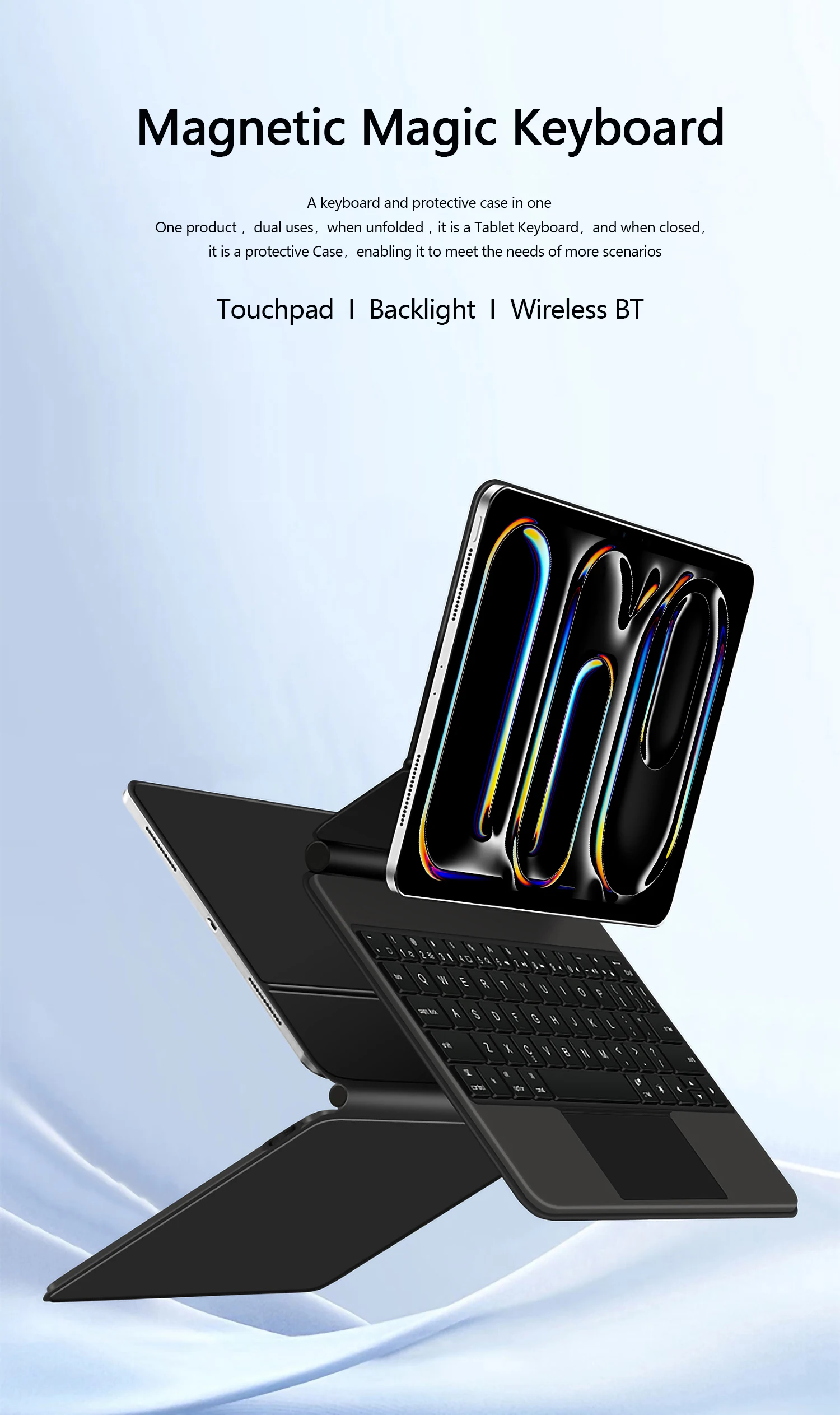
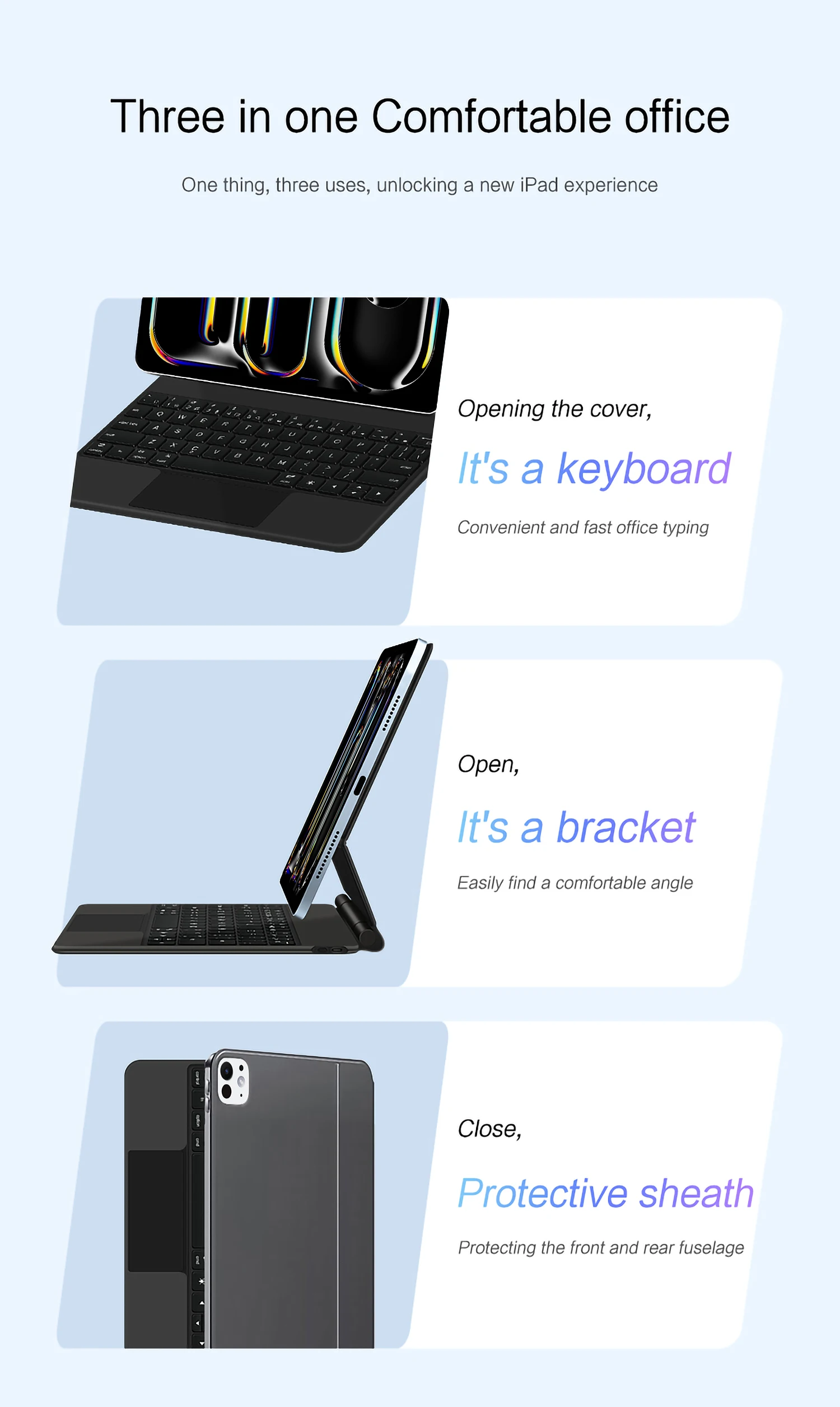
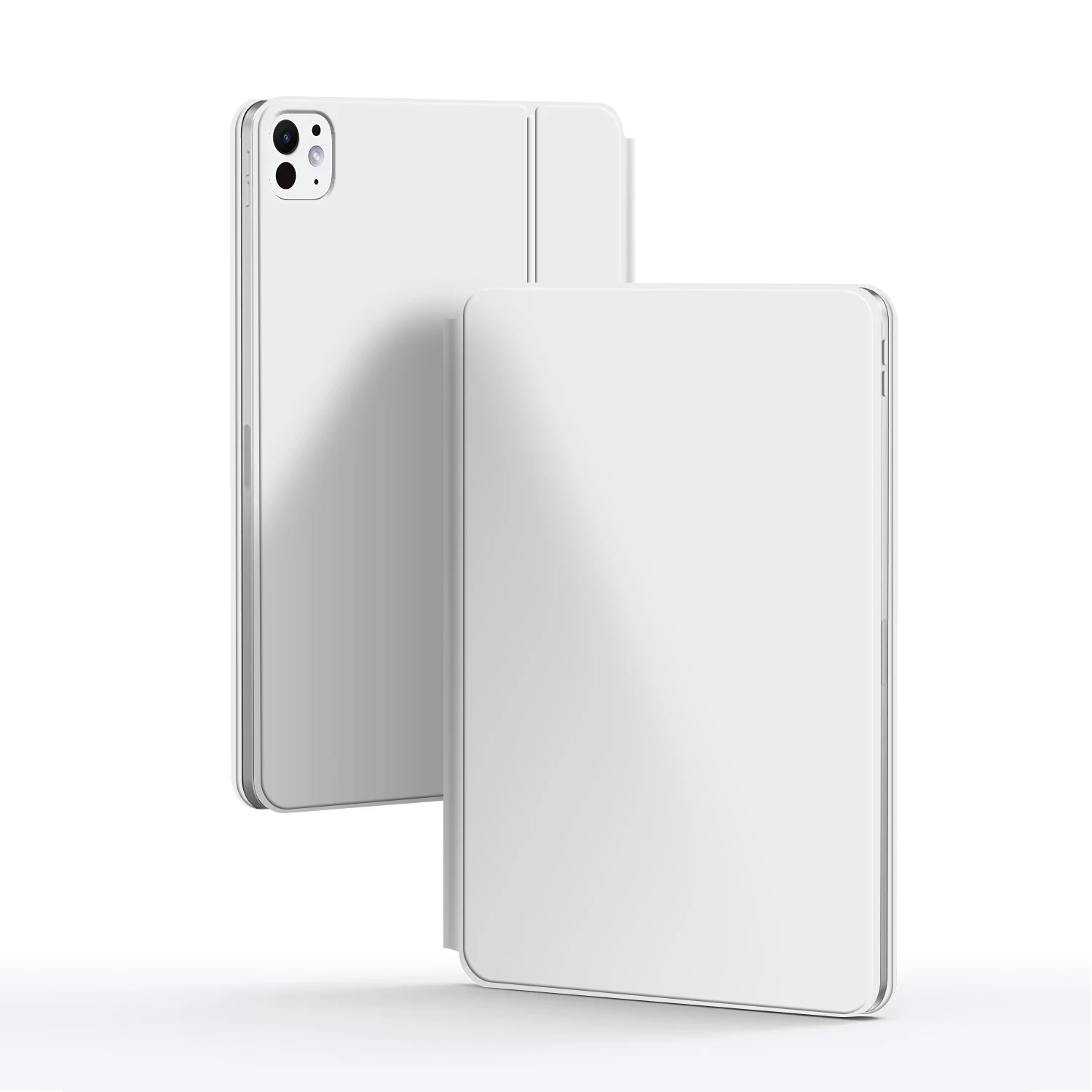
A keyboard and protective case in one
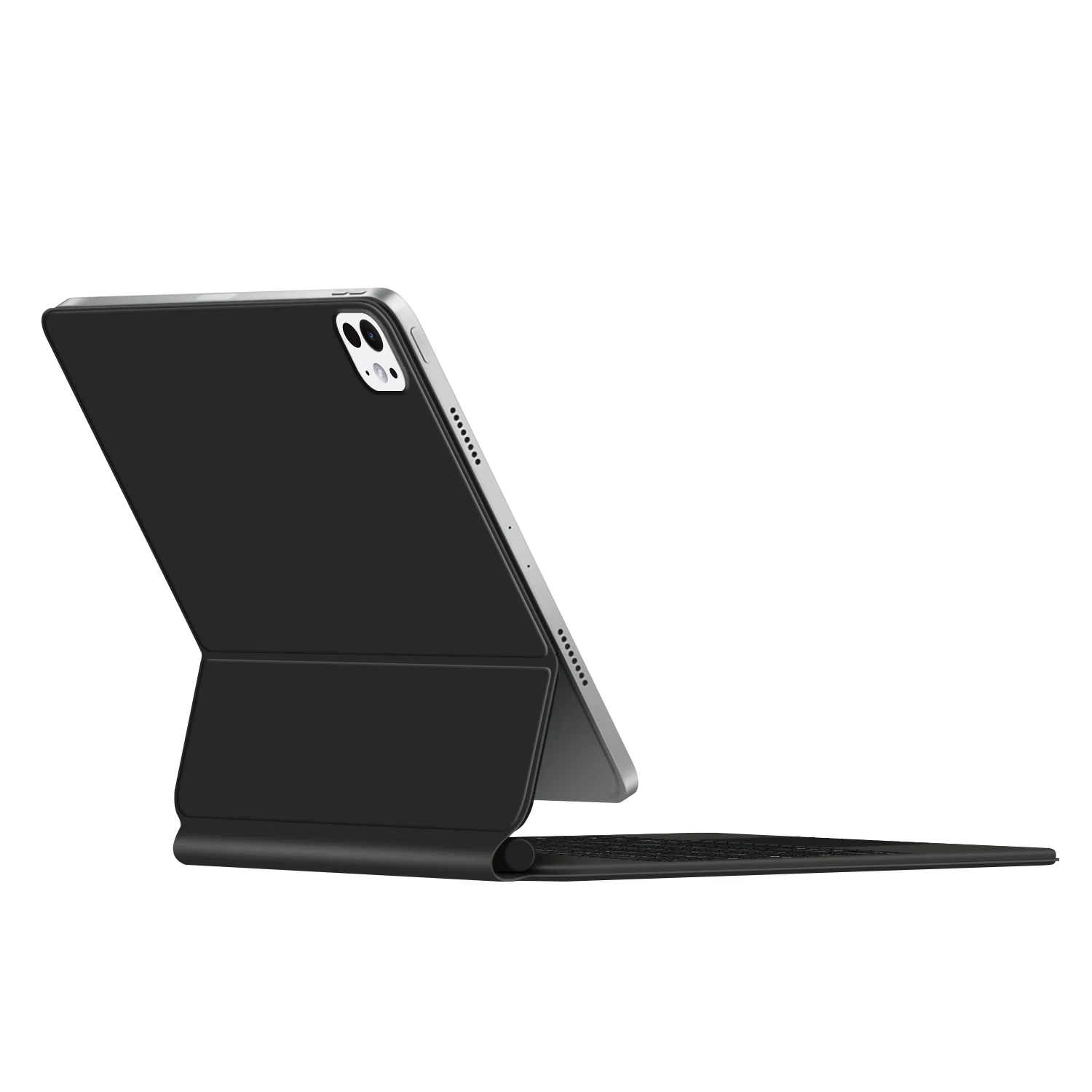
One product ,dual uses,when unfolded , it is a Tablet Keyboard,and when closed,it is a protective Case,non-removable,enabling it to meet the needs of more scenarios
Note 1:You need to upgrade the system to version 17.0 or higher to use the touchpad.
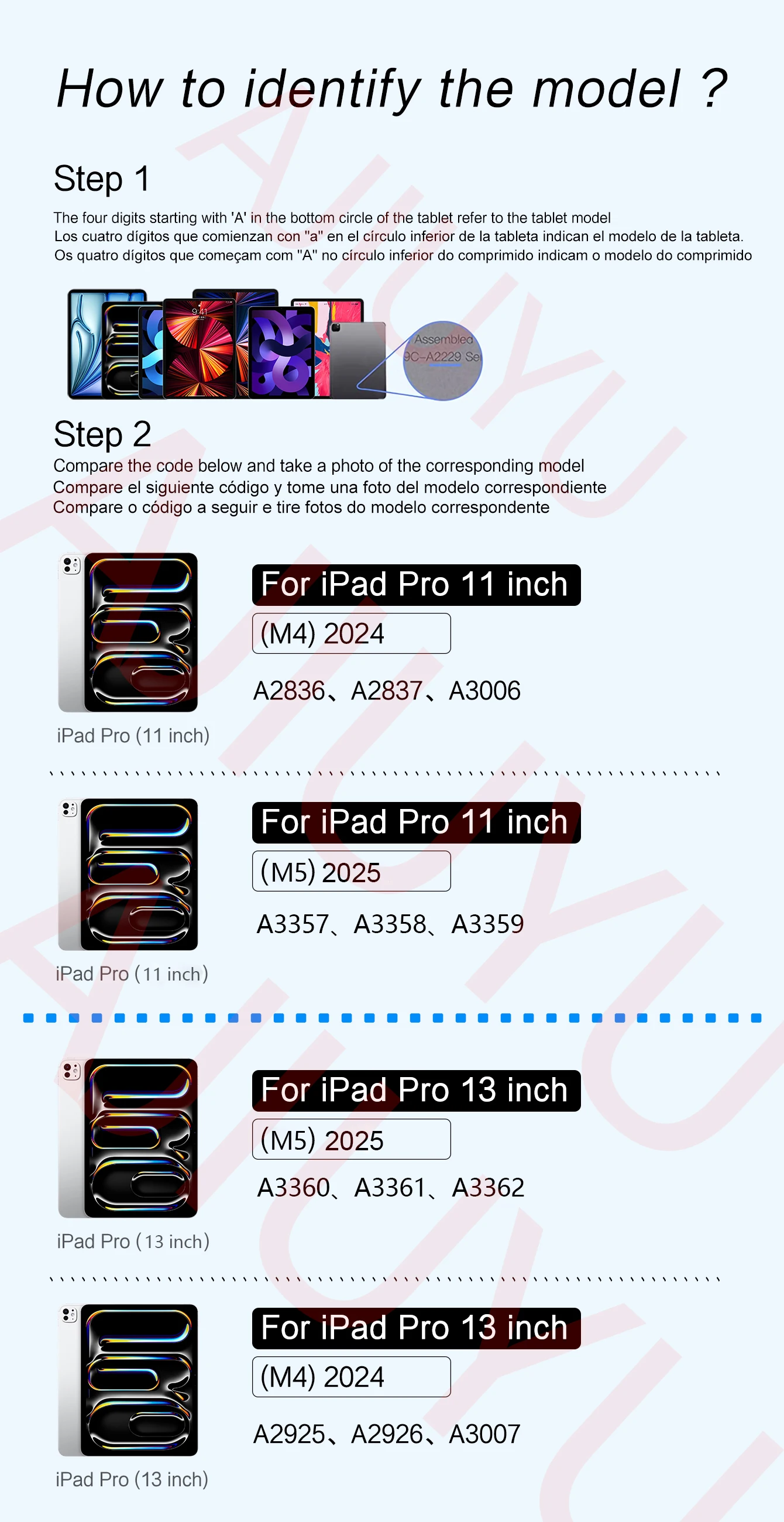
Note 2:Please check in the size and detail model of your Tablet. it is very importtant ! ! !
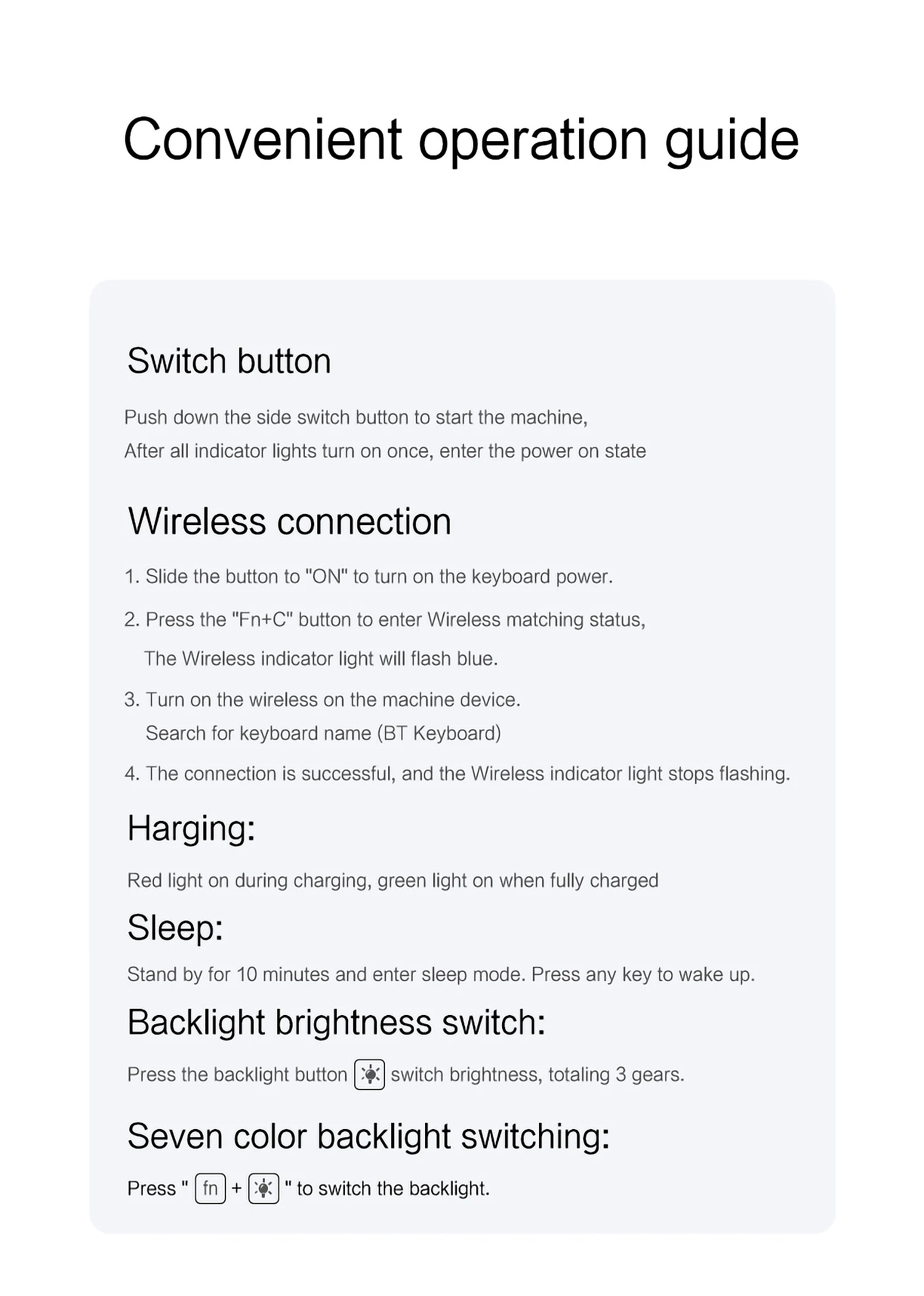
Note 3:After Open the Power, Please Click "Fn" and "C" 【Fn+C】Button Together to Open the Keyboard's Bluetooth. It is Very Important.
How To Verify Your Tablet Model
1.Turn iPad tablet to the back find your specific model,Par exemple: A ****
2.Find the "Settings"--Click the "About"--Find the "Model"
3.Please select the correct model number for your tablet purchase after viewing it.
Compatible models and codes:
For iPad Pro 11 (M4) 2024 (Code:A2836、A2837、A3006)
For iPad Pro 11 (M5) 2025 (Code:A3357、A3358、A3359)
The above two models are universal ..
For iPad Pro 13 (M4) 2024 (Code :A2925、A2926、A3007)
For iPad Pro 13 (M5) 2025 (Code:A3360、A3361、A3362)
The above two models are universal ..
Note: Tablet and stylus are not included in the packaging!!
[Note: Only the corresponding machine model can be magnetically attracted. If your machine is not of the above model, please do not purchase!!! ]
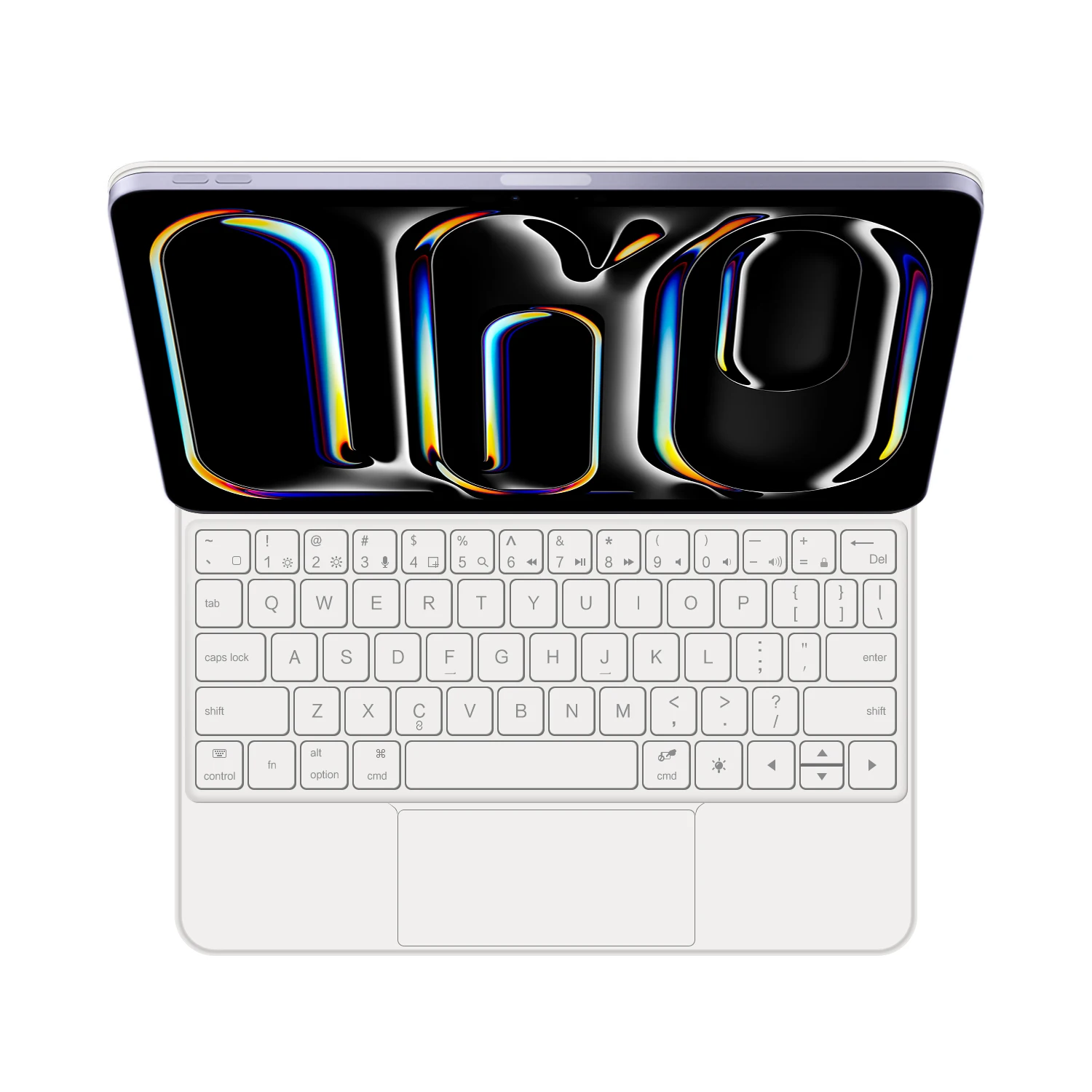
English versionkeyboard : There are English letters on the keyboard only.
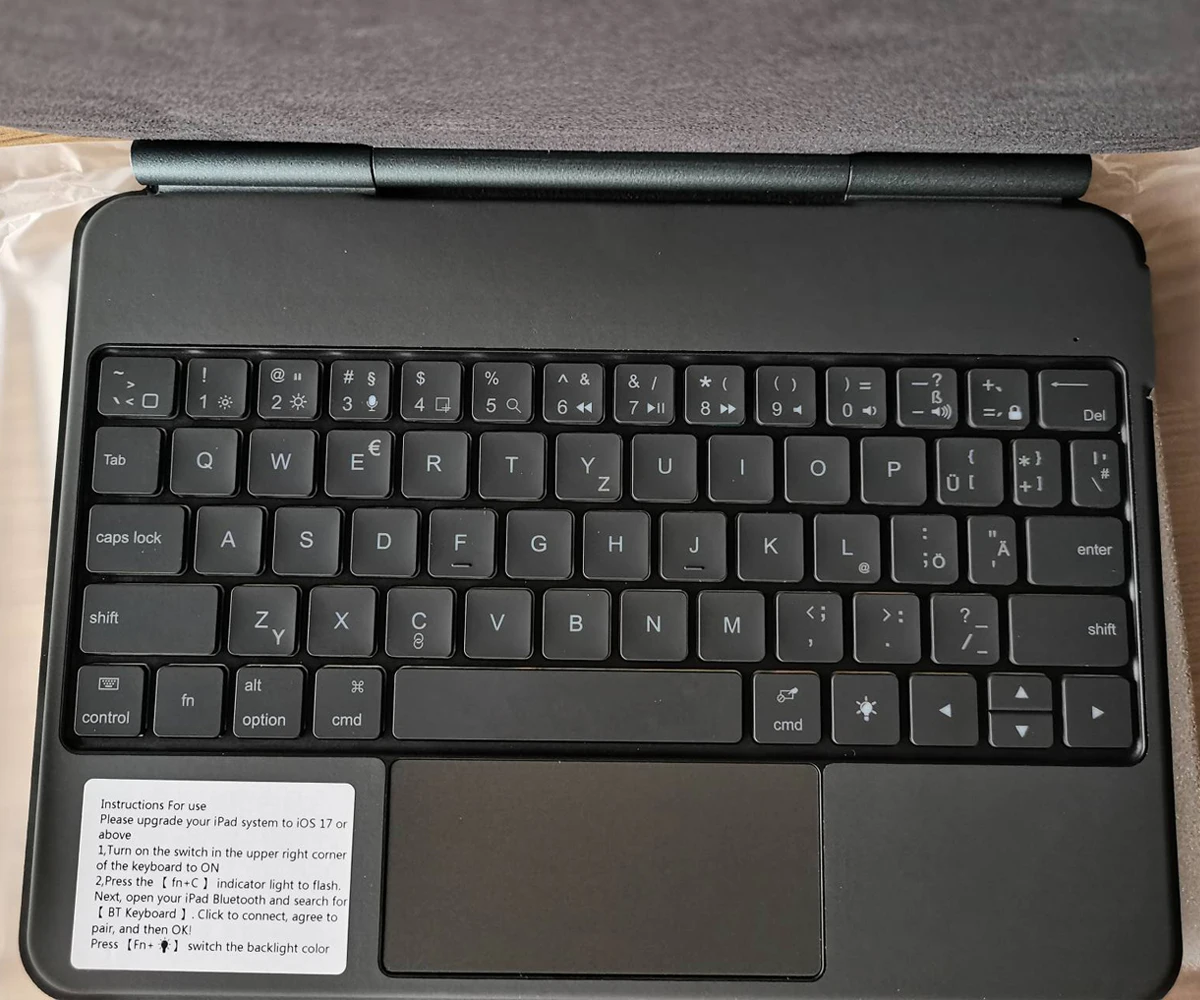
Multi-language versionkeyboard : English letters and carved language letters together ..【For example, if you choose French, the keyboard will display English and French letters. Please note that the same letters will not be engraved repeatedly】(Due to the difference in the number of keyboard keys compared to a normal office keyboard, some special character engraving positions are the same, which is a normal phenomenon)
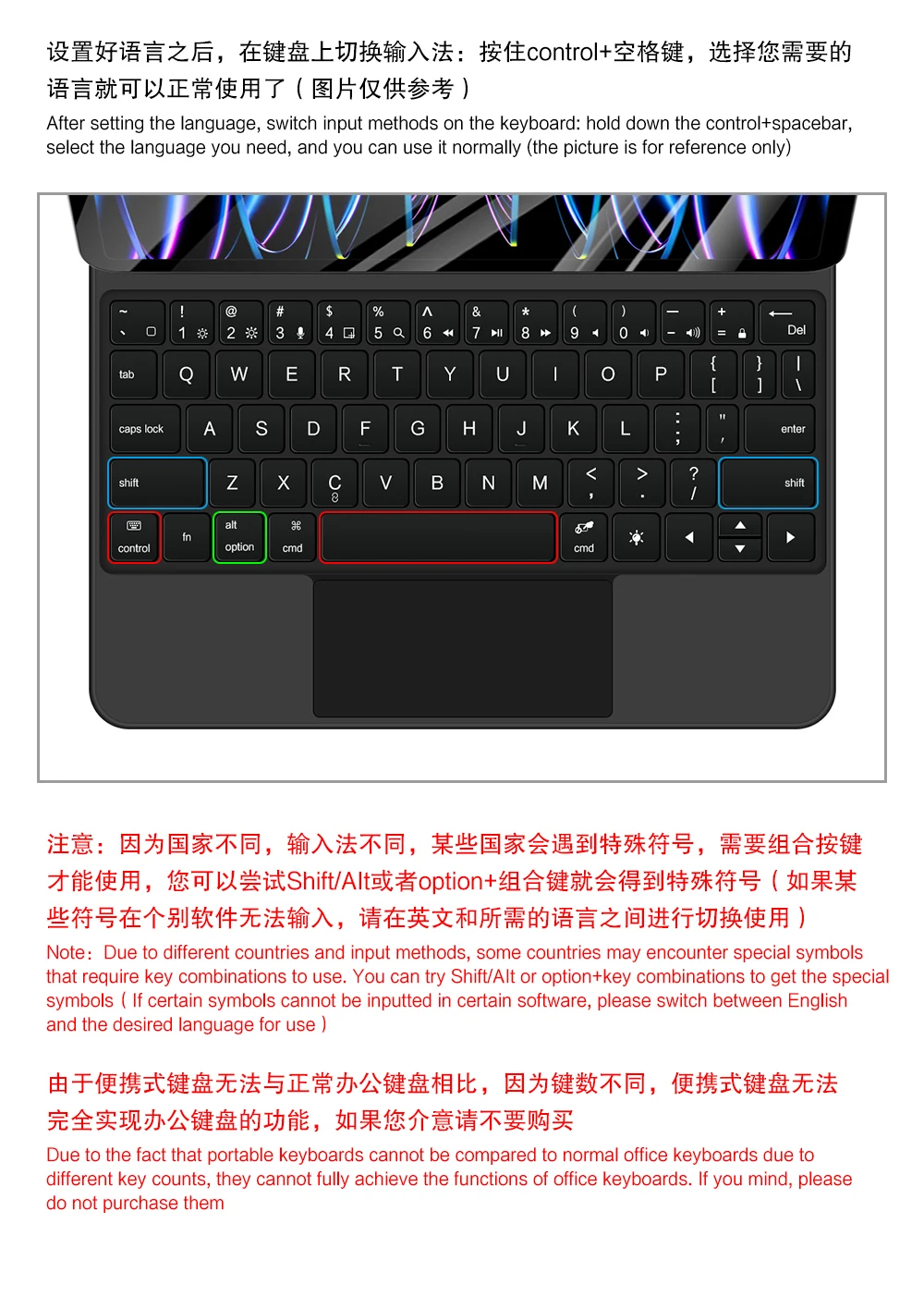
The keyboard Core defaults to English, and the characters engraved on the keyboard are only a Surface display.so in some countries, even if the input method is switched, the special symbols do not necessarily match the keyboard function layout(You can hold down the Shift combination).If you mind, please do not purchase!!.
Note: Duet to the material of the white keyboard, the engraved letters are dark gray.
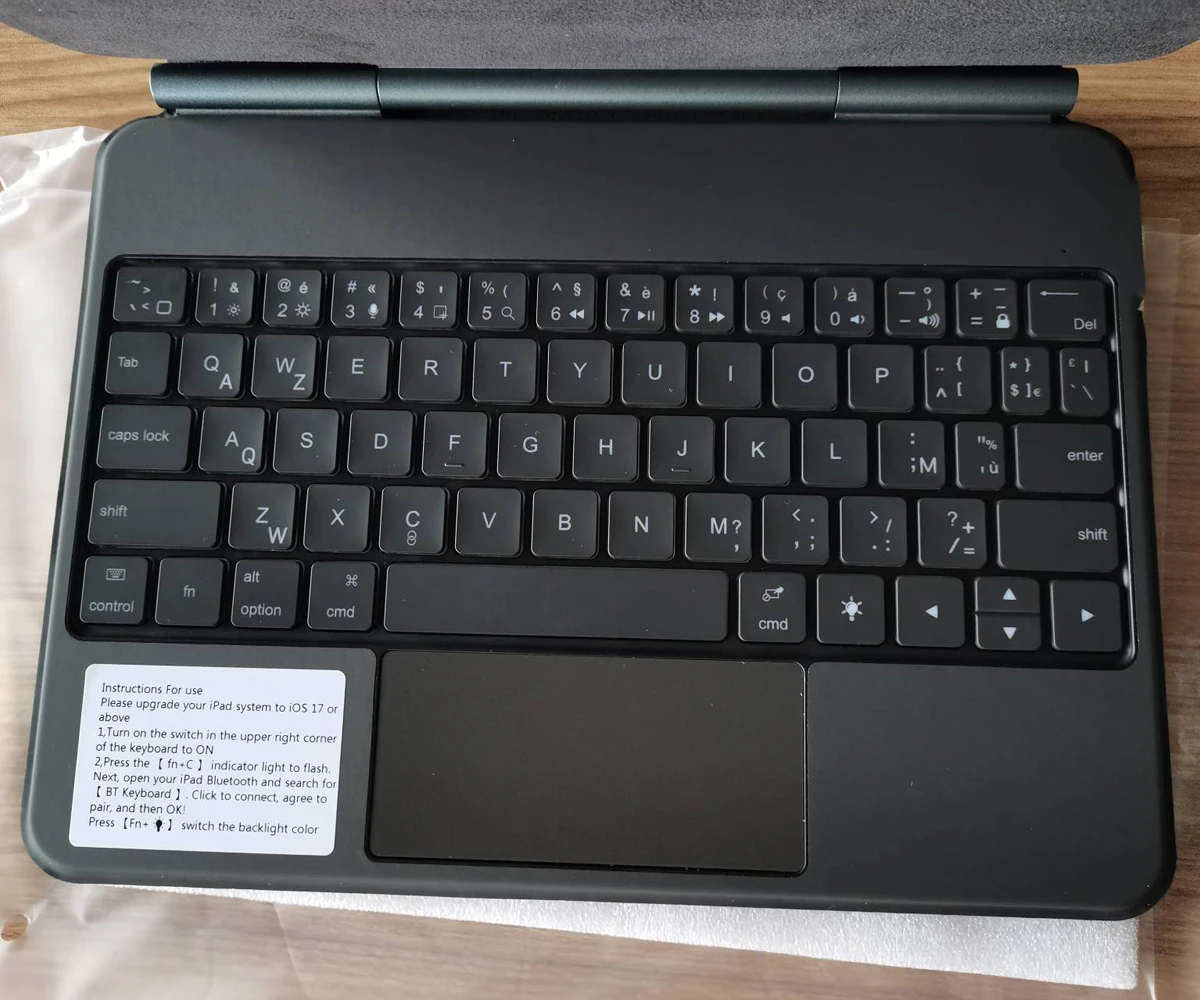
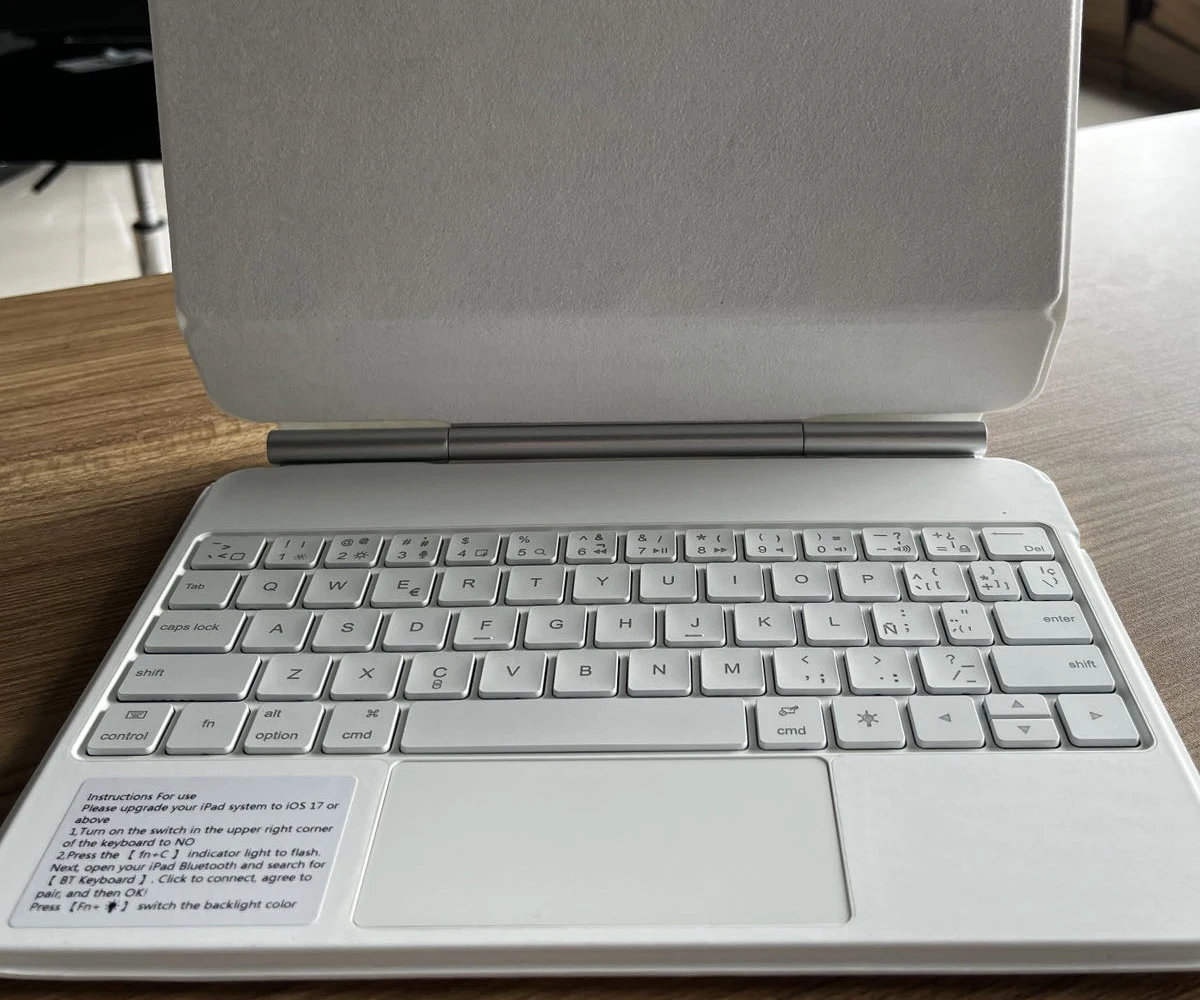
【1】Bluetooth connection method: Turn on the keyboard switch, then hold down Fn+C for about 2-3 seconds to start Bluetooth, then turn on your tablet Bluetooth device, search for "BT Keyboard", and click connect to connect 。
Note: If you do not use the keyboard for a long time, the keyboard will enter sleep mode and Bluetooth will automatically disconnect.
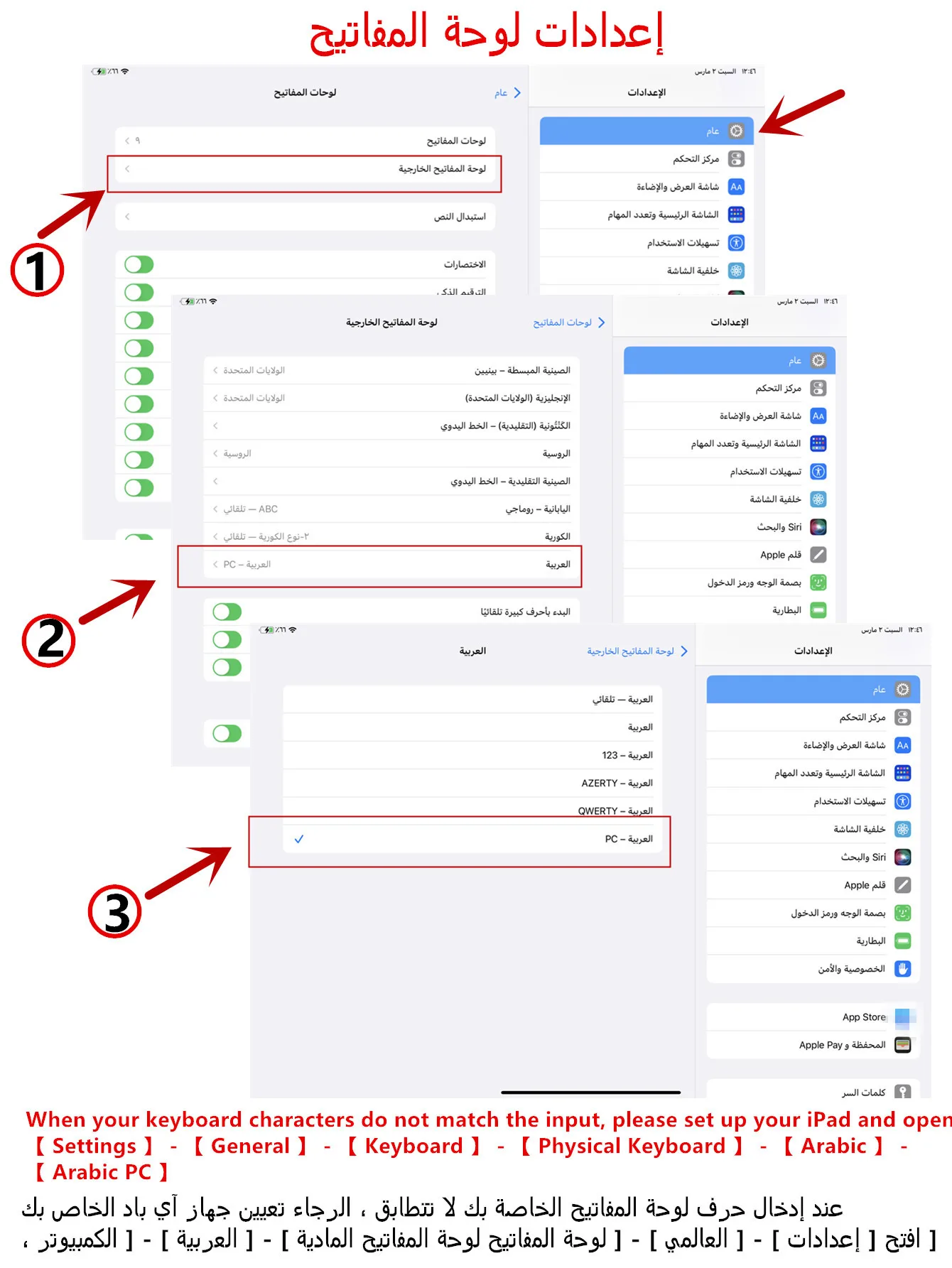
【2】1. After connecting Bluetooth, open your iPad - Settings - Keyboard - Add New Keyboard
【3】Input method switching: control+spacebar.(Choose the language you need)
【4】For detailed instructions, please read the user manual. If you have any questions, you can contact "Online Services" for consultation .
The resolution of the machine is different, and there may be color differences in the images, which is a normal phenomenon. The actual product received shall prevail .
After receiving the keyboard, fully charge it before use (approximately 4 hours) !
Here is a guide on how to identify the machine model steps (image models are for reference only) !!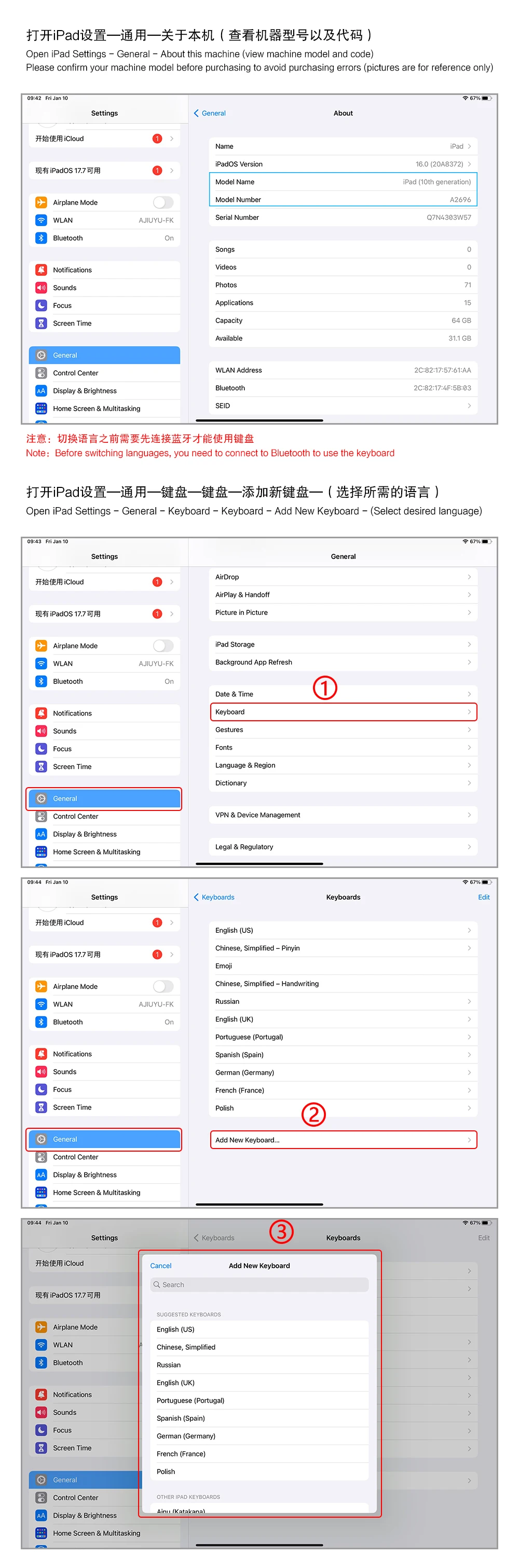


Arabic layout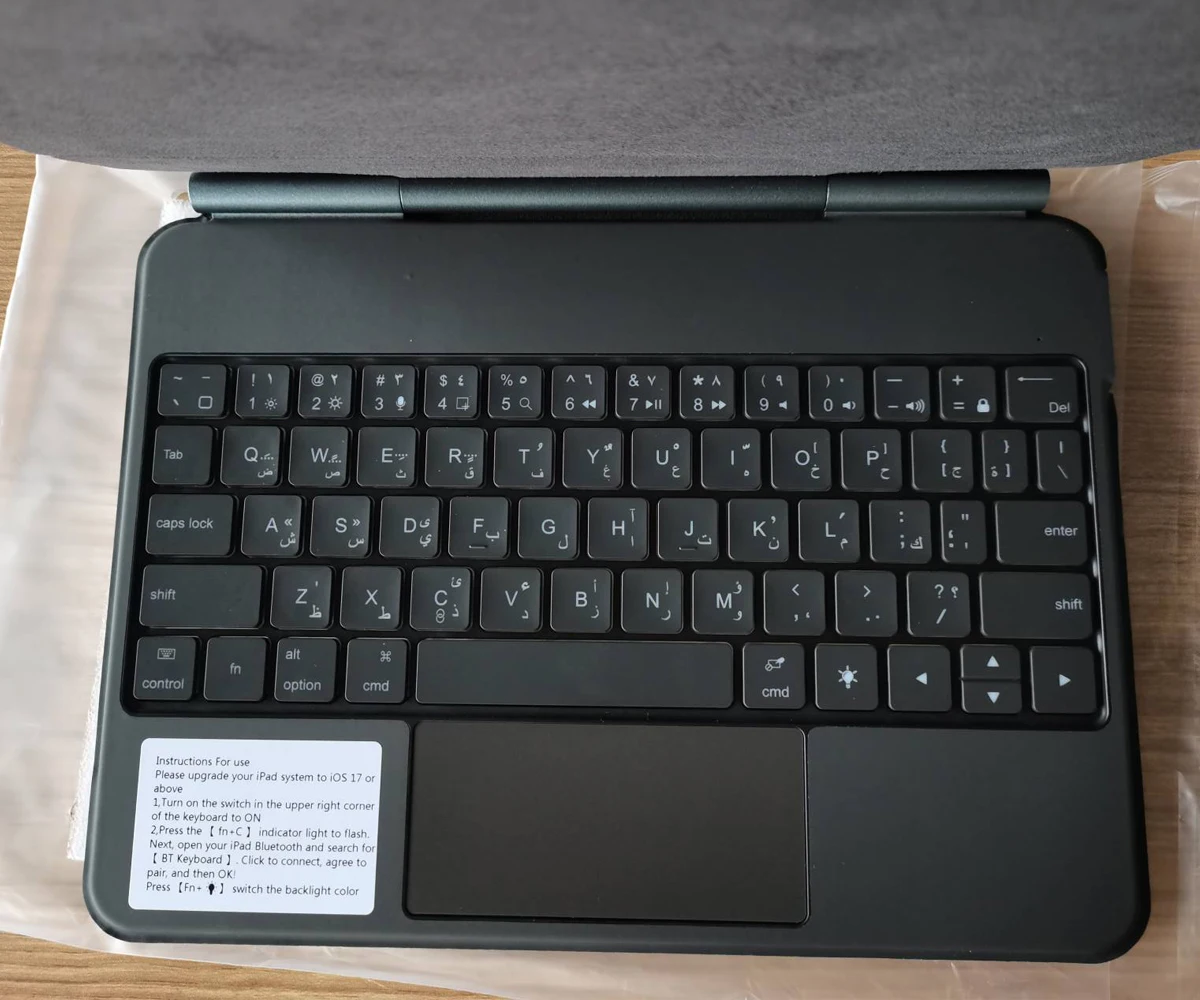
German layout
Russian layout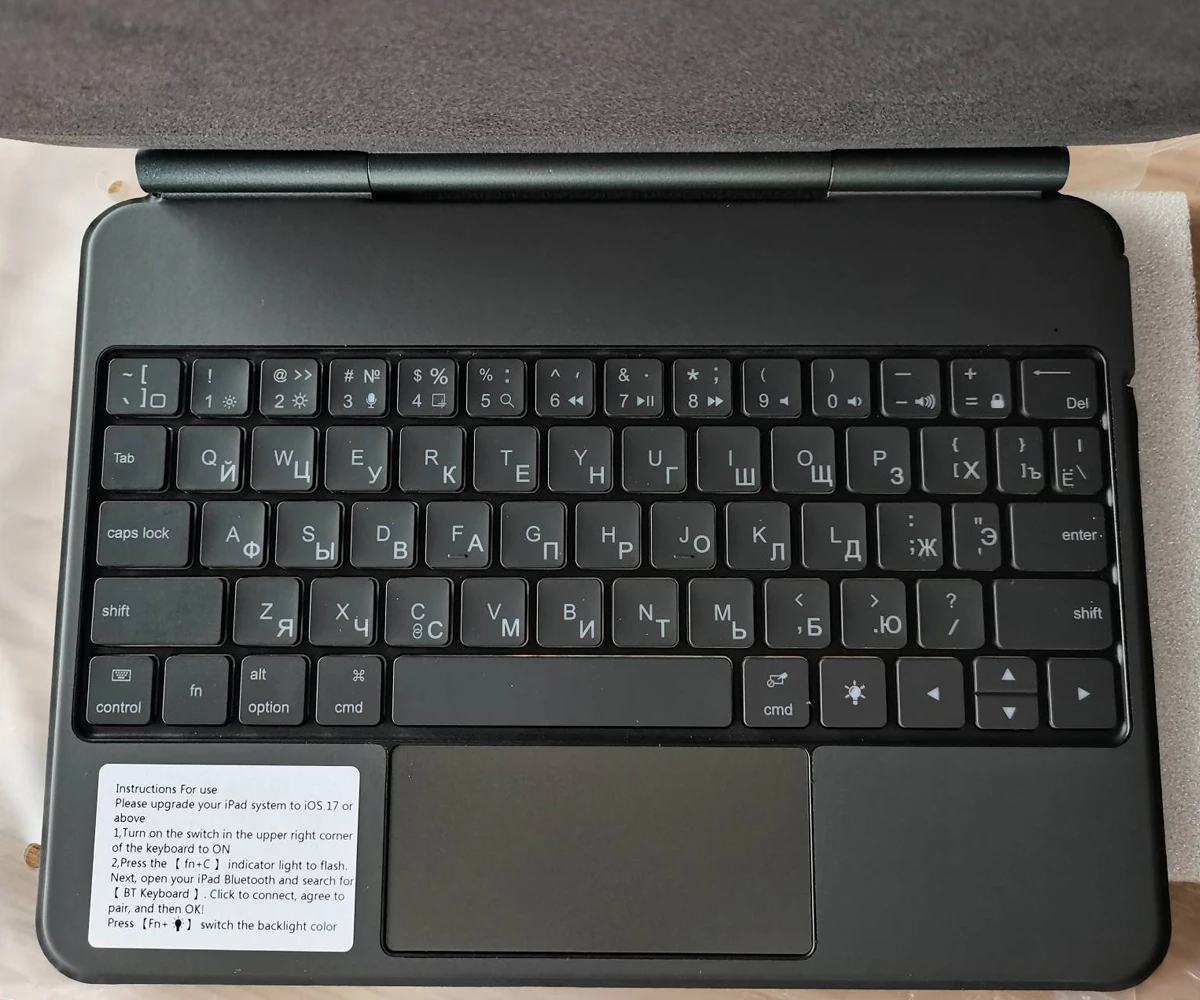
French layout
Korean layout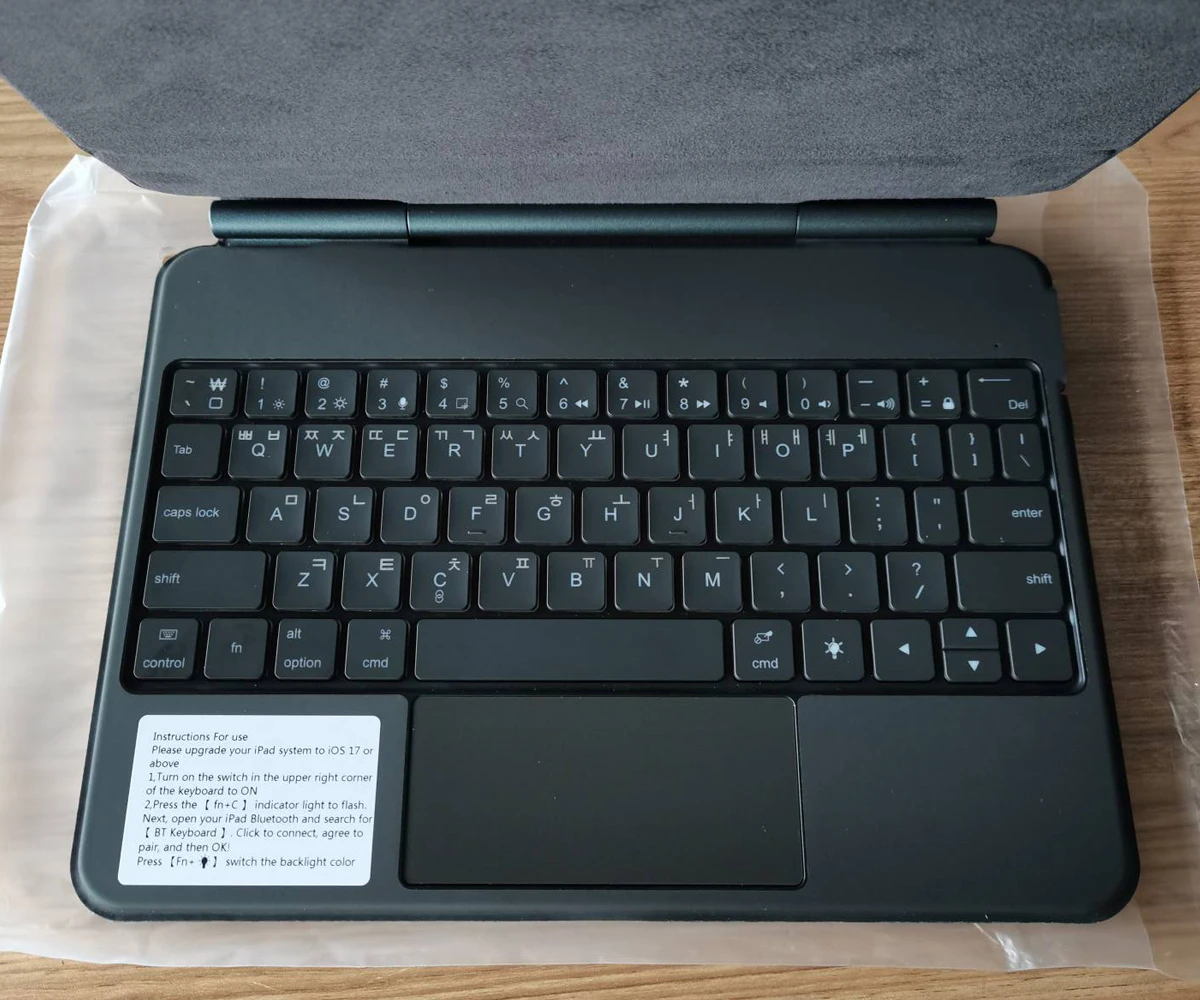
Portuguese Layout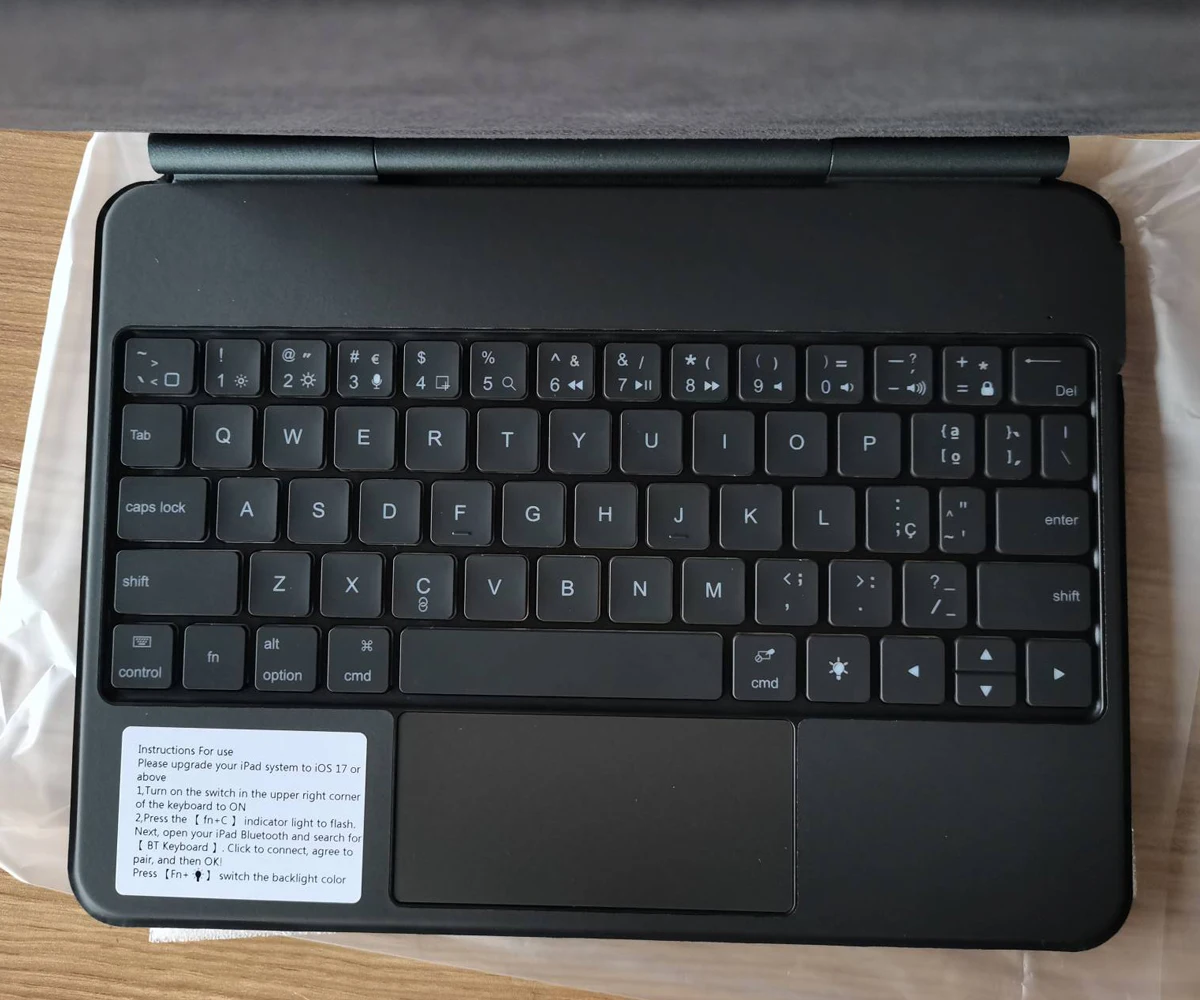
Spanish layout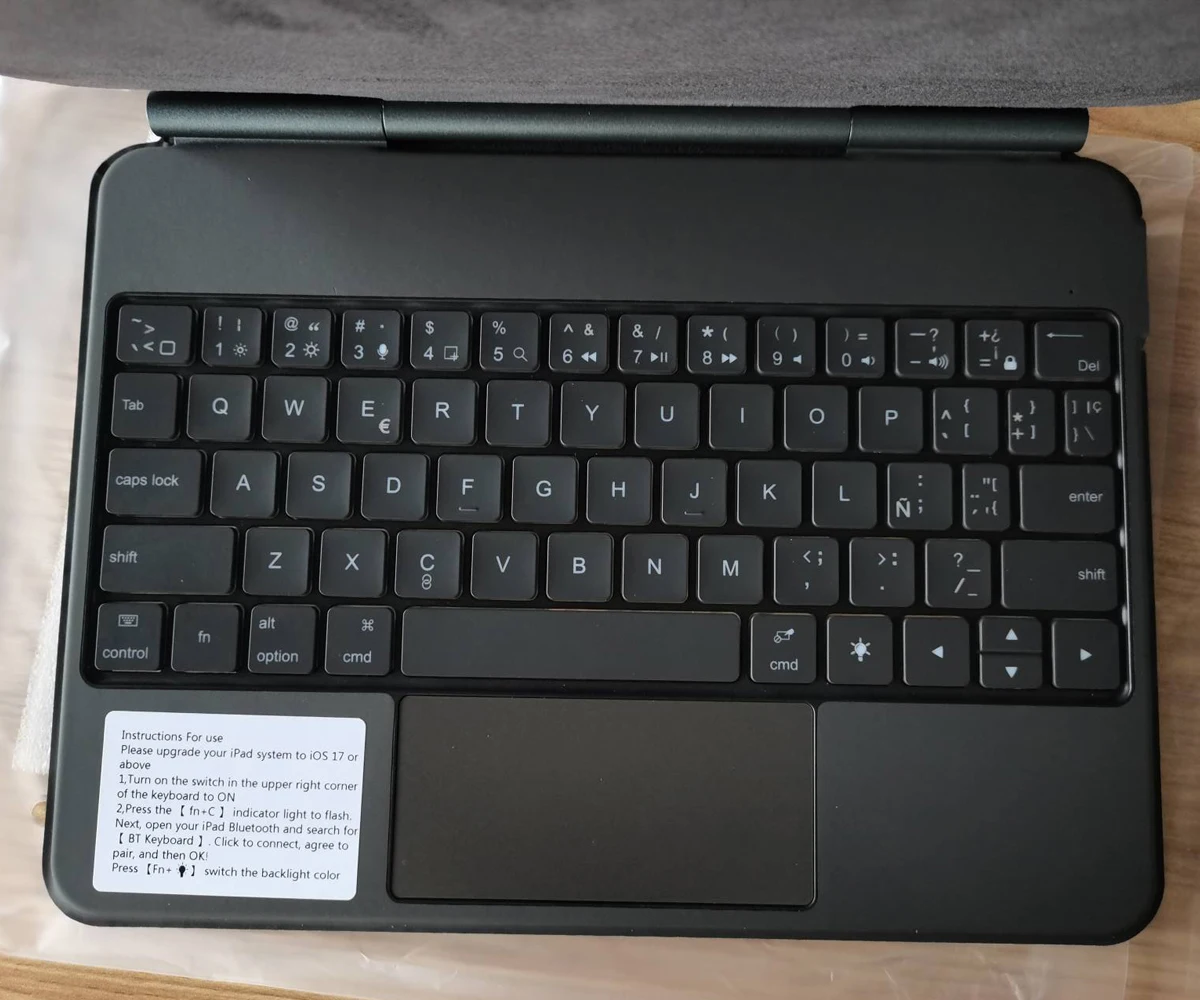
Hebrew layout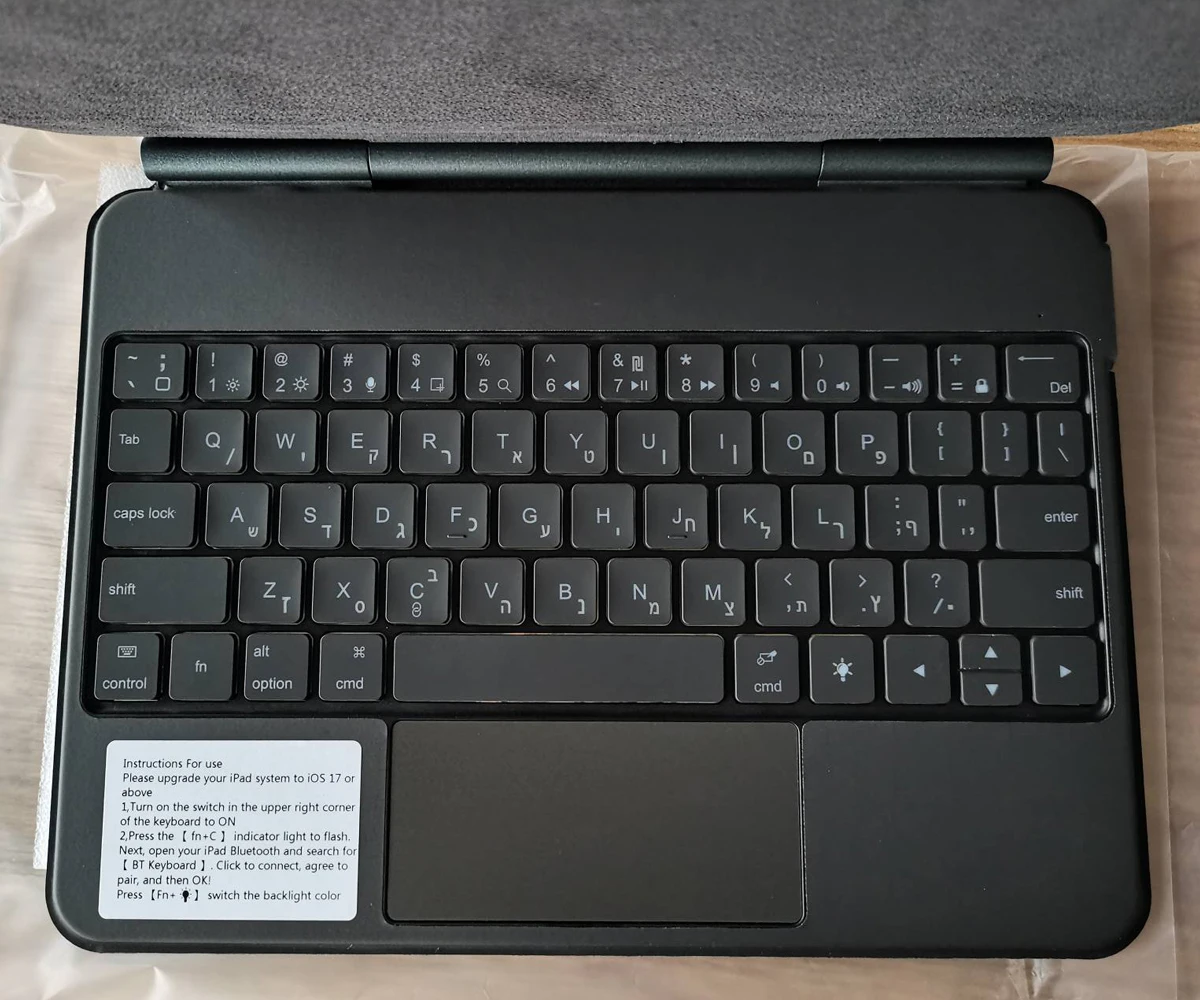
White Spanish
Care & Maintenance
To maintain the beauty and integrity of your purchase, we recommend treating it with care. Simple maintenance practices, such as gentle washing and proper storage, can effectively preserve the longevity of your favorites. We encourage you to refer to the care instructions included with each item, designed to help you keep your purchase in top condition.
Size & Fit
Our products are crafted to fit true to size, ensuring that you can confidently select your usual size with ease. Whether you’re looking for a relaxed or tailored fit, our designs are made to complement your unique shape and style.