
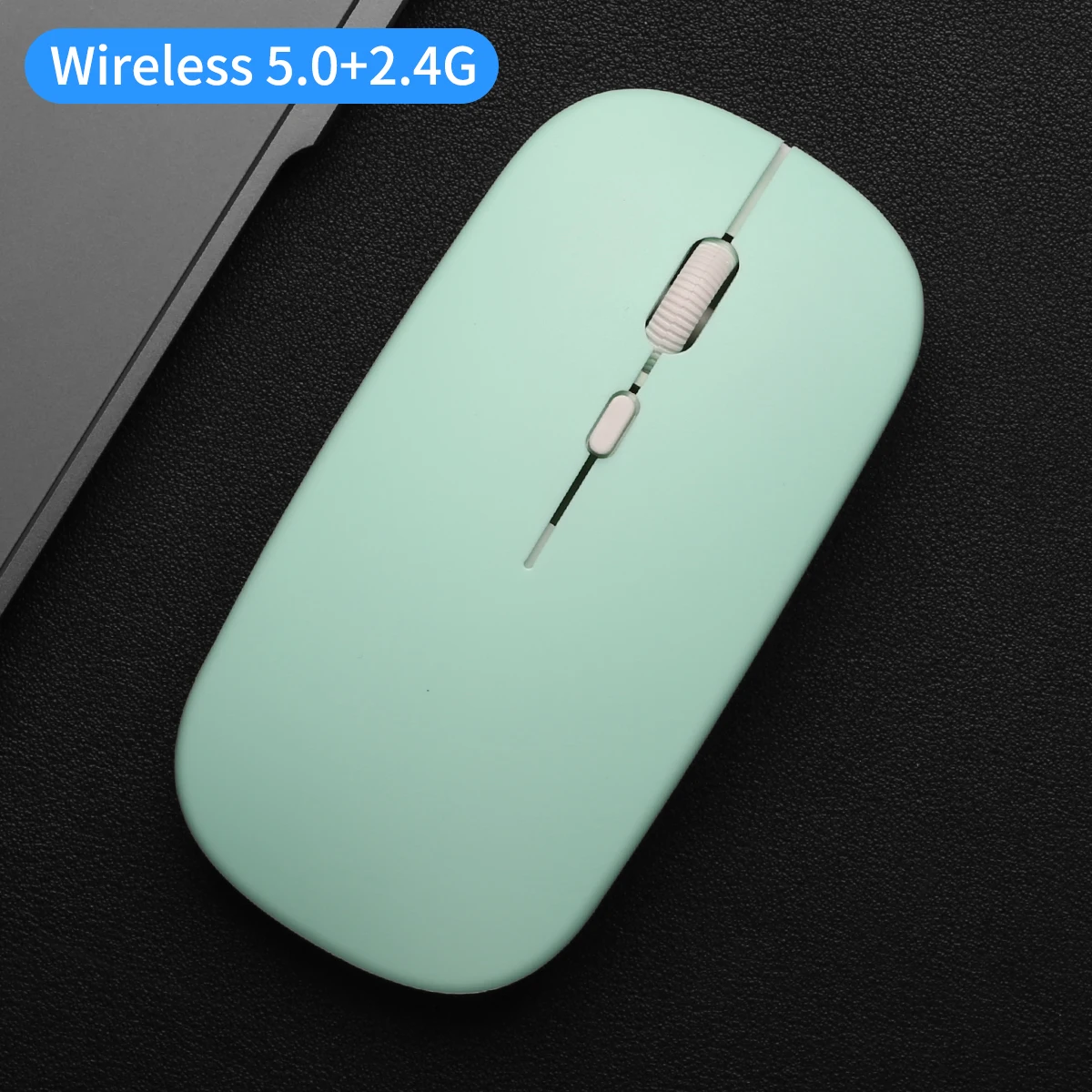
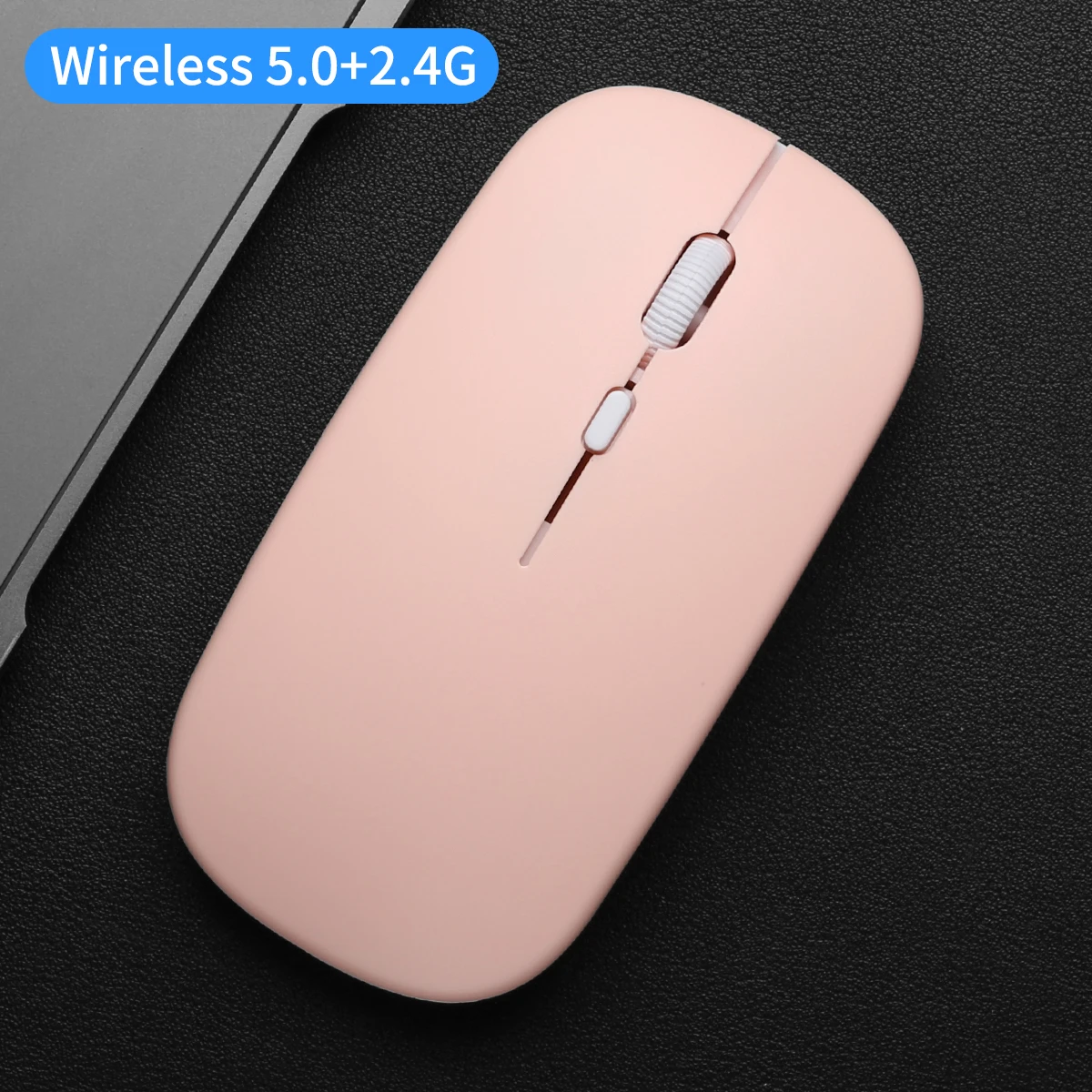
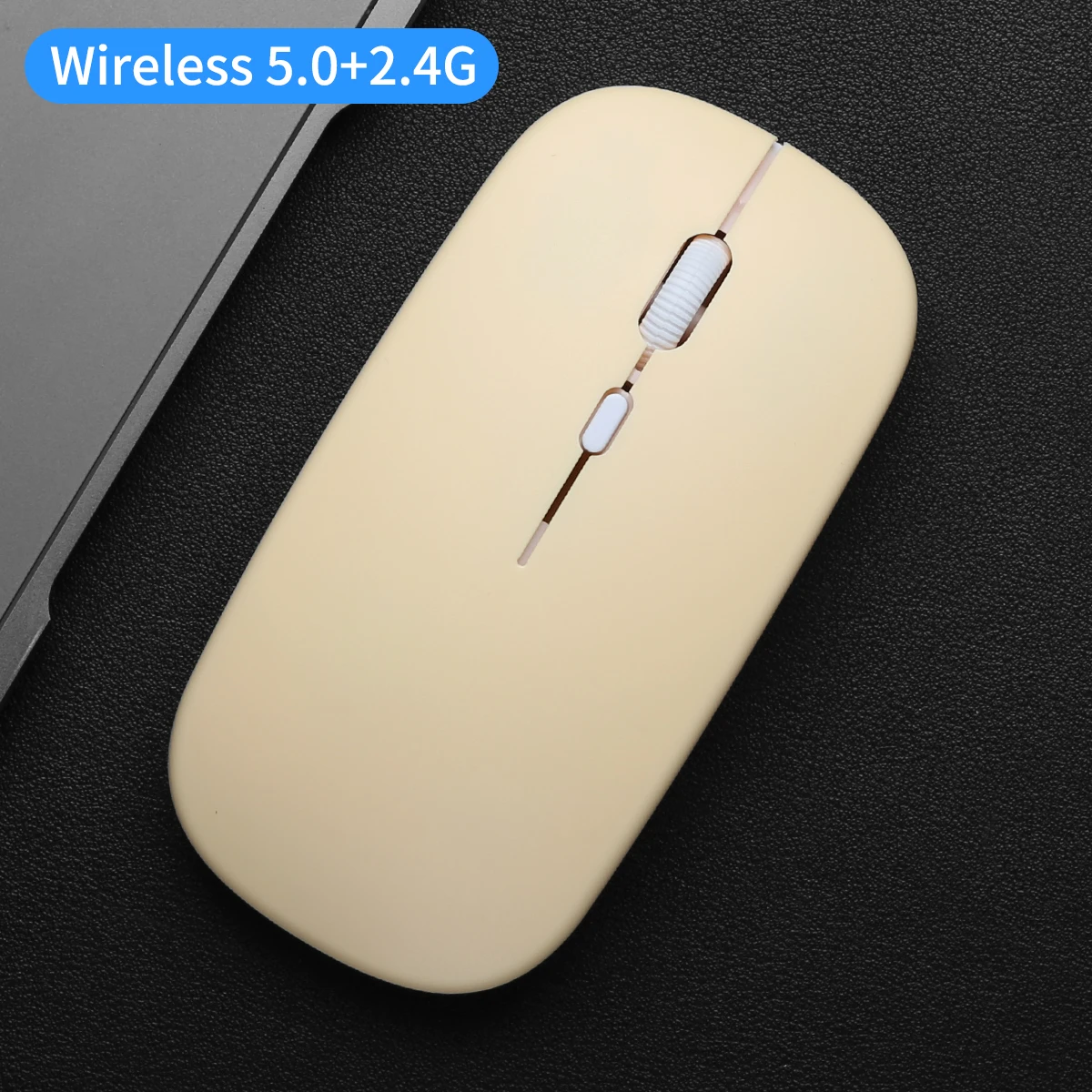
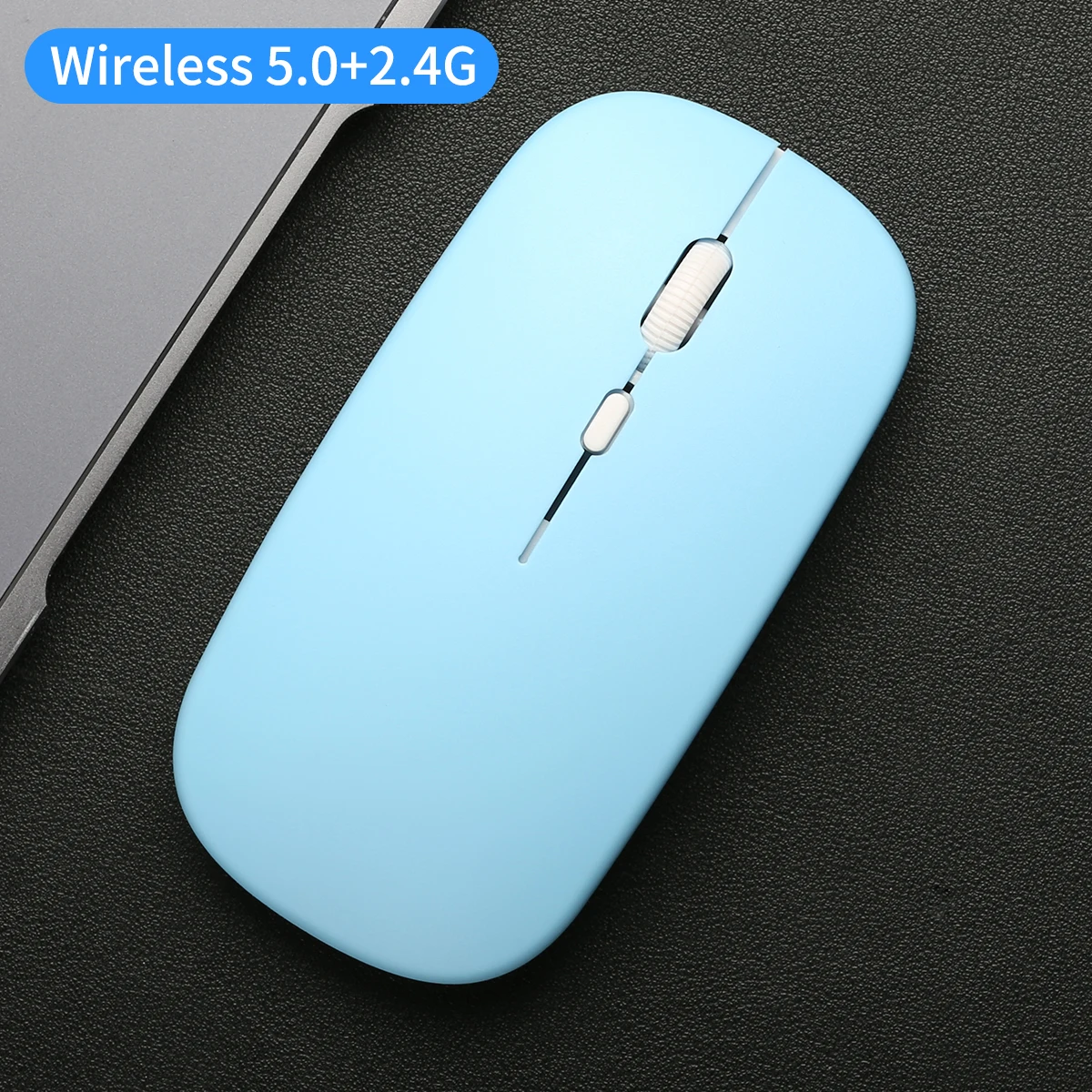
Wireless Mouse Dual Modes Bluetooth-compatibl 2.4G Portable Office Mouse for Laptop Notebook PC MacBook Battery Gaming Mouse


Wireless Mouse Dual Modes Bluetooth-compatibl 2.4G Portable Office Mouse for Laptop Notebook PC MacBook Battery Gaming Mouse
Product Details
Wireless Mouse Dual Modes Bluetooth-compatibl 2.4G Portable Office Mouse for Laptop Notebook PC MacBook Battery Gaming Mouse
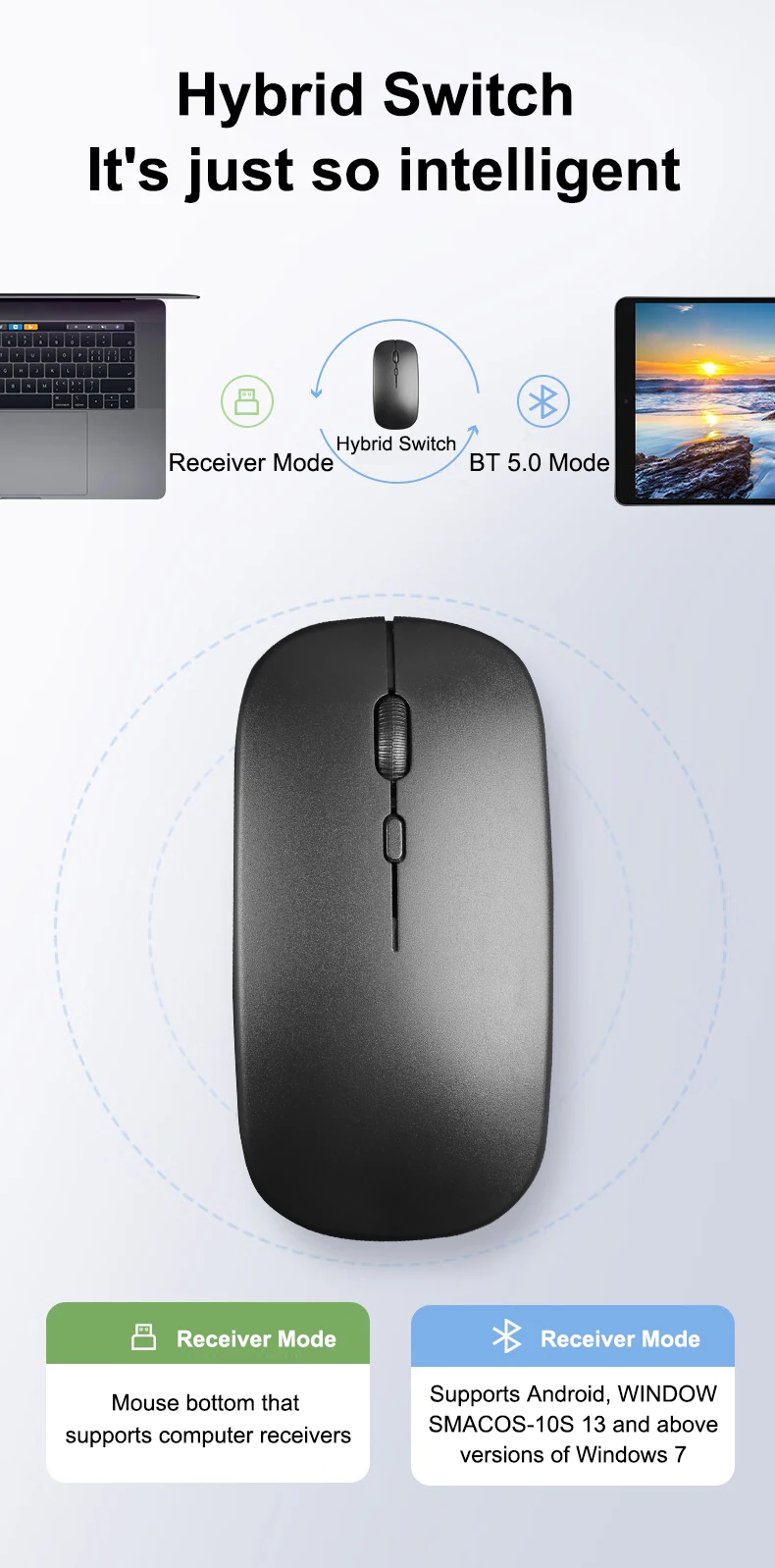
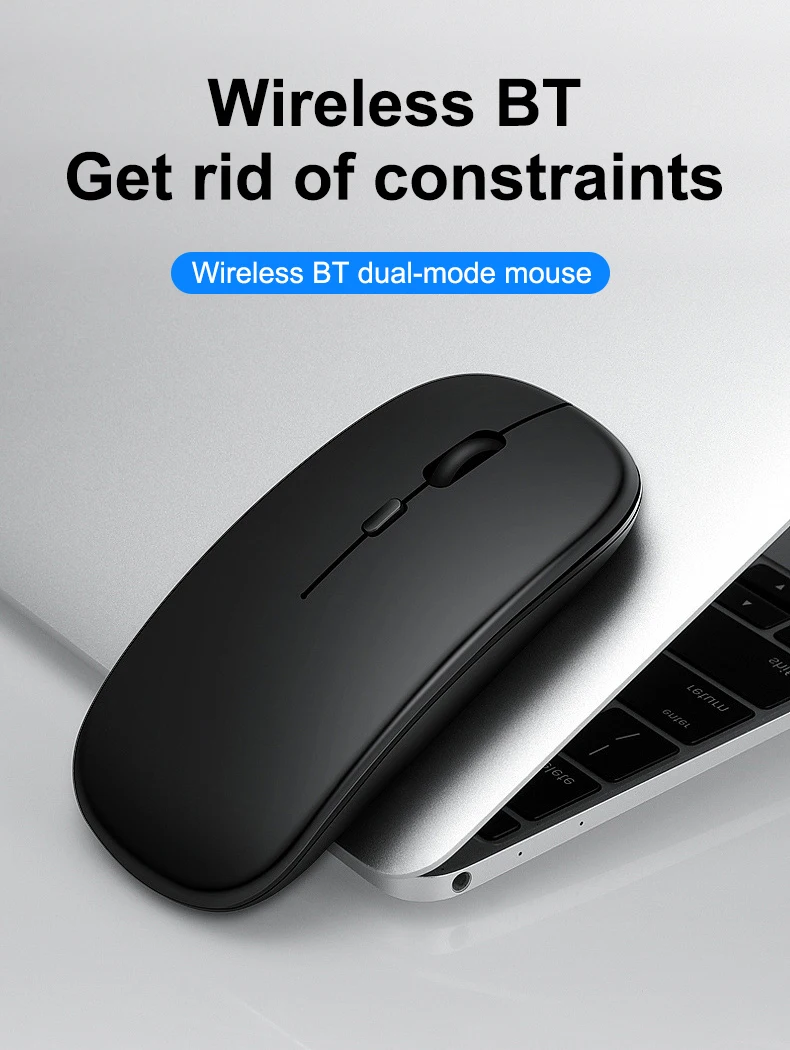
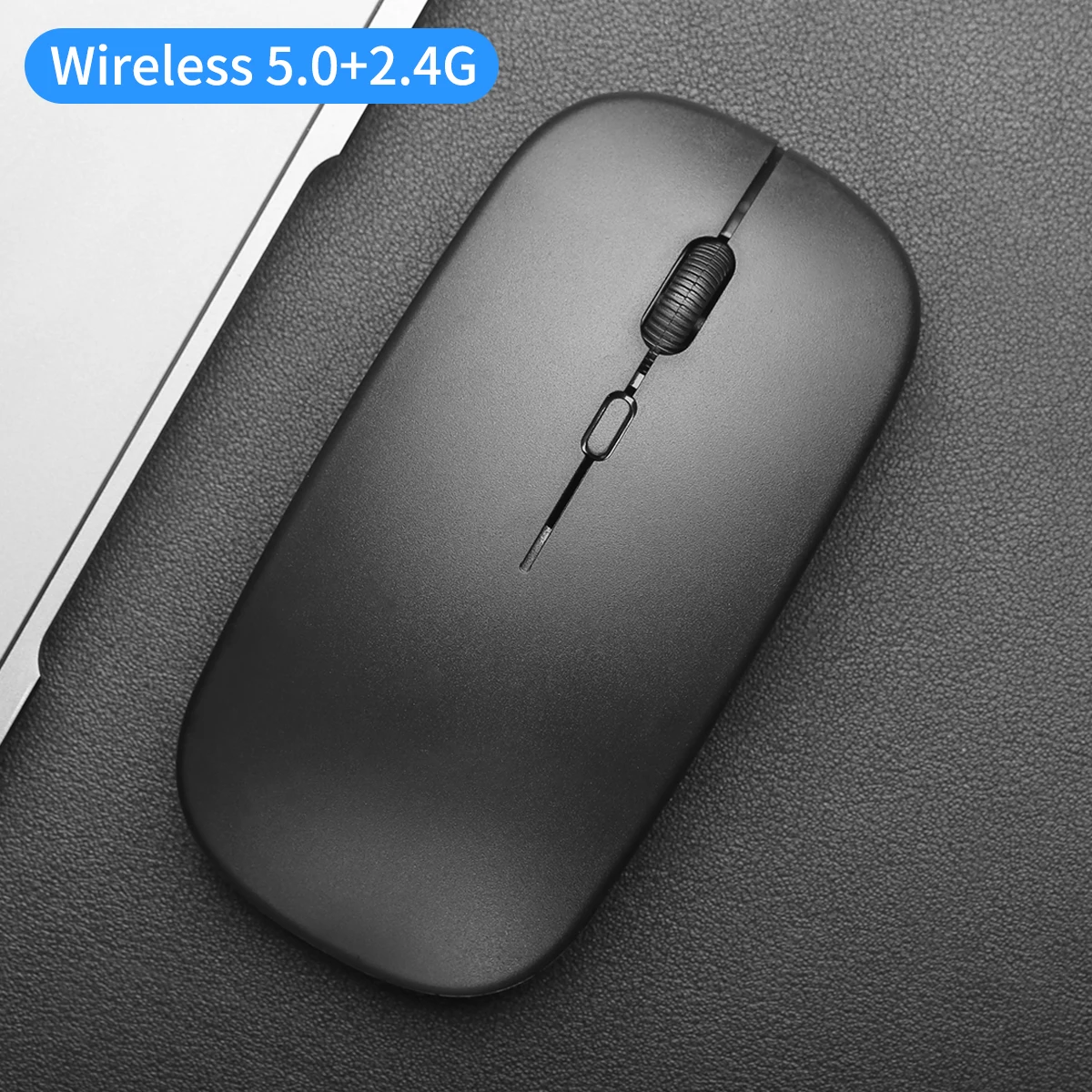
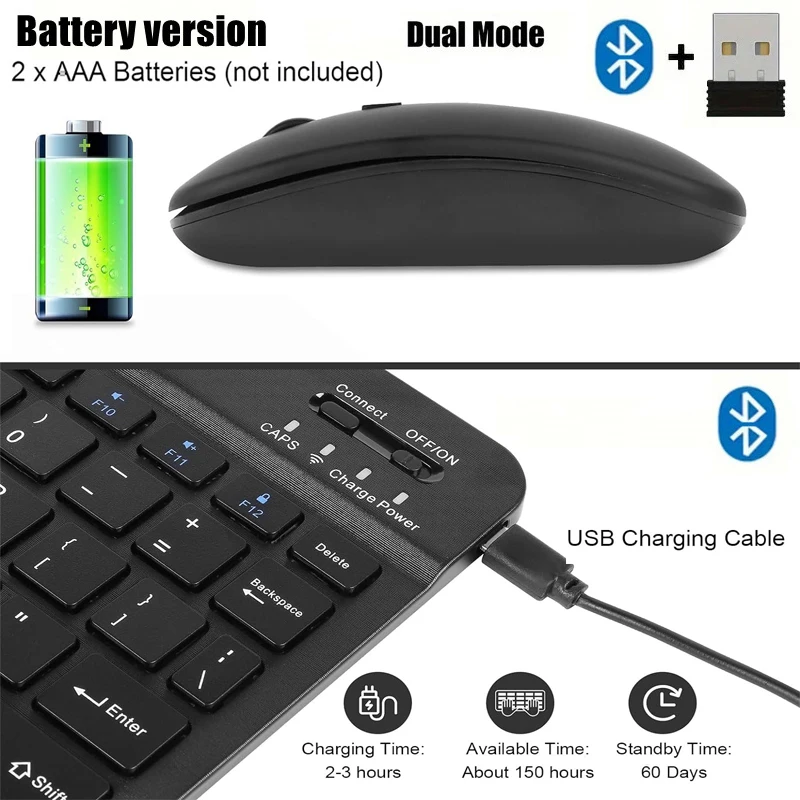
DUAL MODE BLUETOOTH-compatible Battery MOUSE
Mode A: Insert the USB receiver into the USB port and switch the mouse switch to 2.4G.
Mode B: Switch the mouse switch to Bluetooth-compatible, press the pairing button for 2-3 seconds, the computer Bluetooth-compatible will find the mouse and pair it.
3 Kind Of DPI Adjustable
800/1200/1600 DPI resolutions (Default 1600). Easily adjust DPI button to instantly match mouse speed to different working scenarios with DPI button on the top of the wireless mouse.
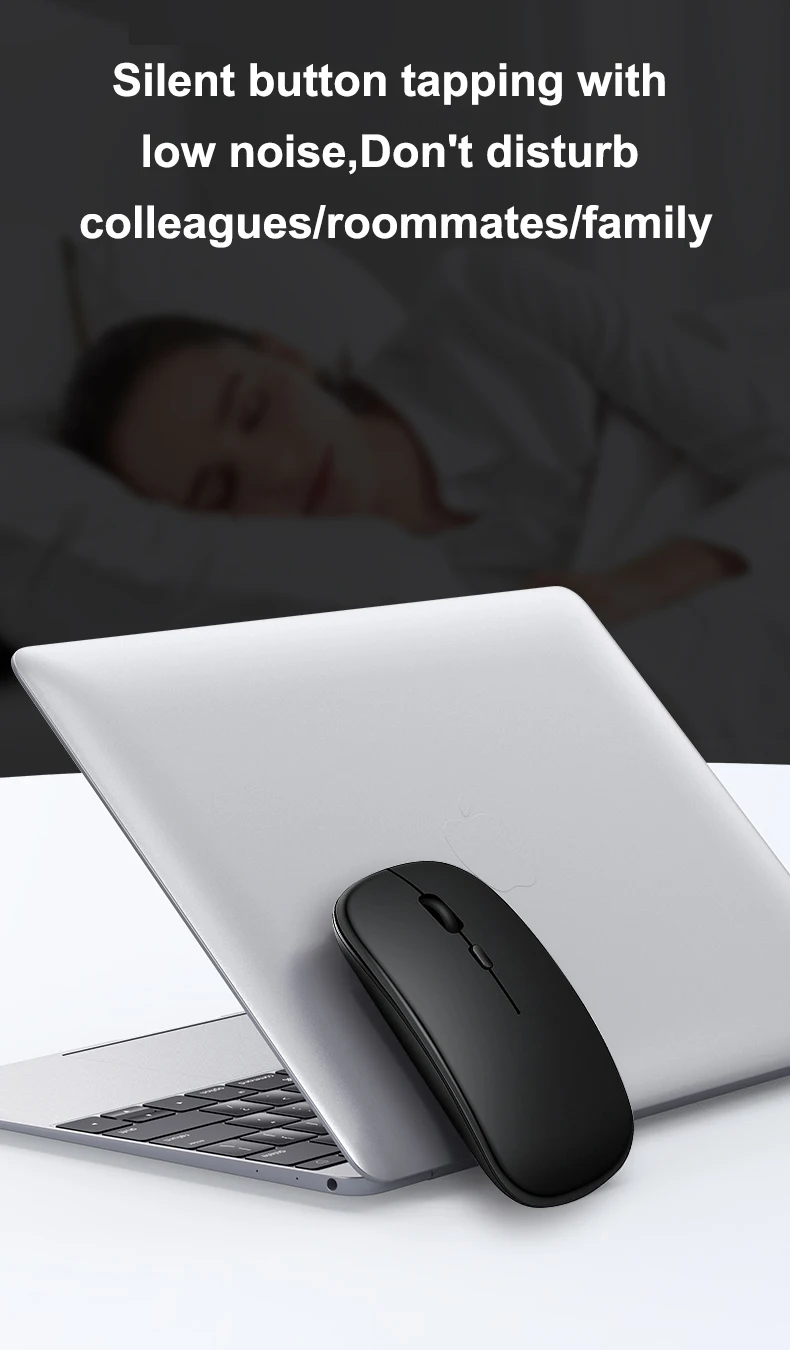
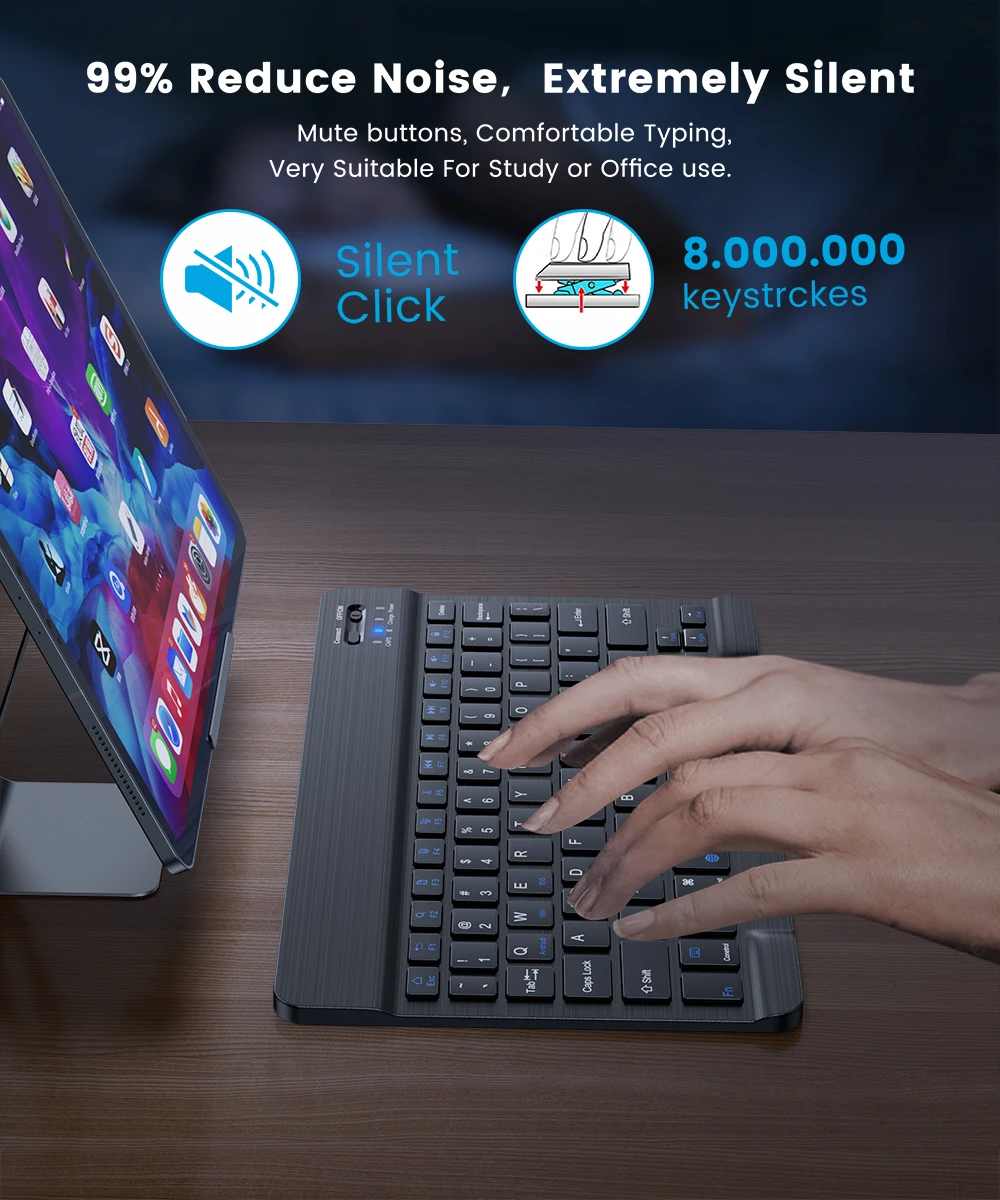
Cordless mute Mouse
Wireless transmission technology provides a powerful and reliable connection up to 10m. the mouse features 90% noise reduction, help you concentrate on your work, study without disturbing others besides you.
Note: dpi button is non-silent.
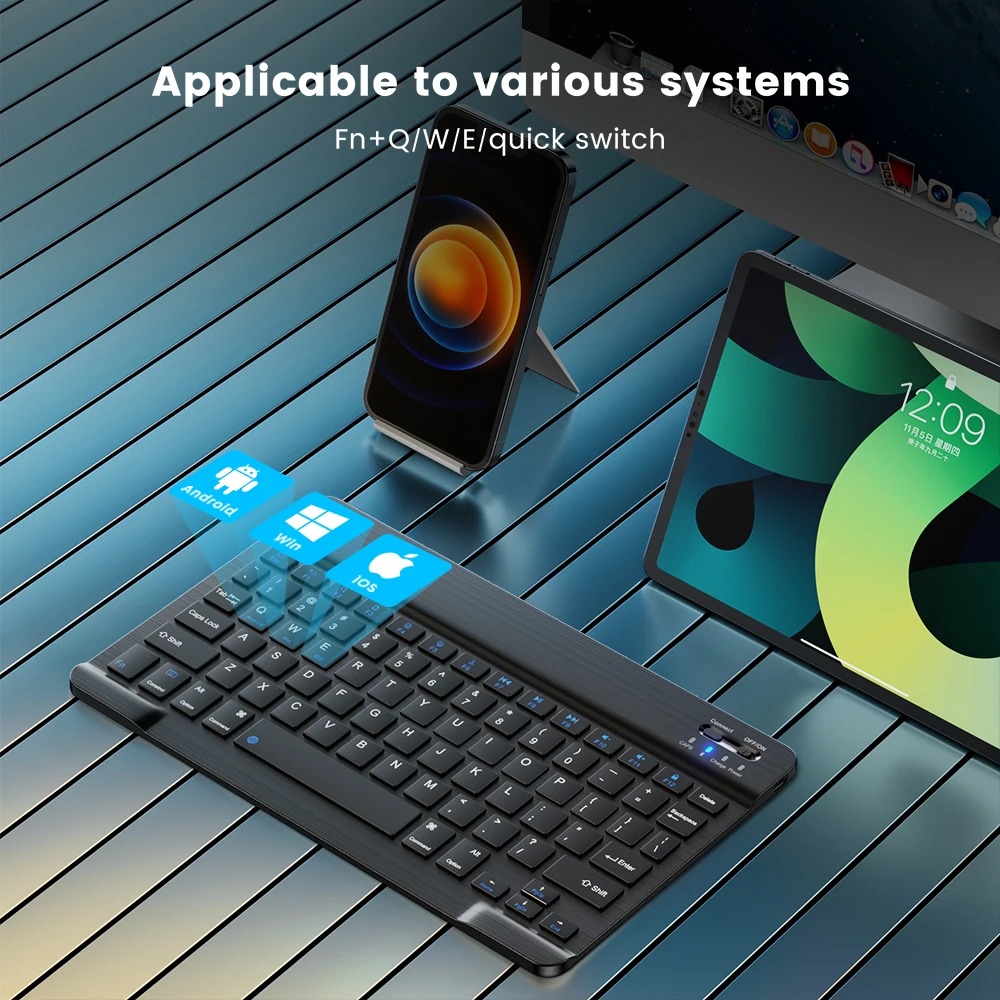
Widely Compatibility
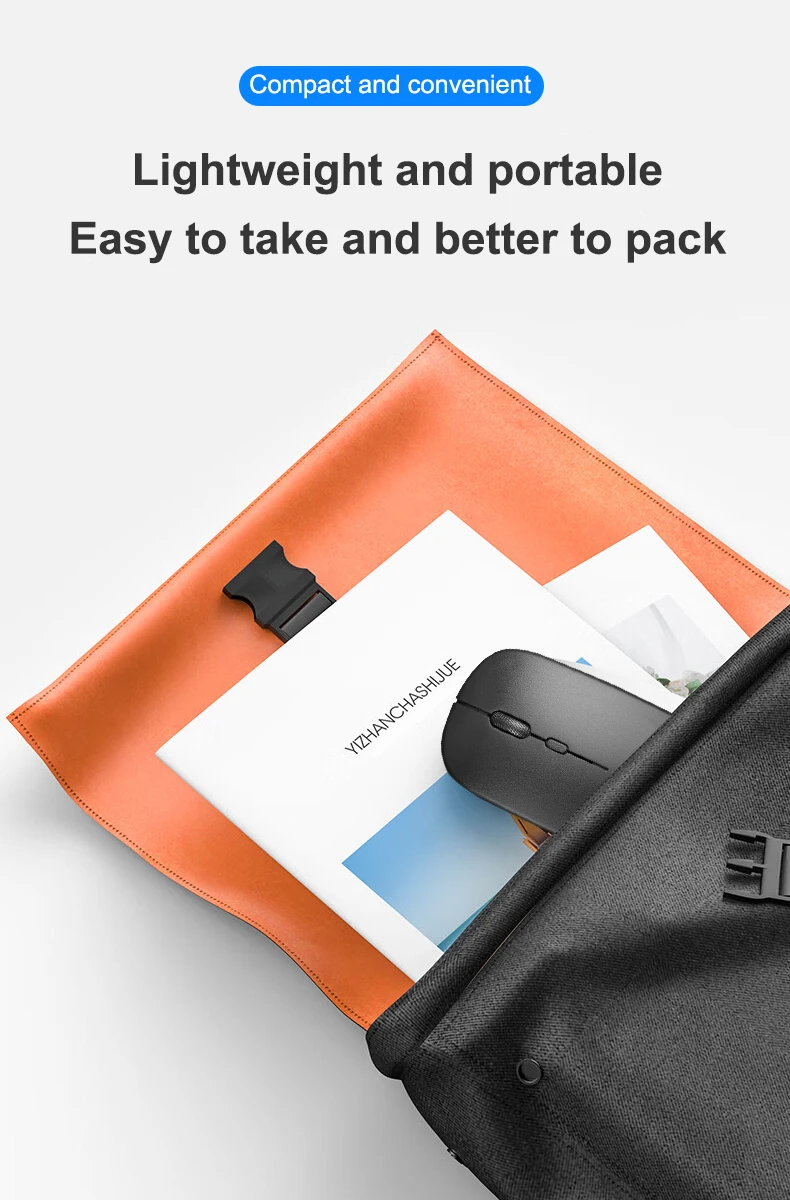
The mouse is well compatible with Macbook, PC, iPad, computer and mobile phone. 2.4G can be used with laptops and any devices with USB ports. [Note: The USB receiver is stored in the battery box of the mouse.
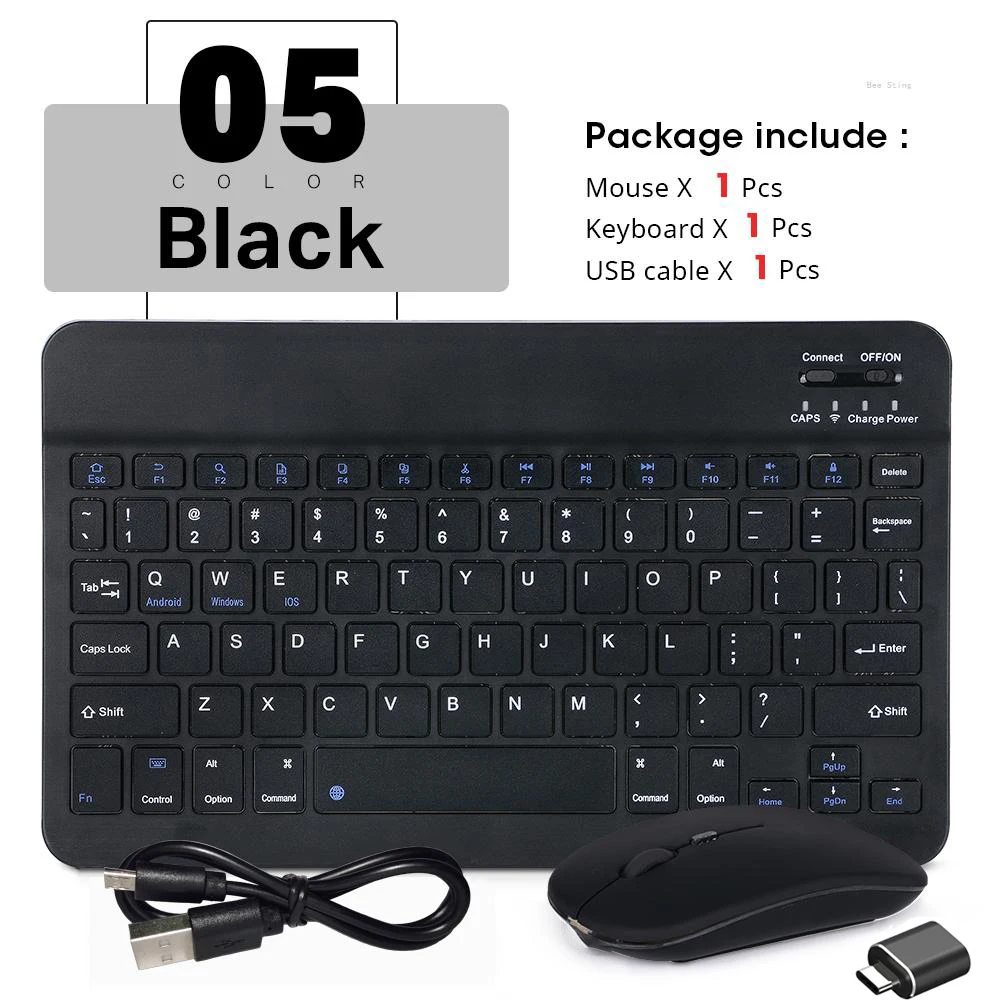
Package included:
1 *Dual Mode Batterry Mouse (need 2*AAA battery)
1 * USB Receiver
(not included battery)







MOUSE+KEYBOARD+OTG
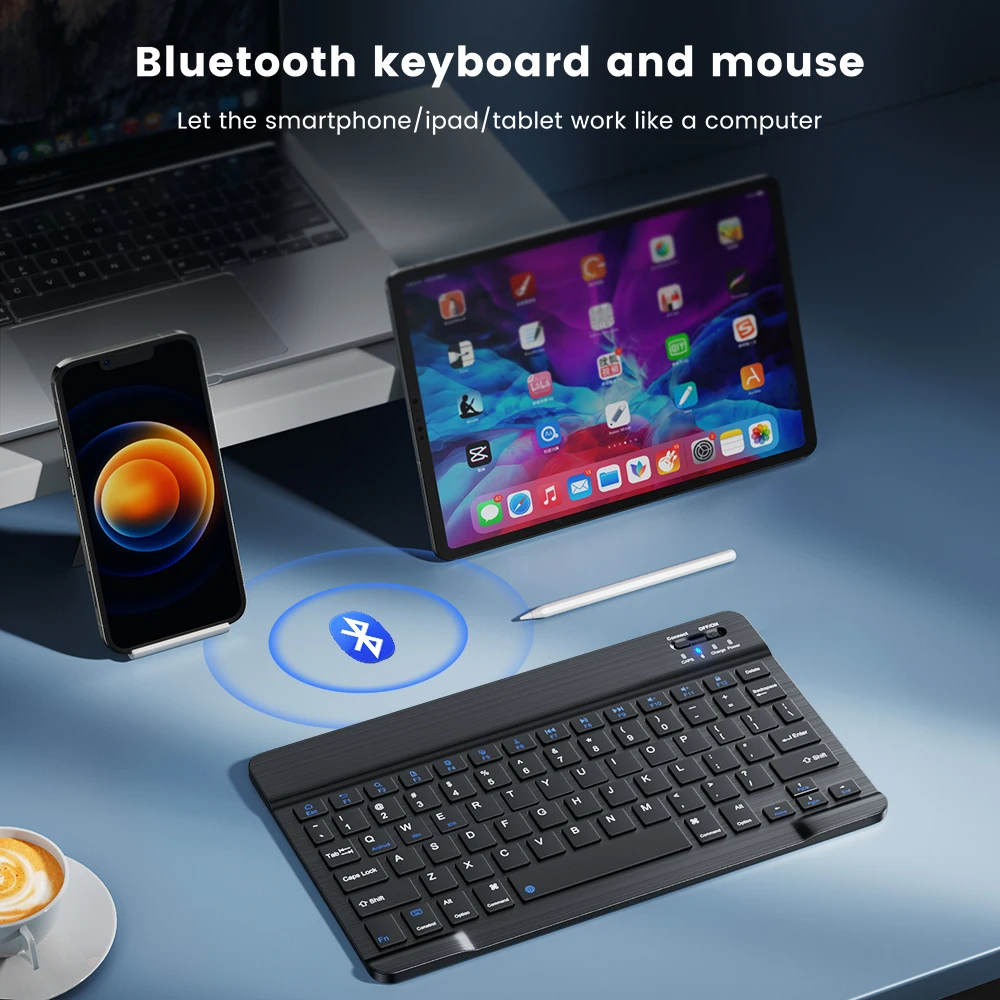
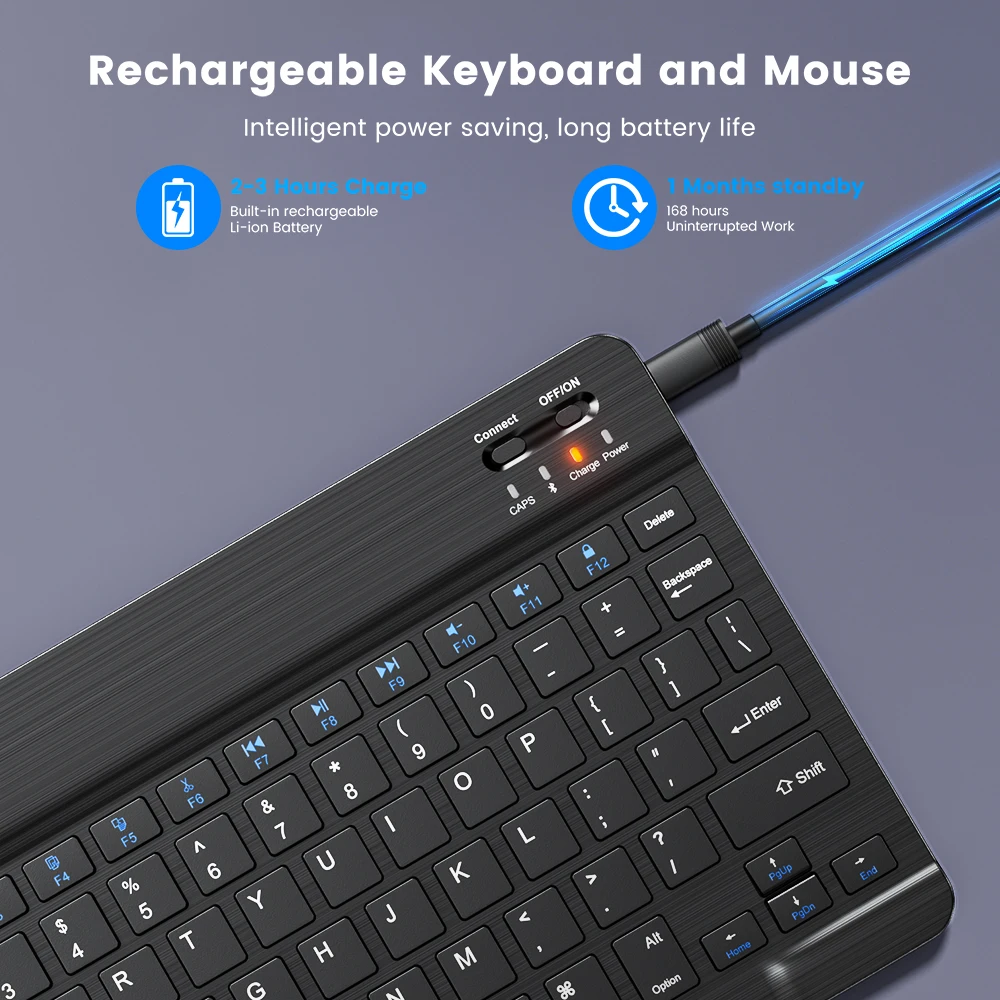
Portable Tablet Bluetooth-compatible keyboard
*Let the smartphone/tablet work like a computer.
*The keyboard language defaults to the English layout.
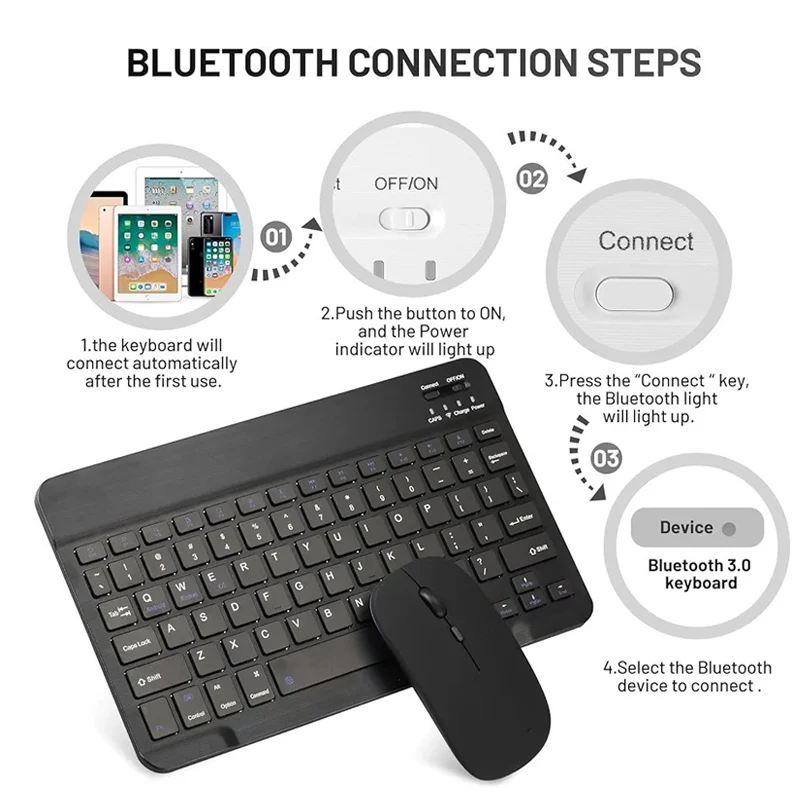
Keyboard connection method:
1: Turn on the ON/OFF switch.
2: Press CONNECT, the indicator of the Bluetooth-compatible logo will flash.
3: Turn on the Bluetooth-compatible switch of the device such as tablet/smartphone, search for Bluetoot-compatible device.
4: Click the Bluetooth-compatible Keyboard on the tablet/smartphone, press the Enter to connect.
Note: The keyboard cannot be connected to two devices at the same time. Therefore, if you want to replace another device, you must first disconnect the pairing connection of the original device.
PLEASE NOTE: VERY VERY VERY IMPORTANT
If you don't use them for more than 10 minutes, they will automatically enter the sleep state to save power. If you want to continue to use them, just click any key to wake up them.






Care & Maintenance
To maintain the beauty and integrity of your purchase, we recommend treating it with care. Simple maintenance practices, such as gentle washing and proper storage, can effectively preserve the longevity of your favorites. We encourage you to refer to the care instructions included with each item, designed to help you keep your purchase in top condition.
Size & Fit
Our products are crafted to fit true to size, ensuring that you can confidently select your usual size with ease. Whether you’re looking for a relaxed or tailored fit, our designs are made to complement your unique shape and style.