
Wireless Gamepad For Playstation 5/ps5 controller Gaming Turbo Dual Sense Vibrate External microphone Adaptives Trigger


Wireless Gamepad For Playstation 5/ps5 controller Gaming Turbo Dual Sense Vibrate External microphone Adaptives Trigger
Product Details
Product details
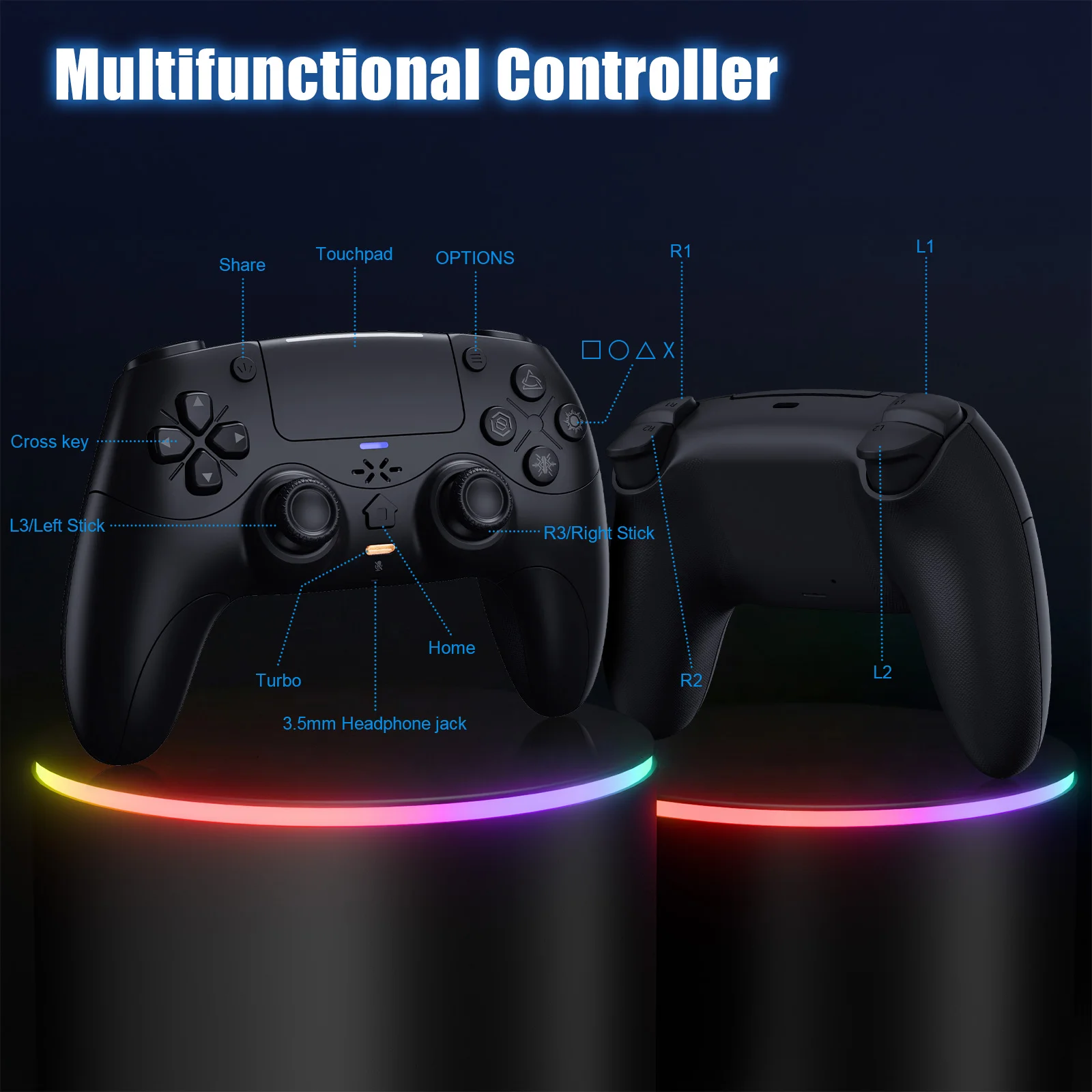
PS-5 Host Connection Method:
👉!!! Note: The first time a new controller connects to PS-5,a wired connection is required.
1.When the controller is turned off, connect it to PS-5 via USB cable, then press the "PS button" to connect to PS-5.
2.When the wired connection is successful, disconnect the USB cable and press the "PS" button to connect to PS-5 wirelessly.
PC Wired Connection:
👋1.Power on the PC
2.The controller connects to the computer via a USB-C cable.
Note:
2. PC display names:
PS-5 Wired: DualSenes Wireless Controller --- Light is blue
X-input: PS-5 Controller for Windows --- Light is green
Bluetooth Connection:
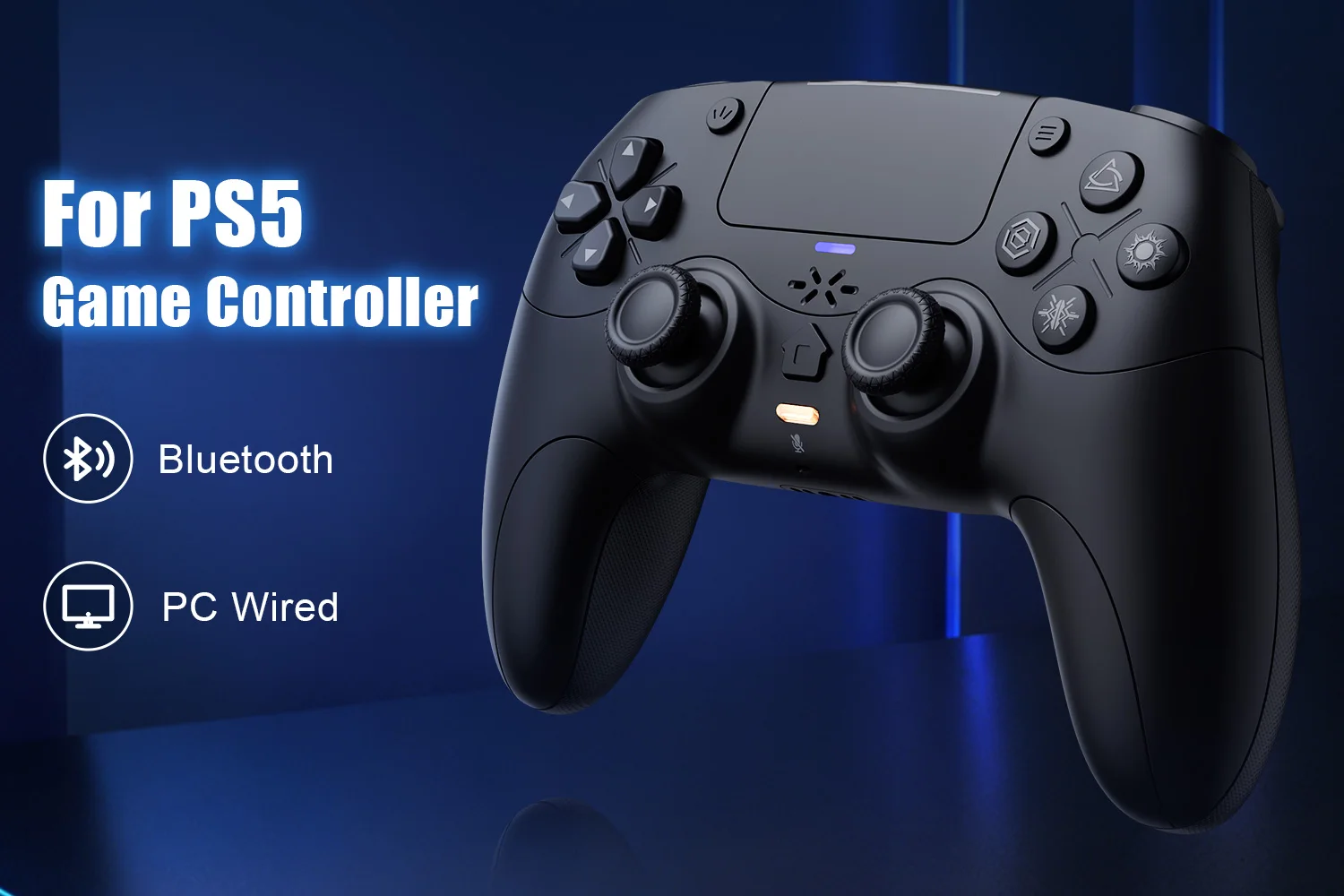
For PC/iOS/MAC and Steam Deck
🎮1.Turn on Bluetooth on the PC.
3.Search for Bluetooth "DualSenes Wireless Controller" and click to connect.
4.The controller supports Apple devices with iOS13.0 and above; the Mac
platform supportswired connection and wired audio functionality.5.Steam Deck supports wired connections and wired audio functionality (when connected to Steam Deck in PC mode, the mode can be switched).
6.A Type-C to USB adapter cable is required for wired connection between MAC and Steam Deck.
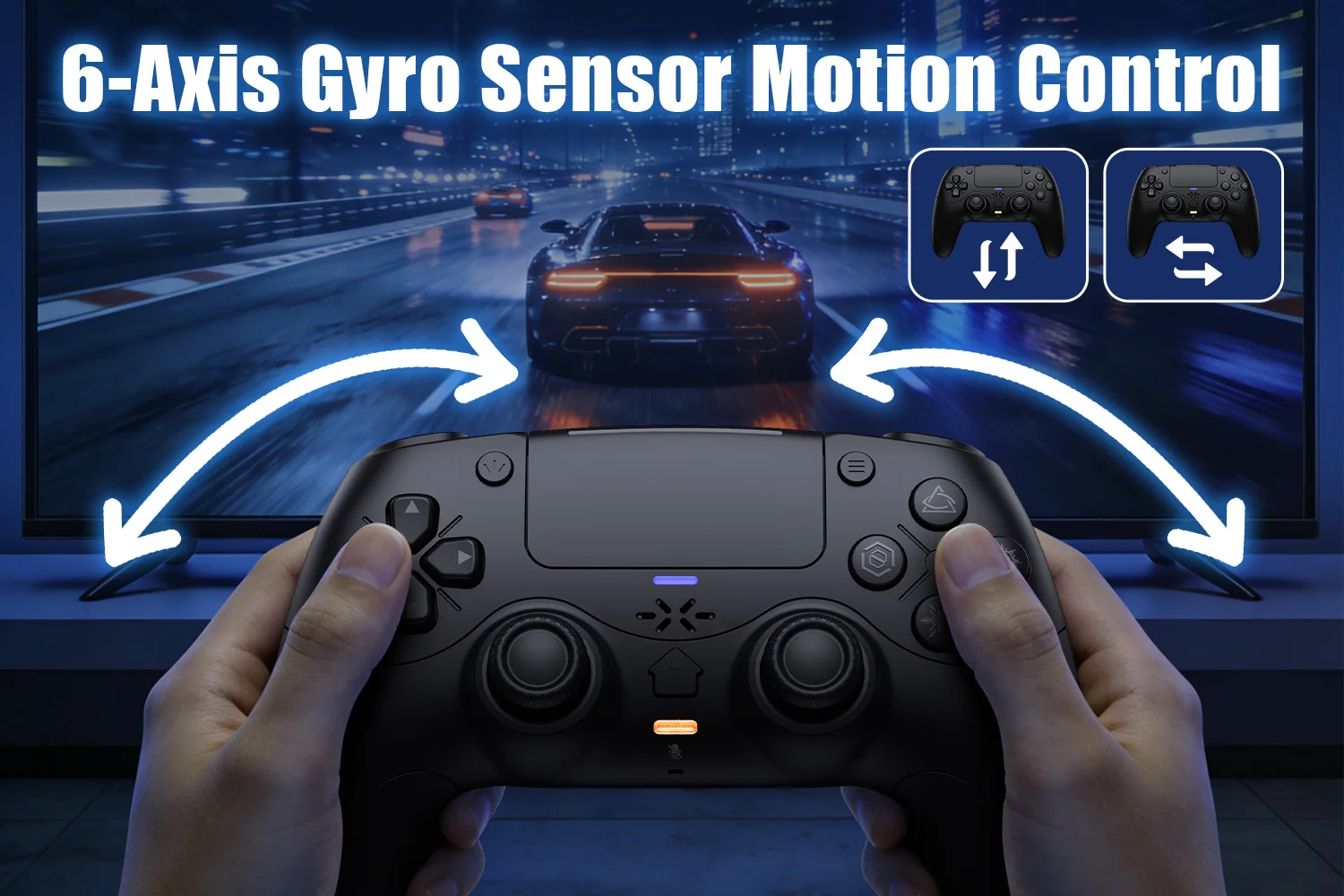
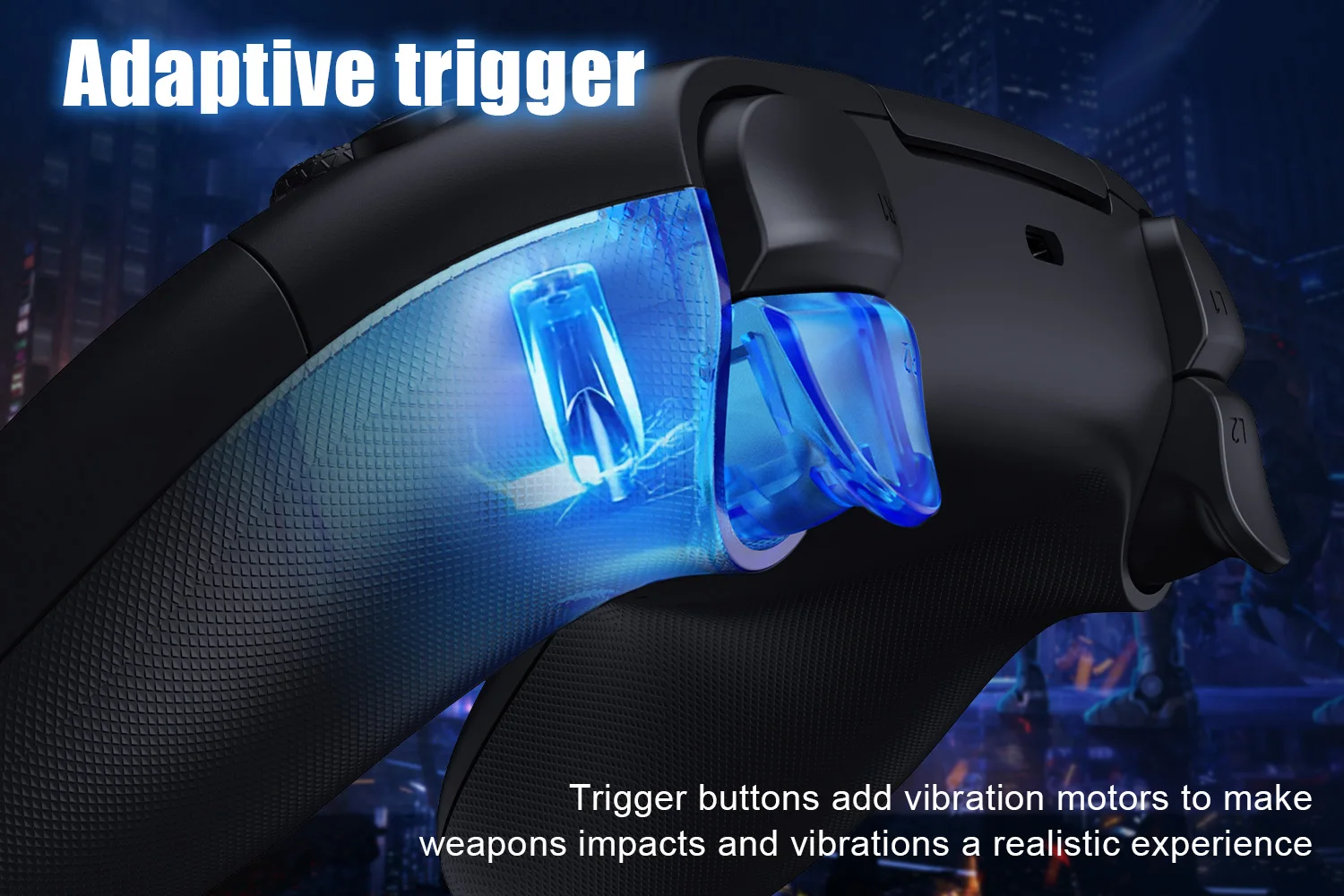
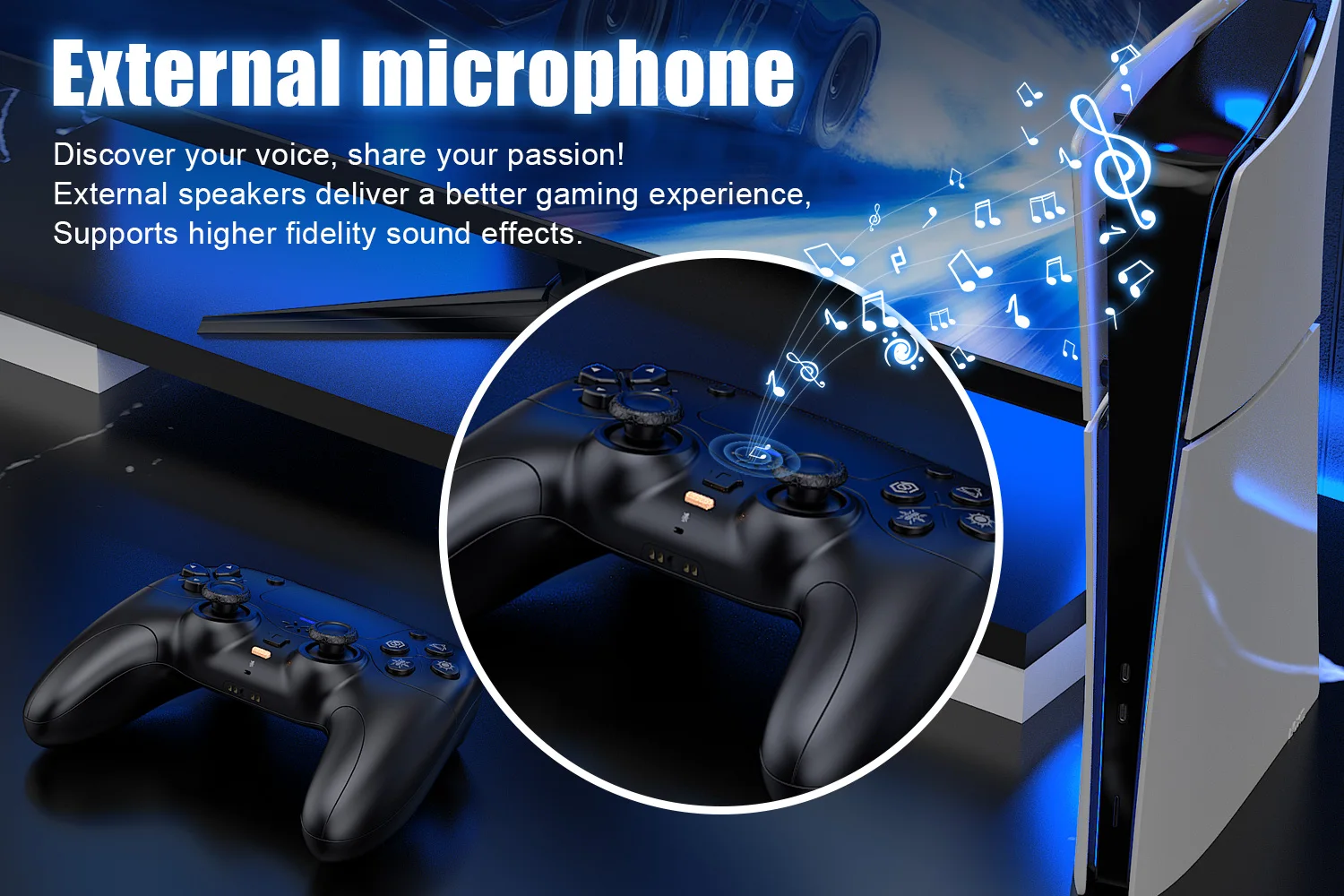
1. Briefly press the mute button; the mute indicator light will remain on, indicating that the controller's microphone is muted.
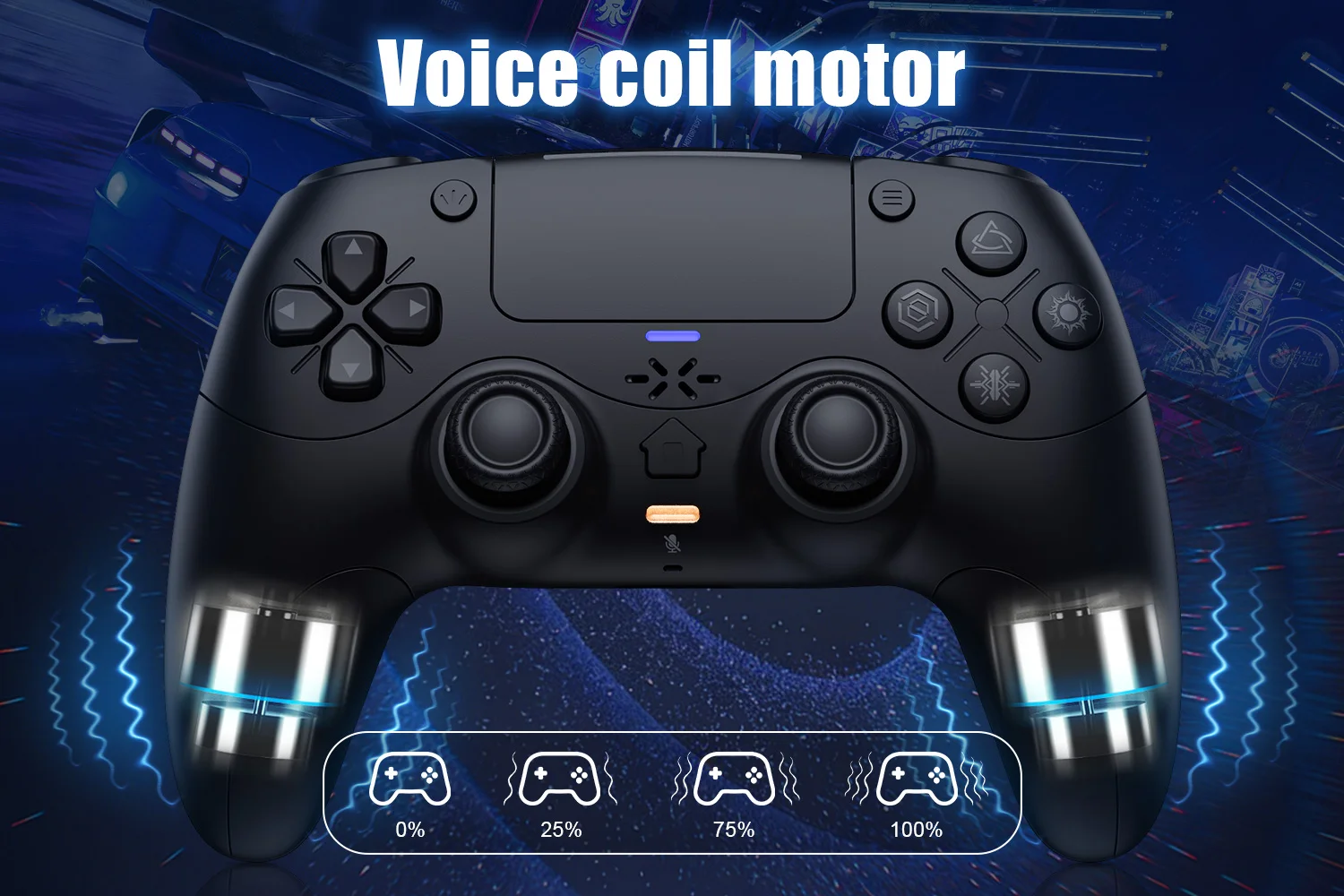
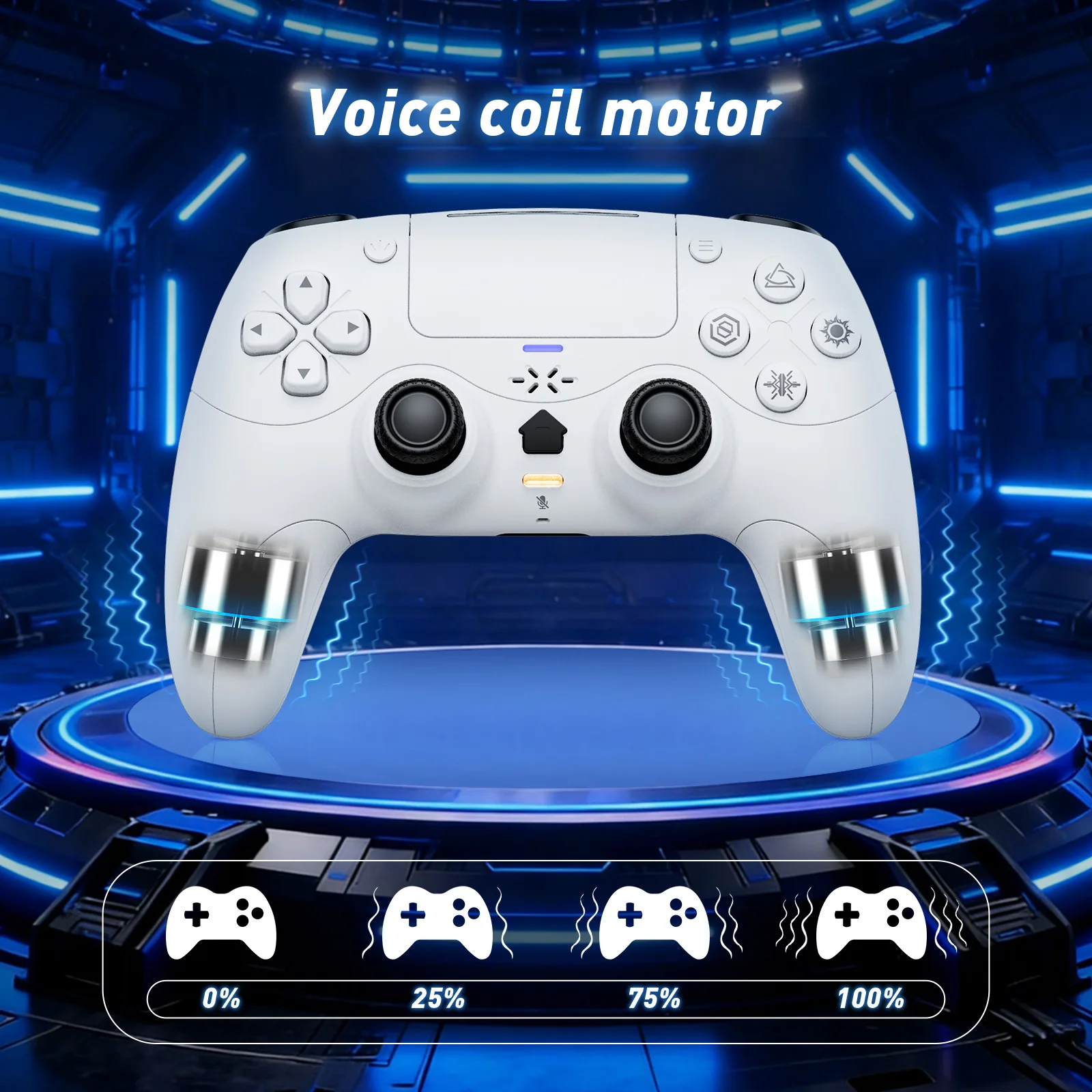
Linear Motors:
Triggers and 3D Joystick Calibration:
1.Hold the buttons,then use the USB cable and power on.The Home button will flash quickly.
2. Press L2/R2 triggers 2 - 3 times, rotate those two 3D joysticks 2 - 3 circles each.Then long -press X key for 1 second to confirm. The Home key will stay on.Calibration is done; power off to save.
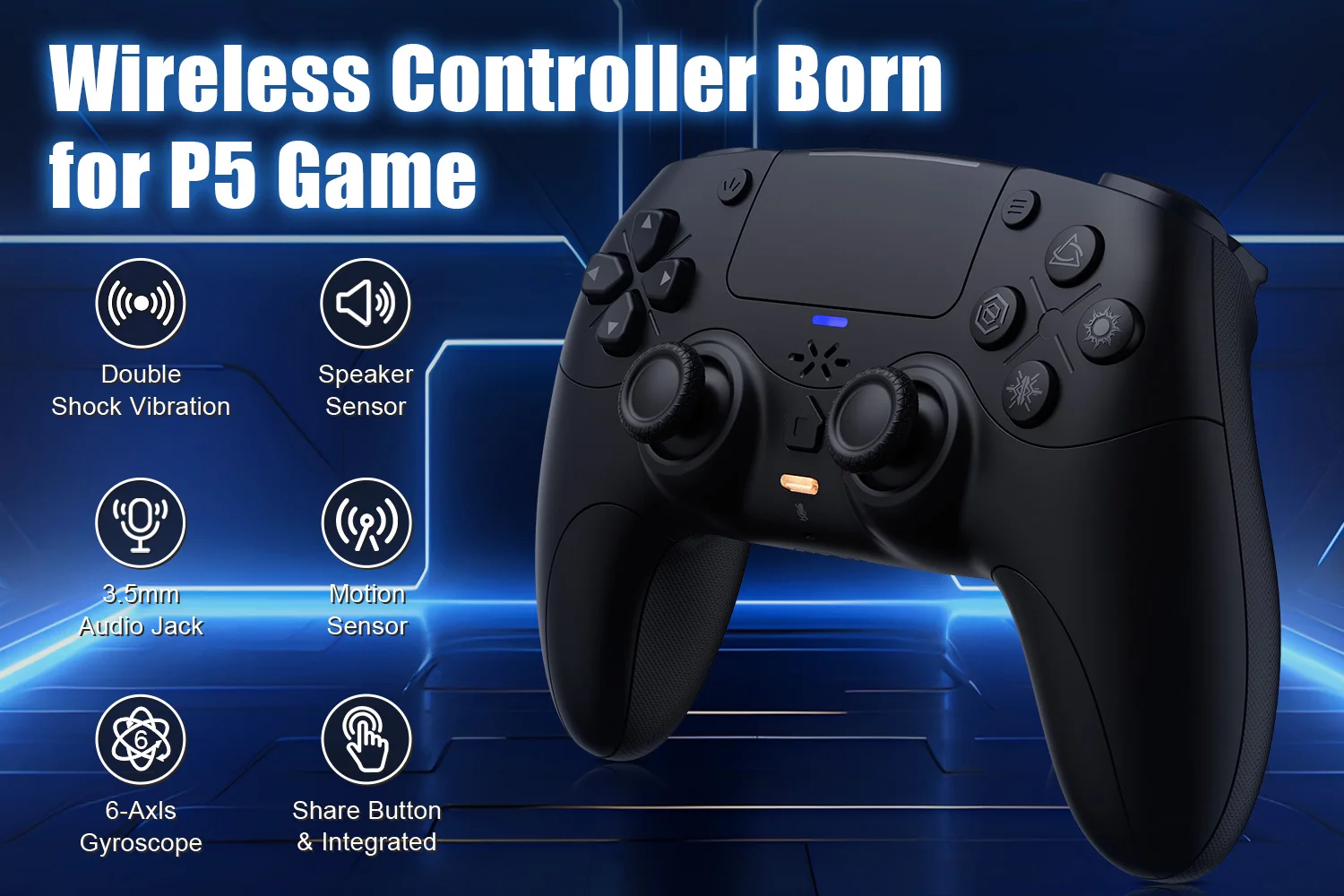
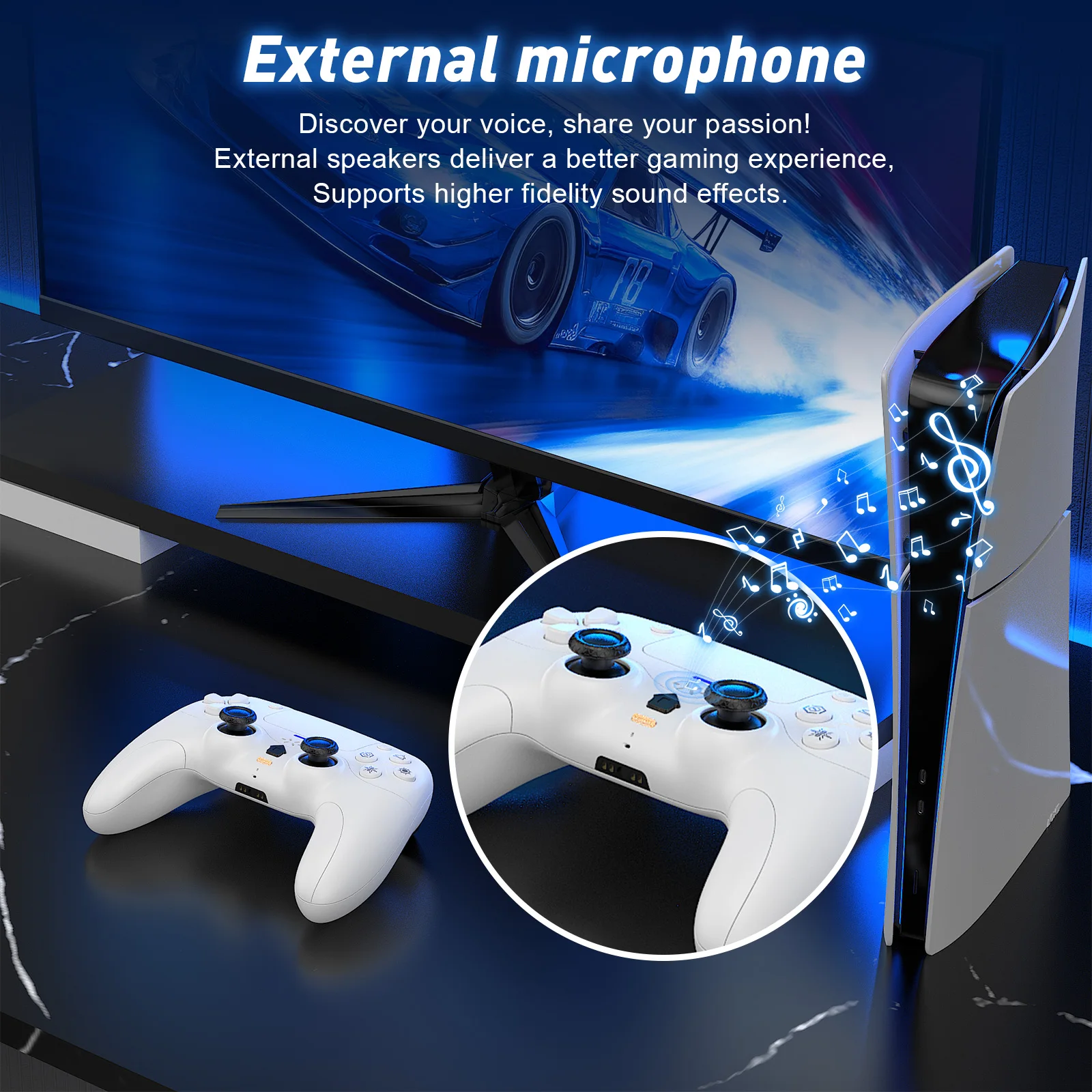
Care & Maintenance
To maintain the beauty and integrity of your purchase, we recommend treating it with care. Simple maintenance practices, such as gentle washing and proper storage, can effectively preserve the longevity of your favorites. We encourage you to refer to the care instructions included with each item, designed to help you keep your purchase in top condition.
Size & Fit
Our products are crafted to fit true to size, ensuring that you can confidently select your usual size with ease. Whether you’re looking for a relaxed or tailored fit, our designs are made to complement your unique shape and style.