
RGB Backlit Gaming Keyboard And Mouse Combo One-Handed Keypad with 3200 DPI Mouse Game Converter for PS4 Xbox Nintendo Switch


RGB Backlit Gaming Keyboard And Mouse Combo One-Handed Keypad with 3200 DPI Mouse Game Converter for PS4 Xbox Nintendo Switch
Product Details
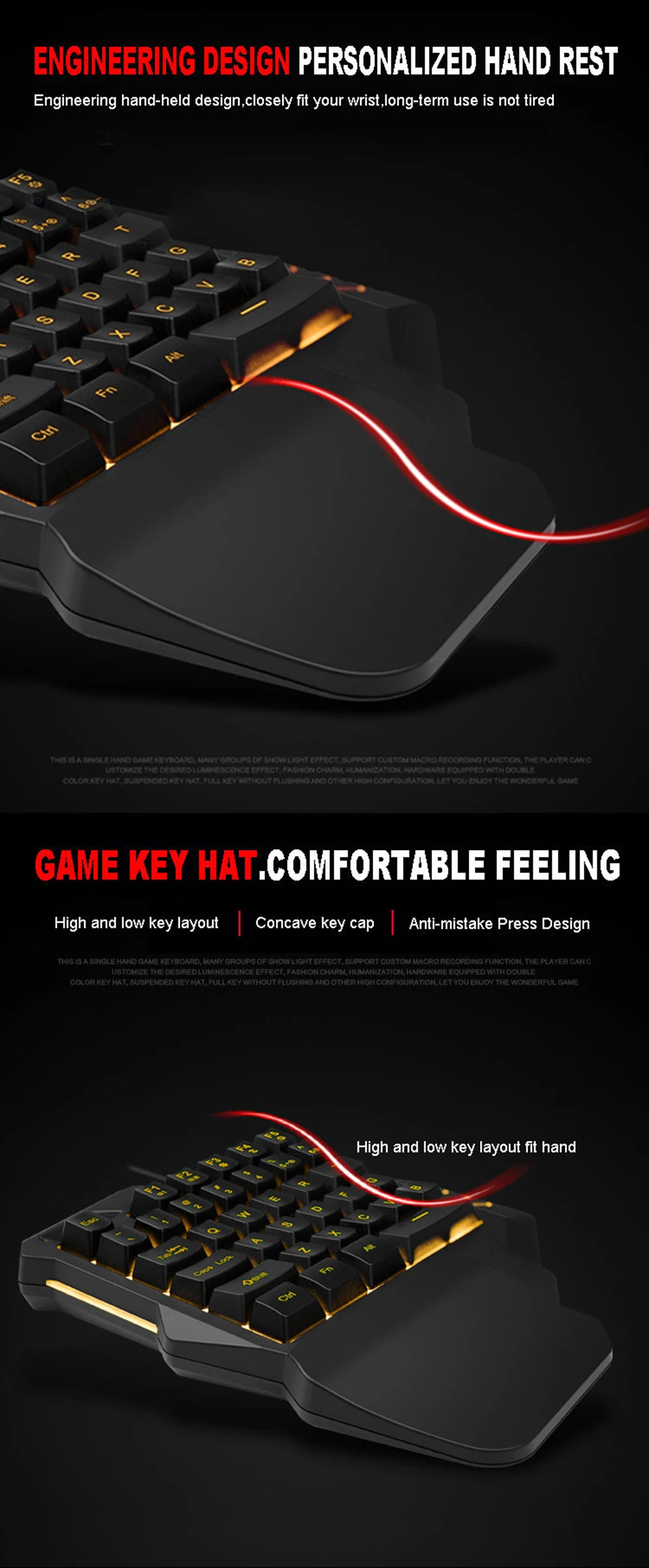
Ergonomic Design
The keyboard and mouse combo is ergonomically designed to support human engineering, reducing strain during long gaming sessions.
Wired Connectivity
Enjoy stable and reliable performance with wired connections for both keyboard and mouse, eliminating lag issues.
RGB Backlit Gaming Gear
Immerse yourself in the gaming world with RGB backlit keys and a 3200 DPI mouse, enhancing your visual experience.
High-Resolution Optical Sensor
Experience precise gameplay with a 3200 DPI optical resolution, ensuring accurate tracking and response.
Compatibility with Multiple Platforms
This gaming combo is compatible with PS4, Xbox, and Nintendo Switch, offering versatility for different gaming consoles.
Note:
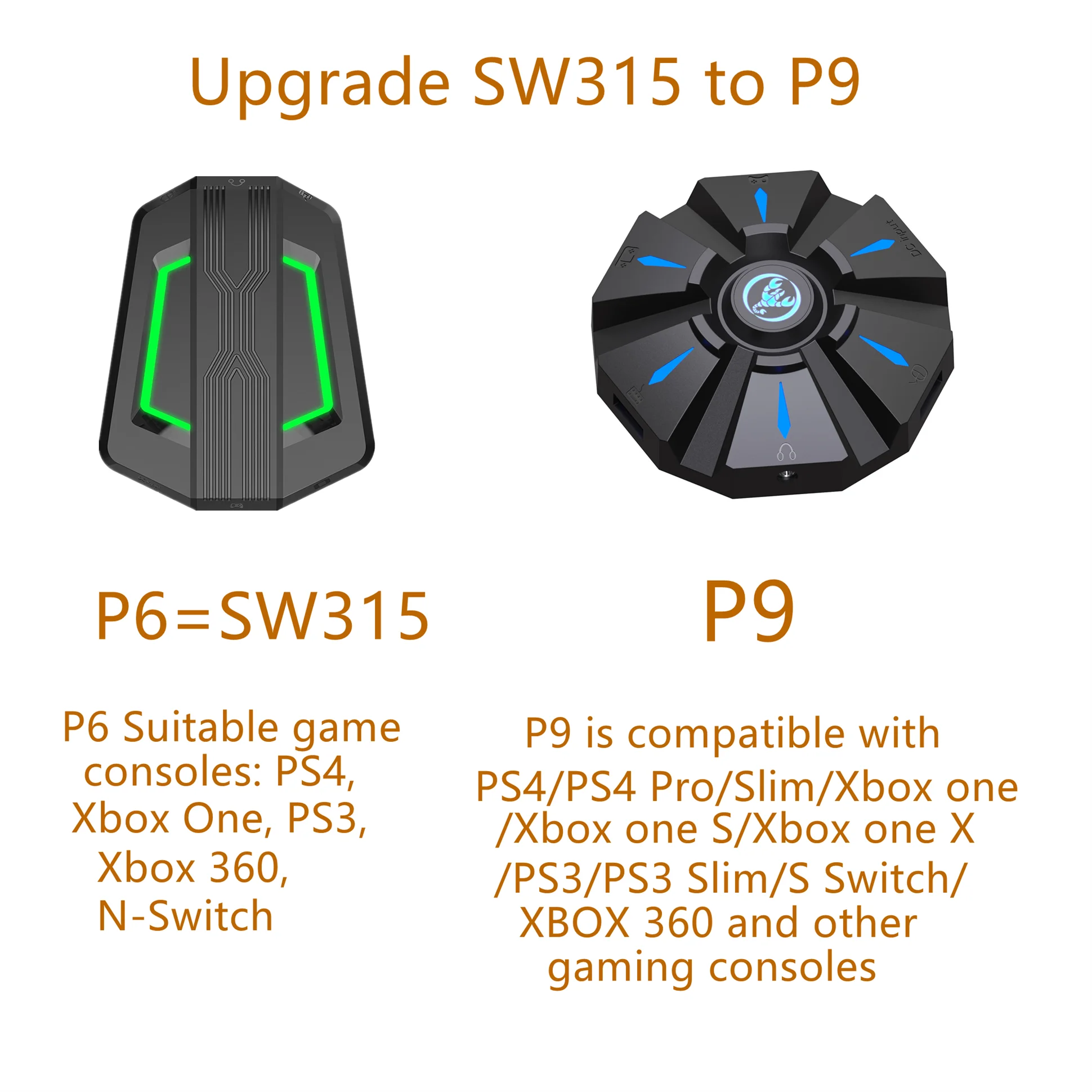
P6=SW315 has been discontinued, and
the powerful P9 will replace the old
version P6. Please confirm before
placing an order!
Mouse Specifications:
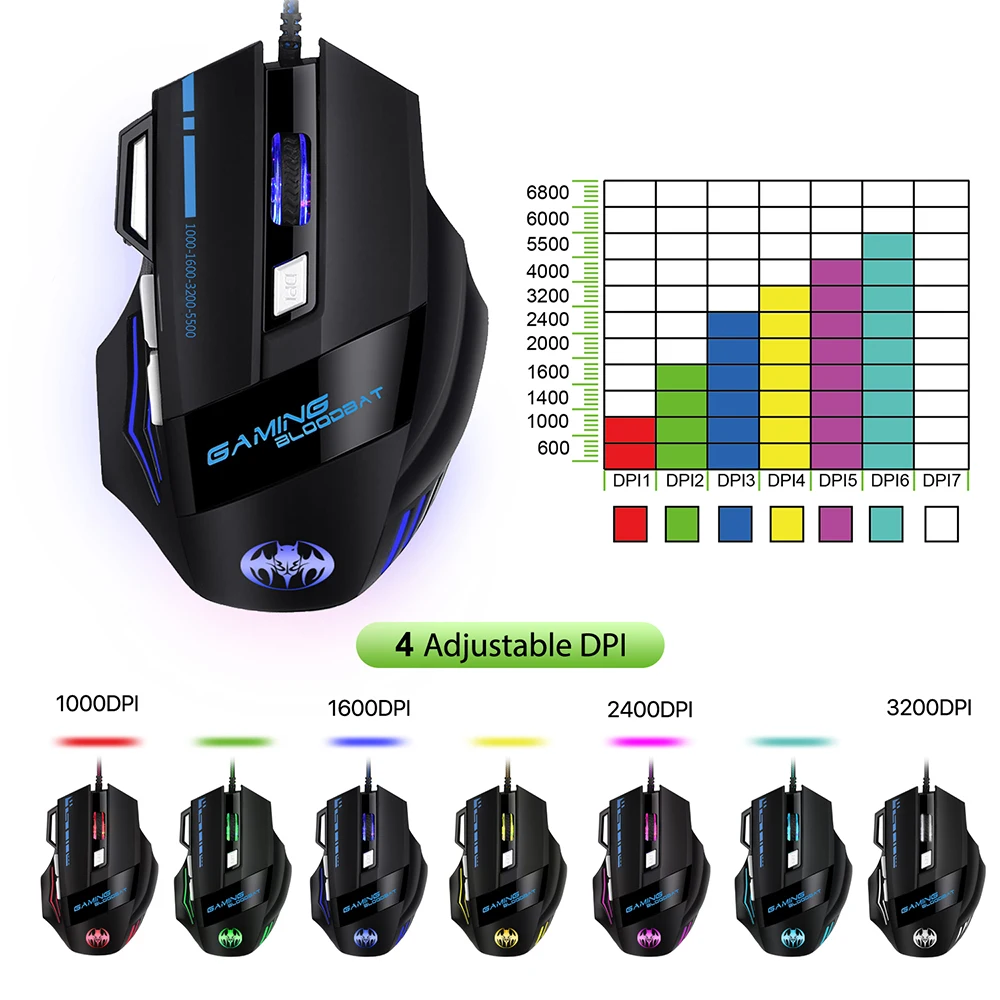
1. Product model: GM02
2. 100% new mouse game
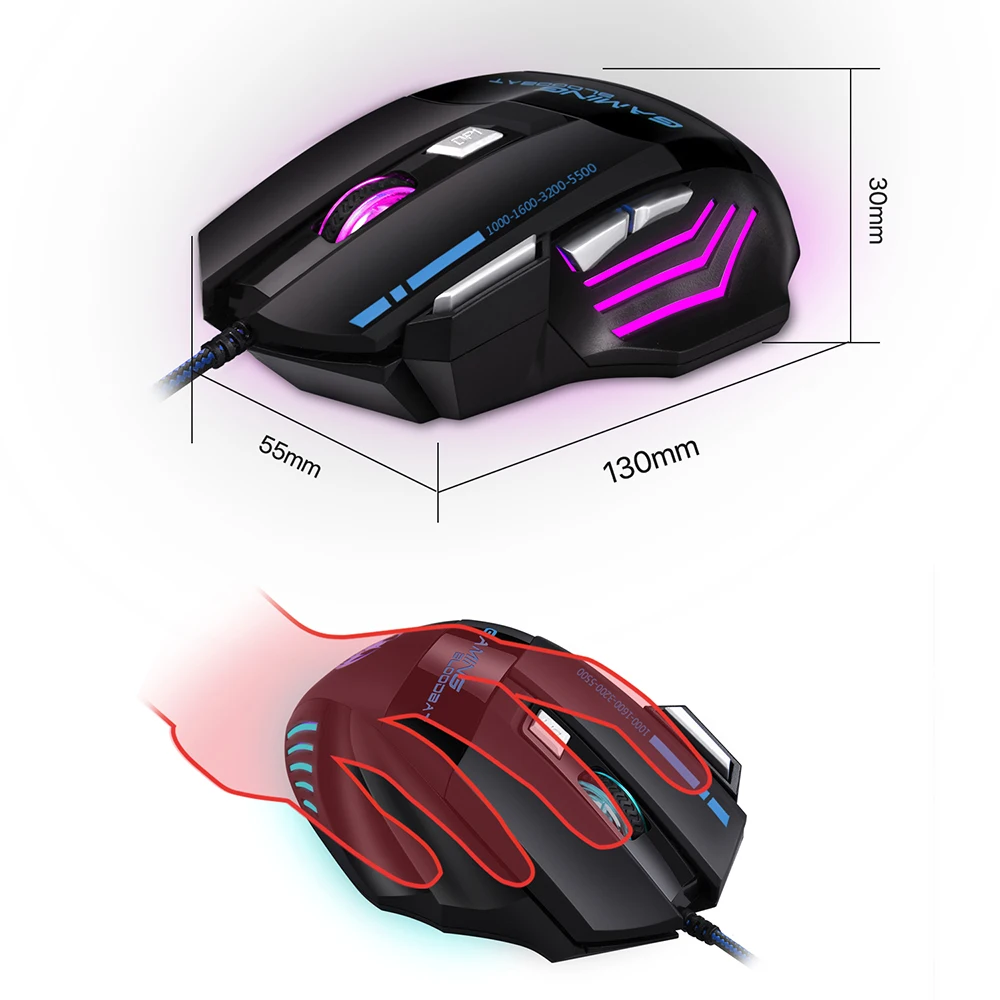
3. Human body engineering design
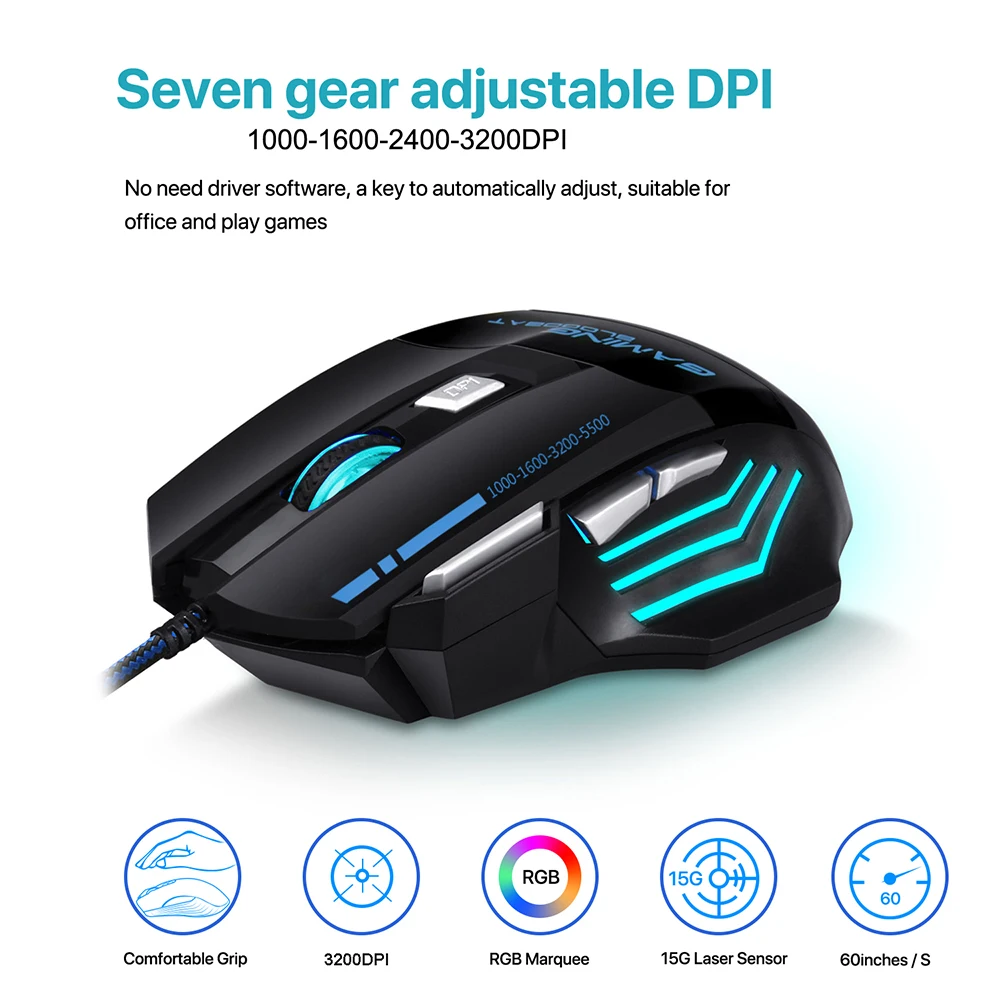
4. Light mode: RGB marquee effect light .
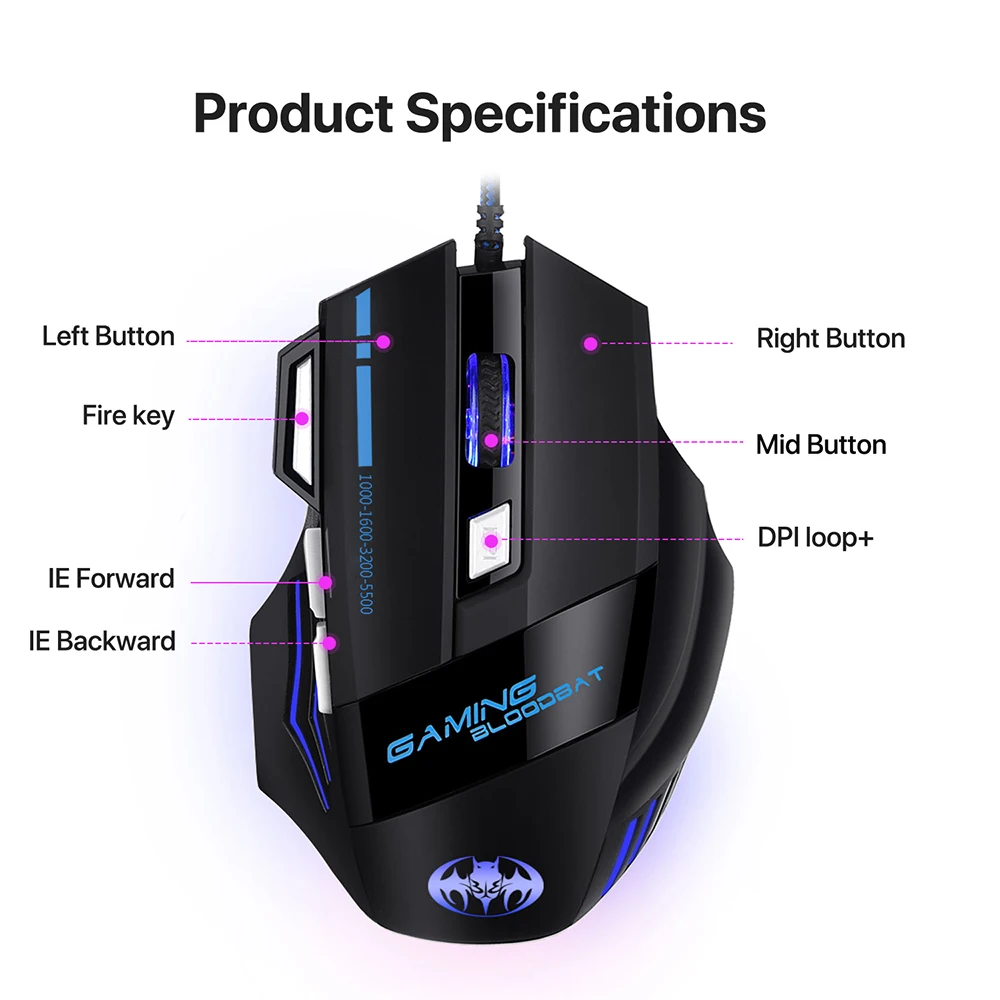
5. 7 buttons(not programmable)
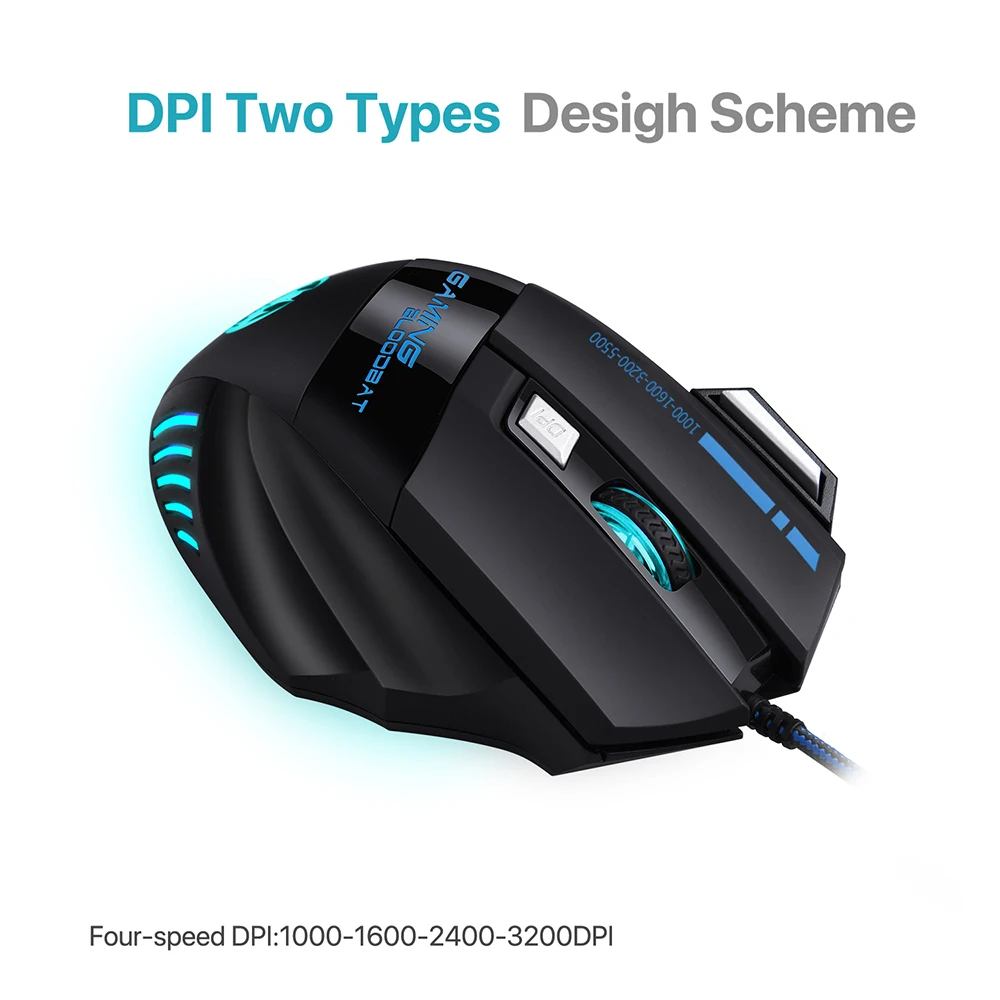
6.1000-1600-2400-3200DPI, Max.3200 DPI
7. Voltage rating / electric current: DC 5V / 100mA
8. USB plug and play
9. Switch life:8 million cycle
10. Cable length: 150cm
11. Item Weight:148g
12. Item Size:13.0*9.1*4.2cm(L * W * H)
13. Package Weight:165g
14. Box Size:13.5*10.5*4.8cm
15. Support Windows 2000 / XP / win7 /
win8 /win10 Vista 32bit IOS or latest.
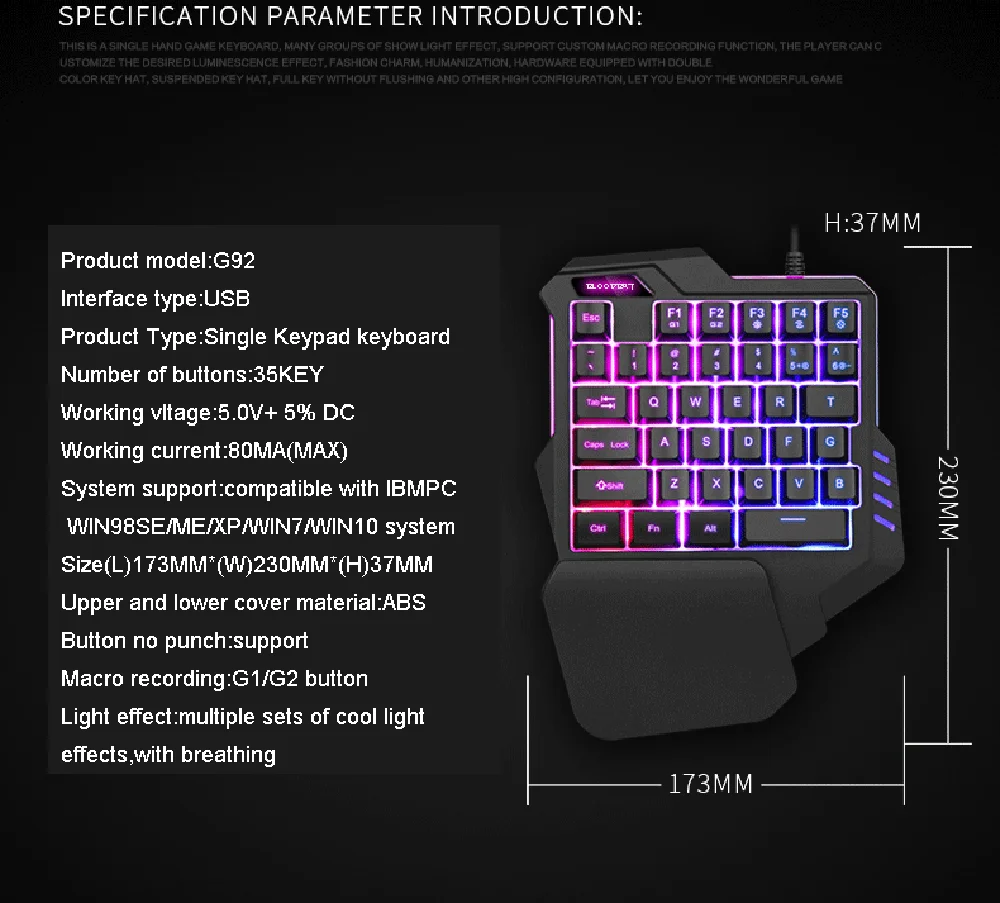
Keyboard Specifications:
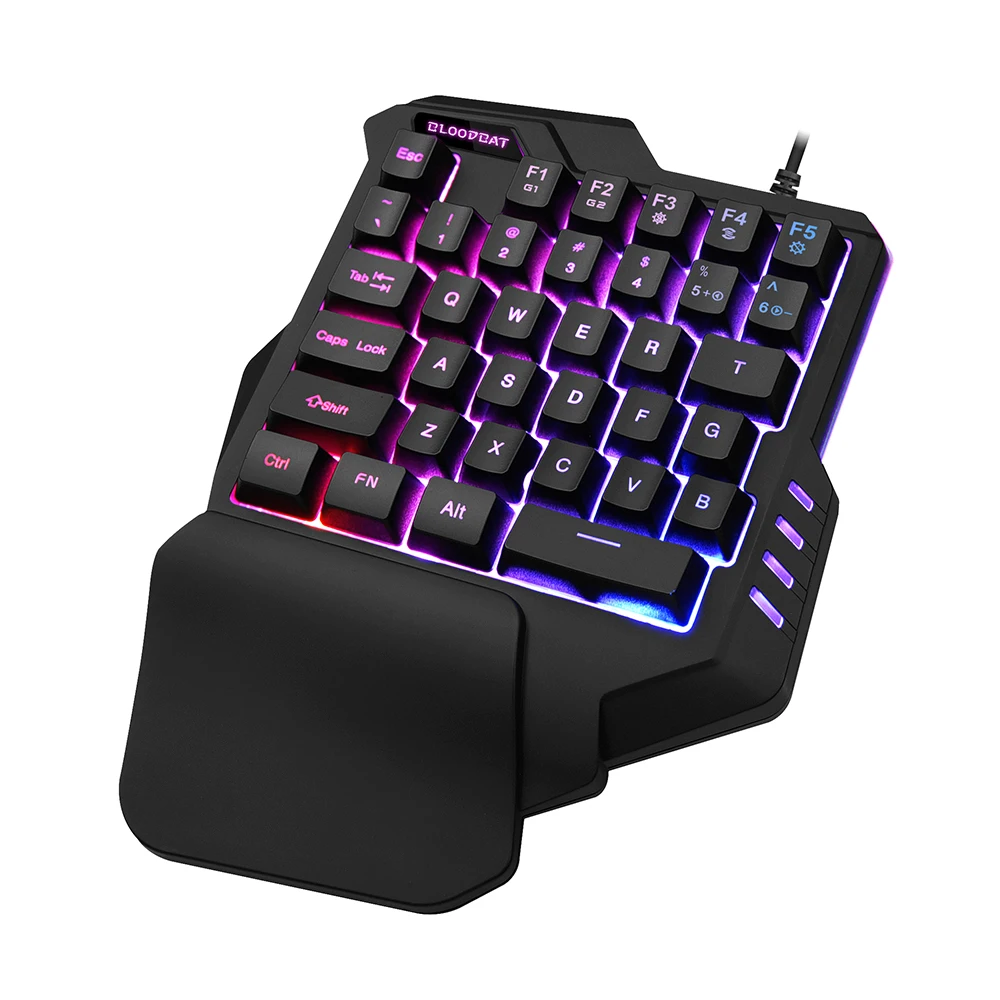
Number of keys: 35 keys
Work way: USB wired keyboard
Voltage and current: USB 5V-80mA
Braided wire: 180±5MM
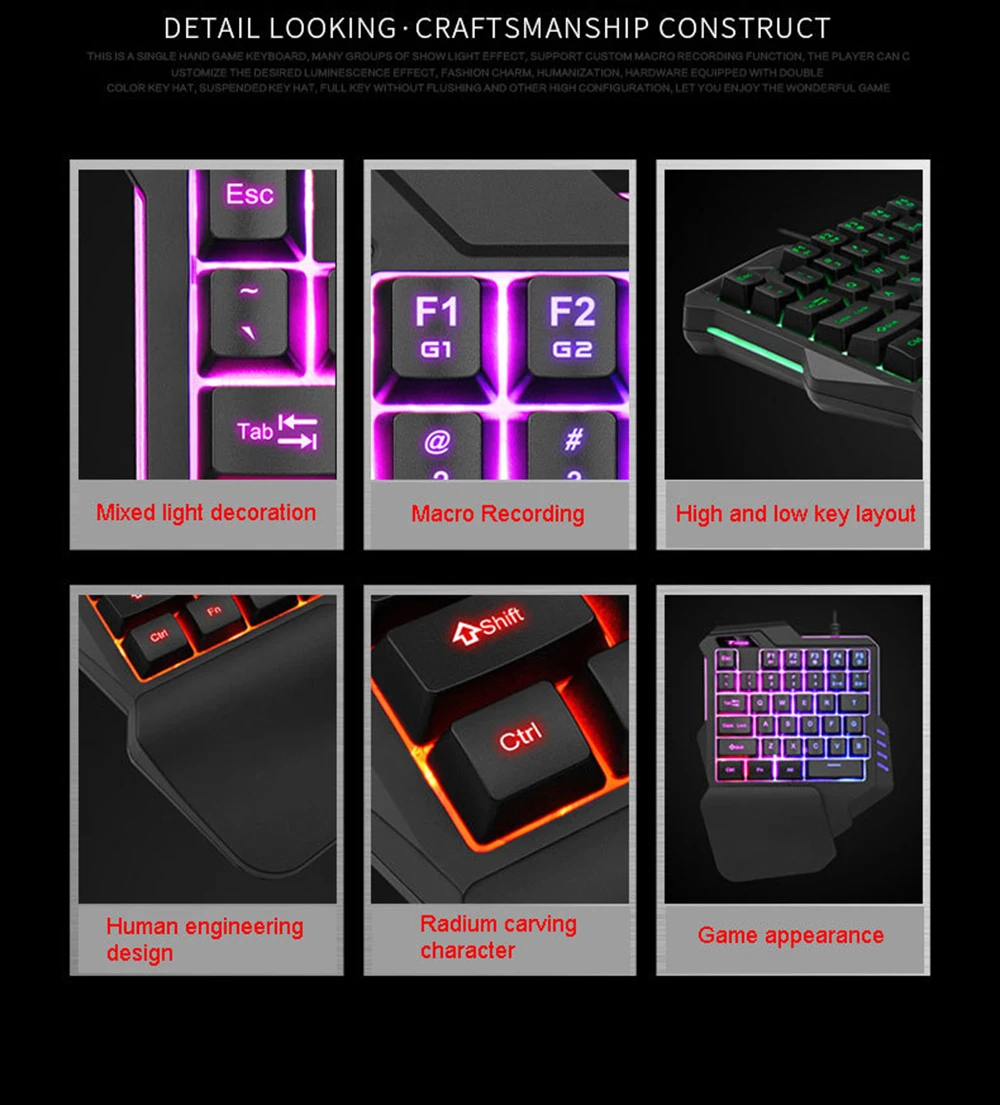
Craft: ABS word key laser carving
Button life: 10 million times
Text version: US Standard English
Colour: Black
Luminous color: RGB 7 Colors luminescence +
color mixing + streamer
Macro recording: G1 key G2 key two
Keyboard type: membrane
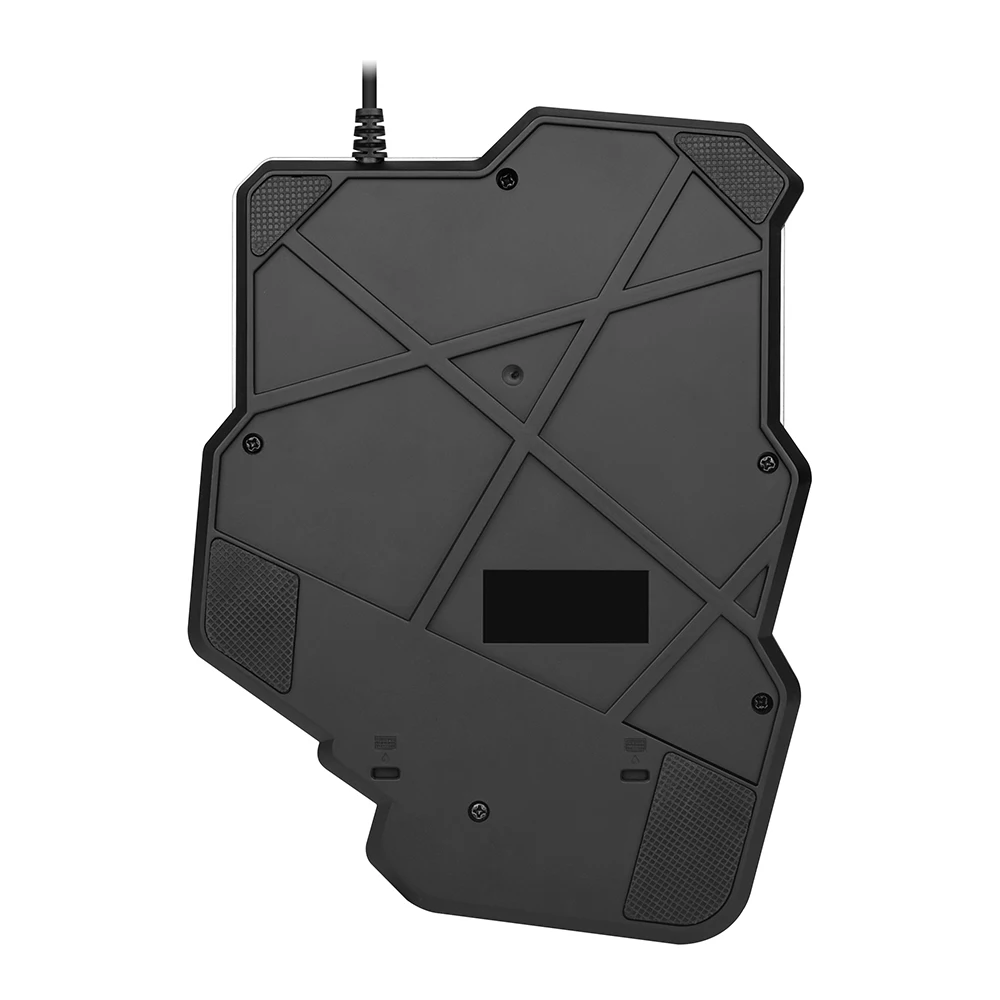
Product size: 173*230*37mm
Product weight: 420g
Keyboard function introduction:
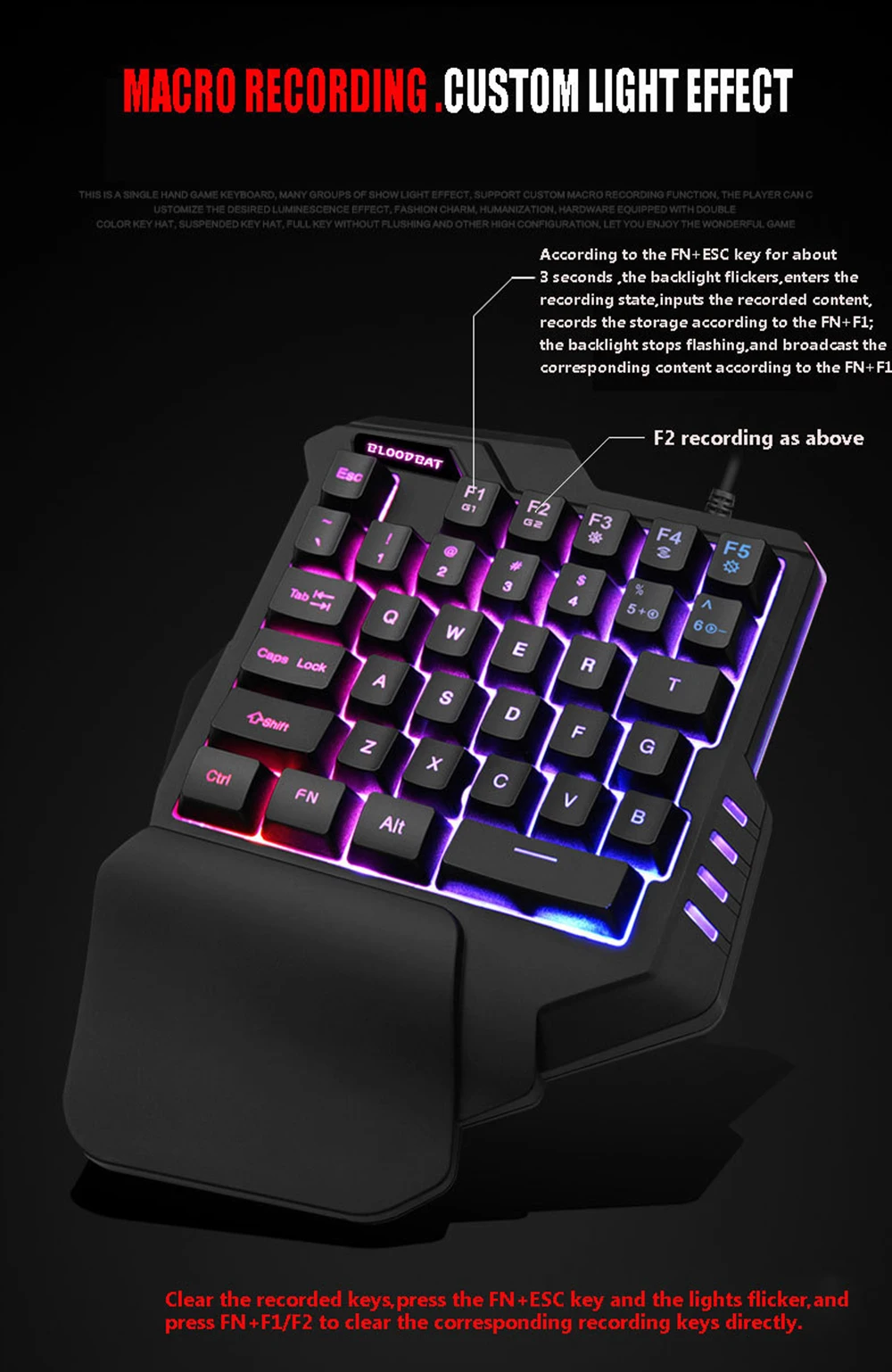
1.The F1/F2 key comes with two macro recording function keys.
(1).According to the FN+ESC key for about 3 seconds ,the backlight flickers,enters the recording state,inputs the recorded content,records the storage according to the FN+F1;the backlight stops flashing,and broadcast the corresponding content according to the FN+F1;
(2).The F2 recording keys are in the upper order;
(3).Clear the recorded keys,press the FN+ESC key and the lights flicker,and press FN+F1/F2 to clear the corresponding recording keys directly.
2.different types of language versions can be configured according to the needs of customers.
3.Allow the keyboard to run on windows2000,WinXP,Win Me ,Vista,Win7/8/10,Android,Linux,Apple and other operating systems.
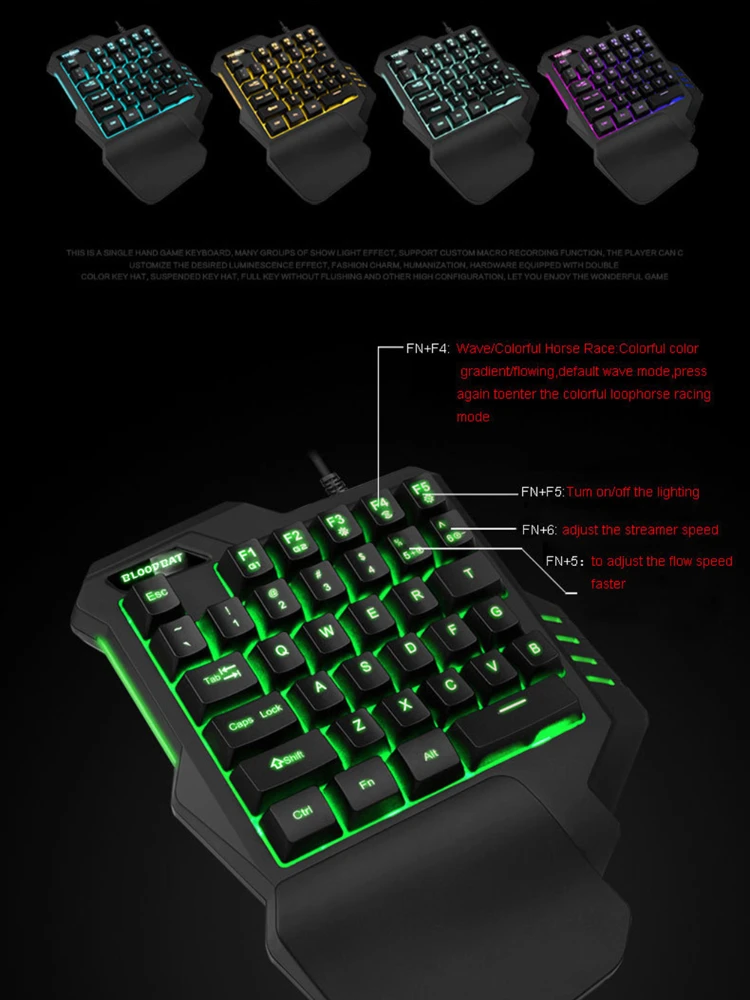
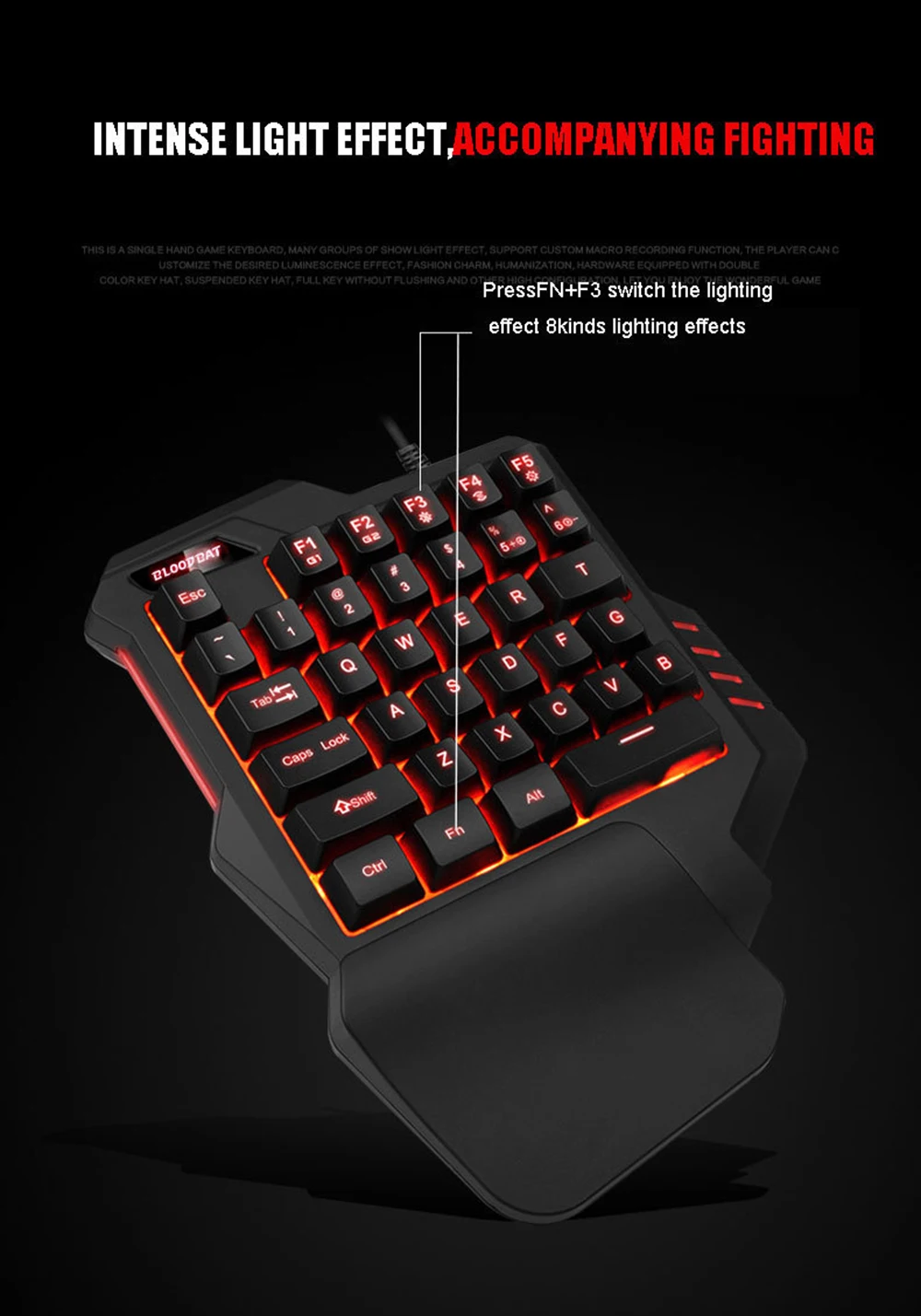
4.Support various kinds of super dazzling backlight effects as follows.
(1)press FN+F3 button:seven monochromatic and one mixed color light cycle switching.
(2)press FN+F4 button:Wave/Color lights Racing Horse:Color lights Gradient Flowing Water,Default Wave Mode.Press again to enter Color lights Circular Racing Horse Mode.
(3)press FN+F5 button:backlight off/turn on,cycle switching.
(4)Adjust the speed of the streamer according to the FN+5key
(5)Adjust the speed of the streamer according to the FN+6key
Specification:
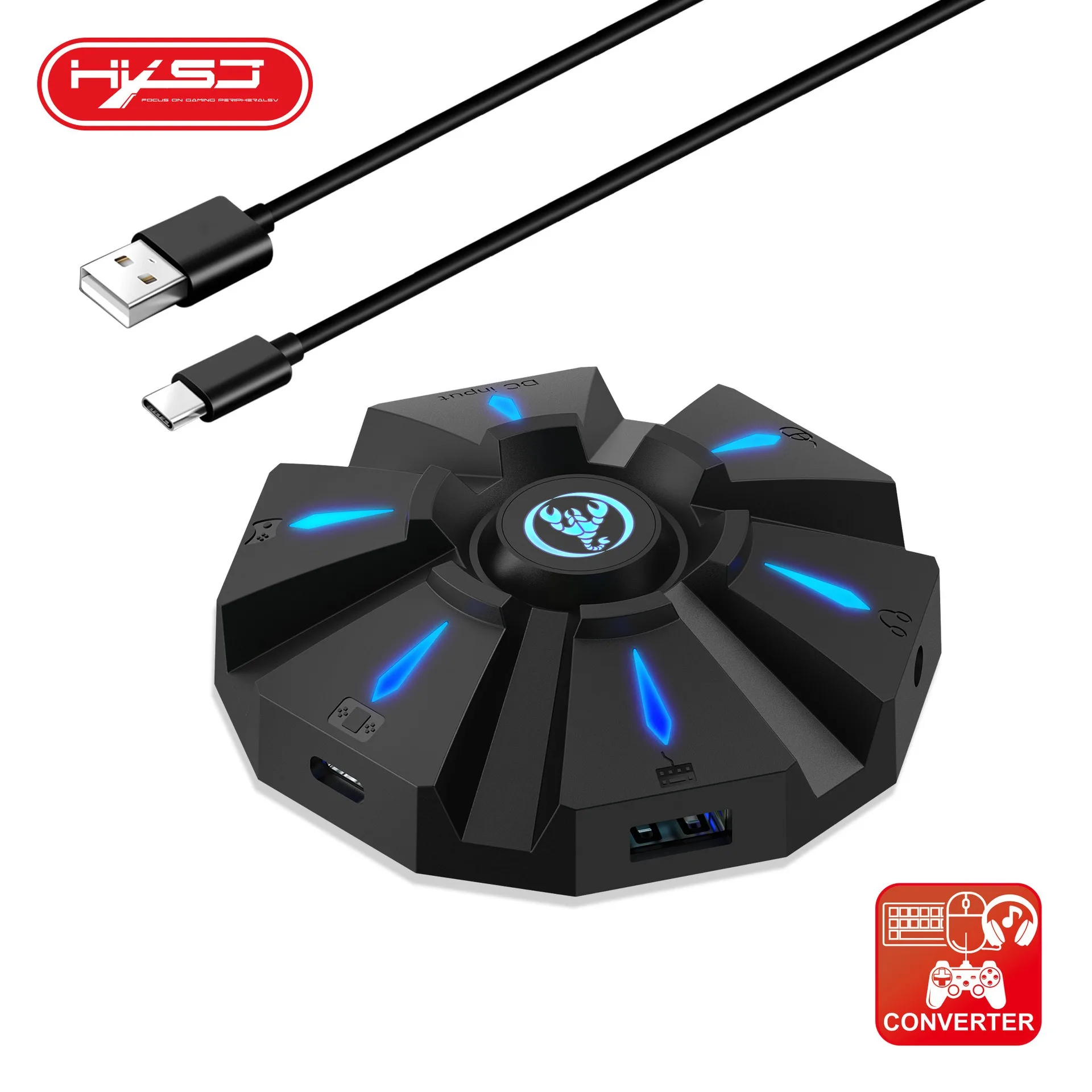
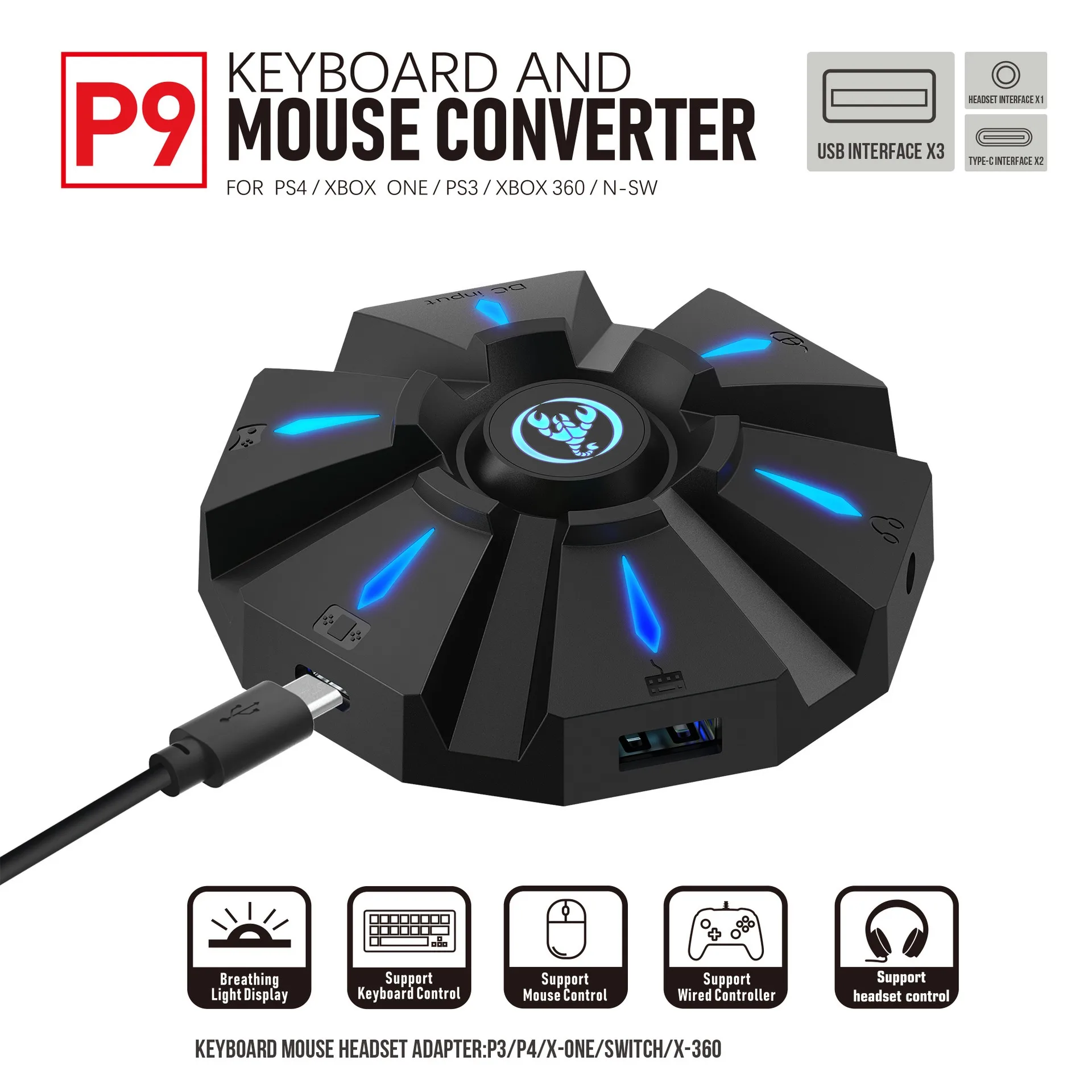
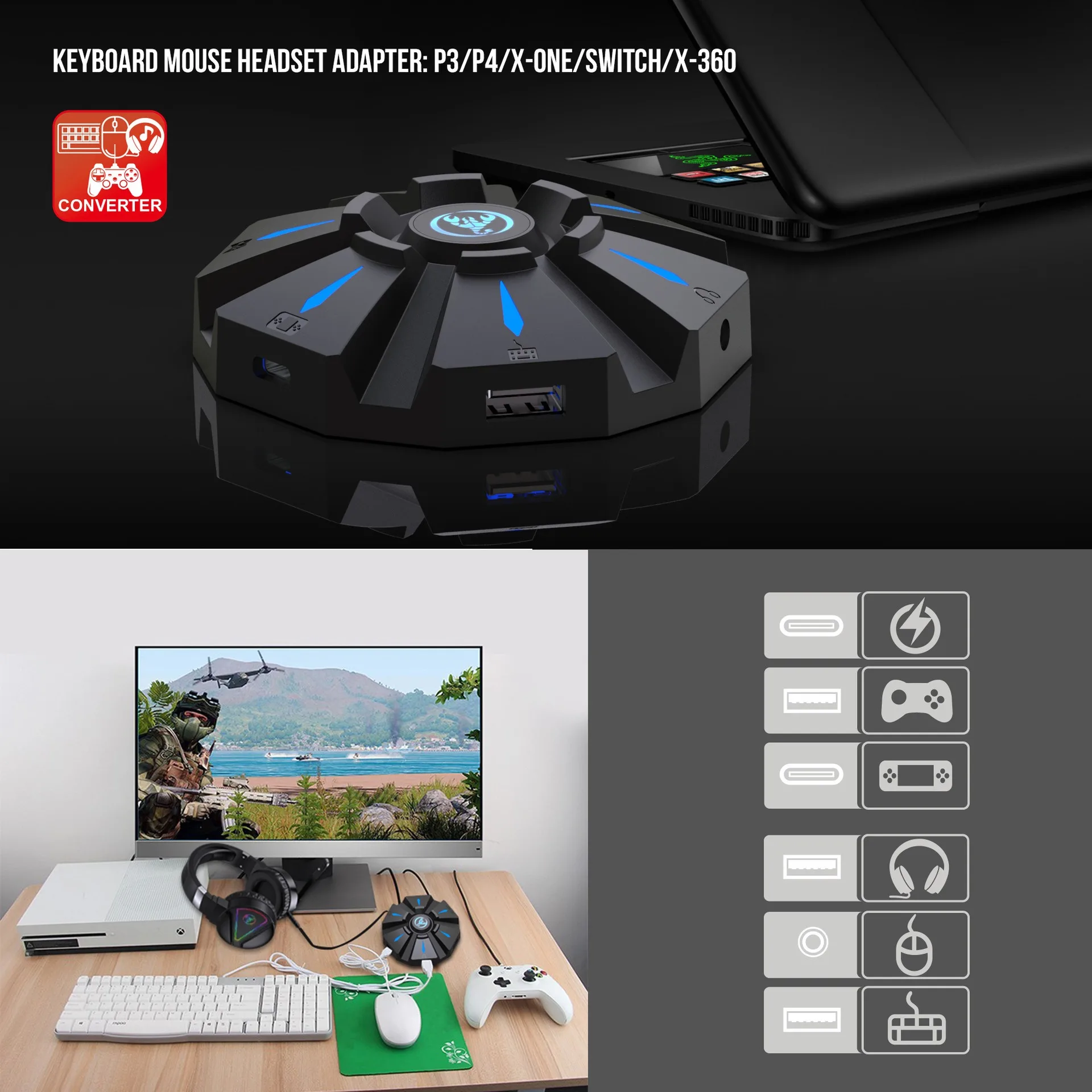
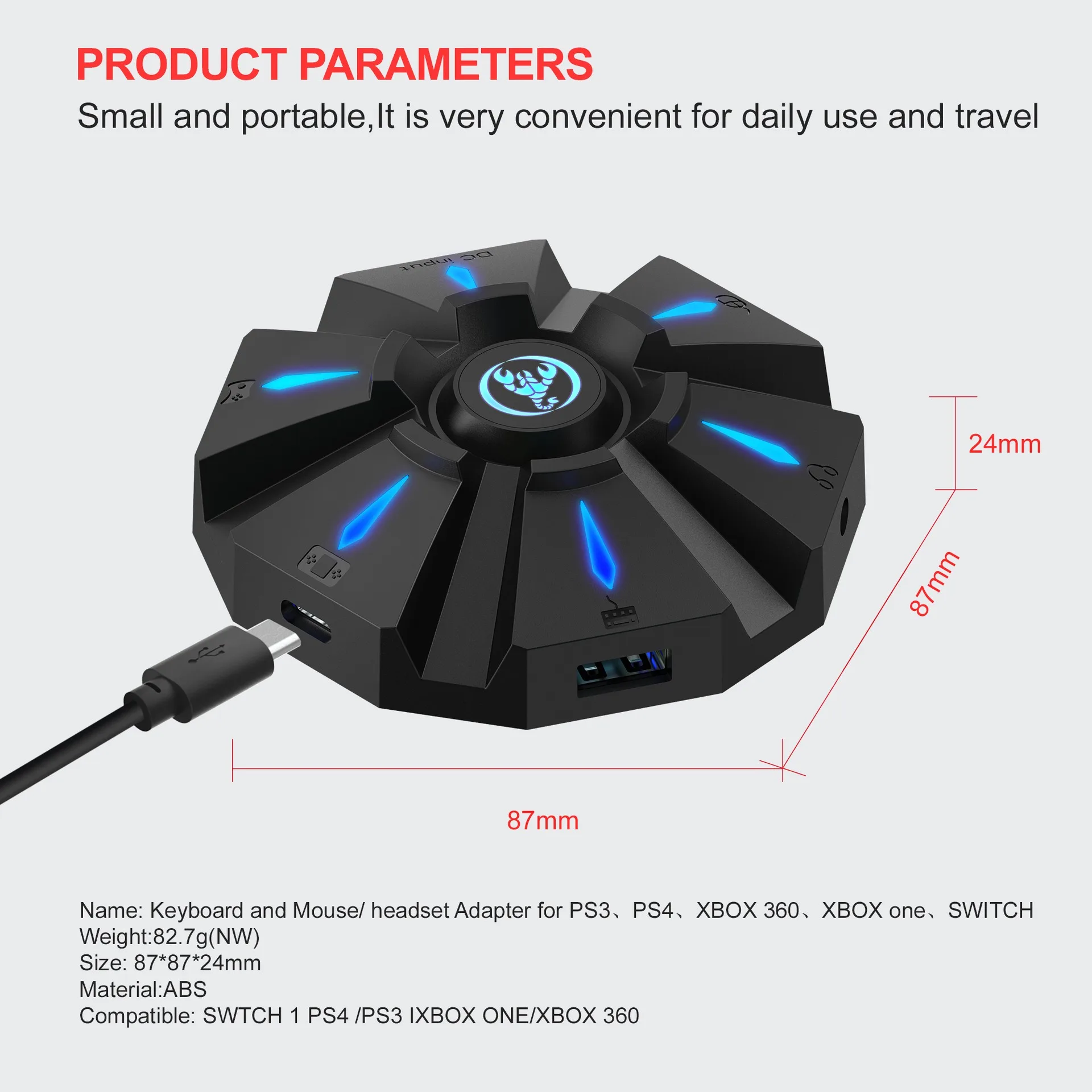
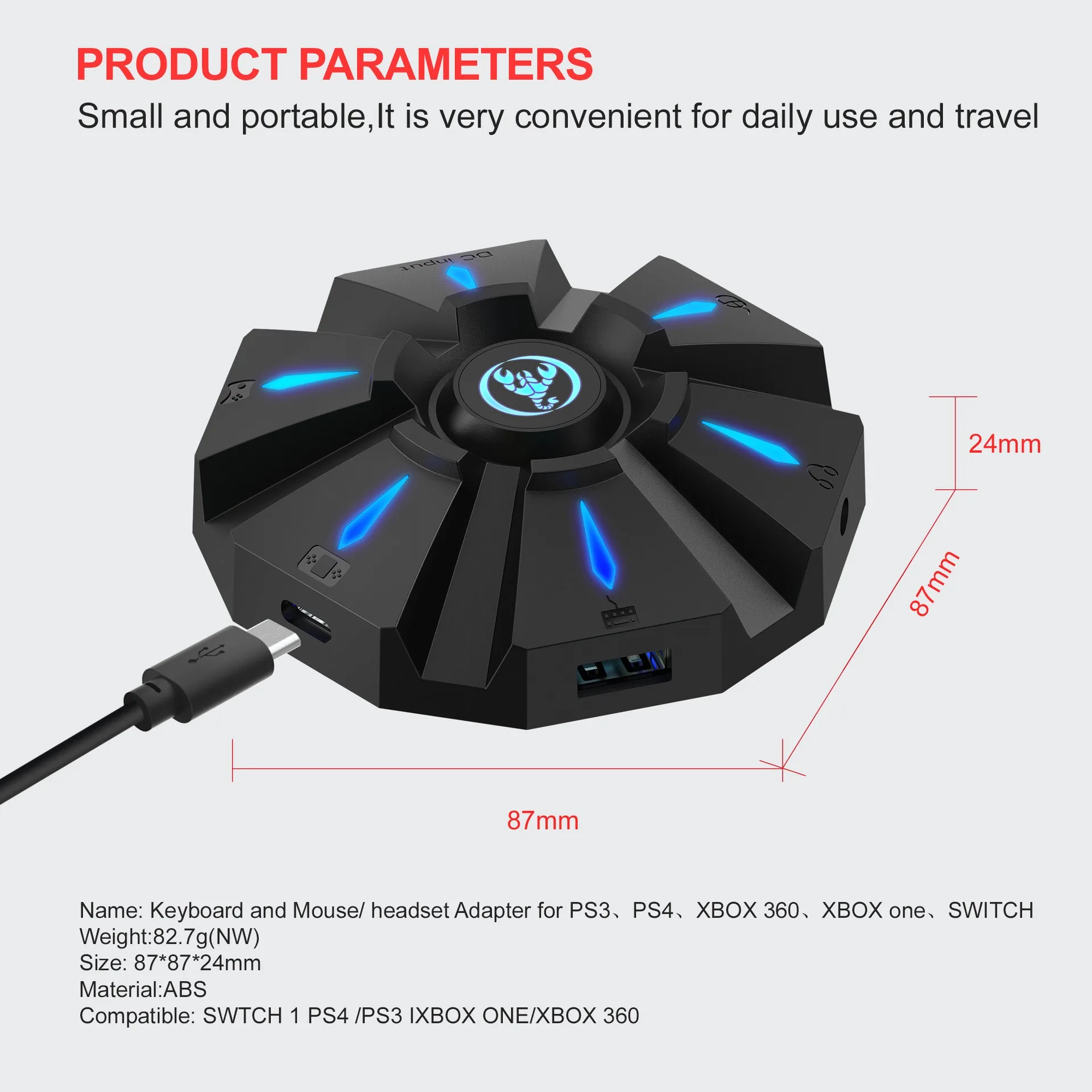
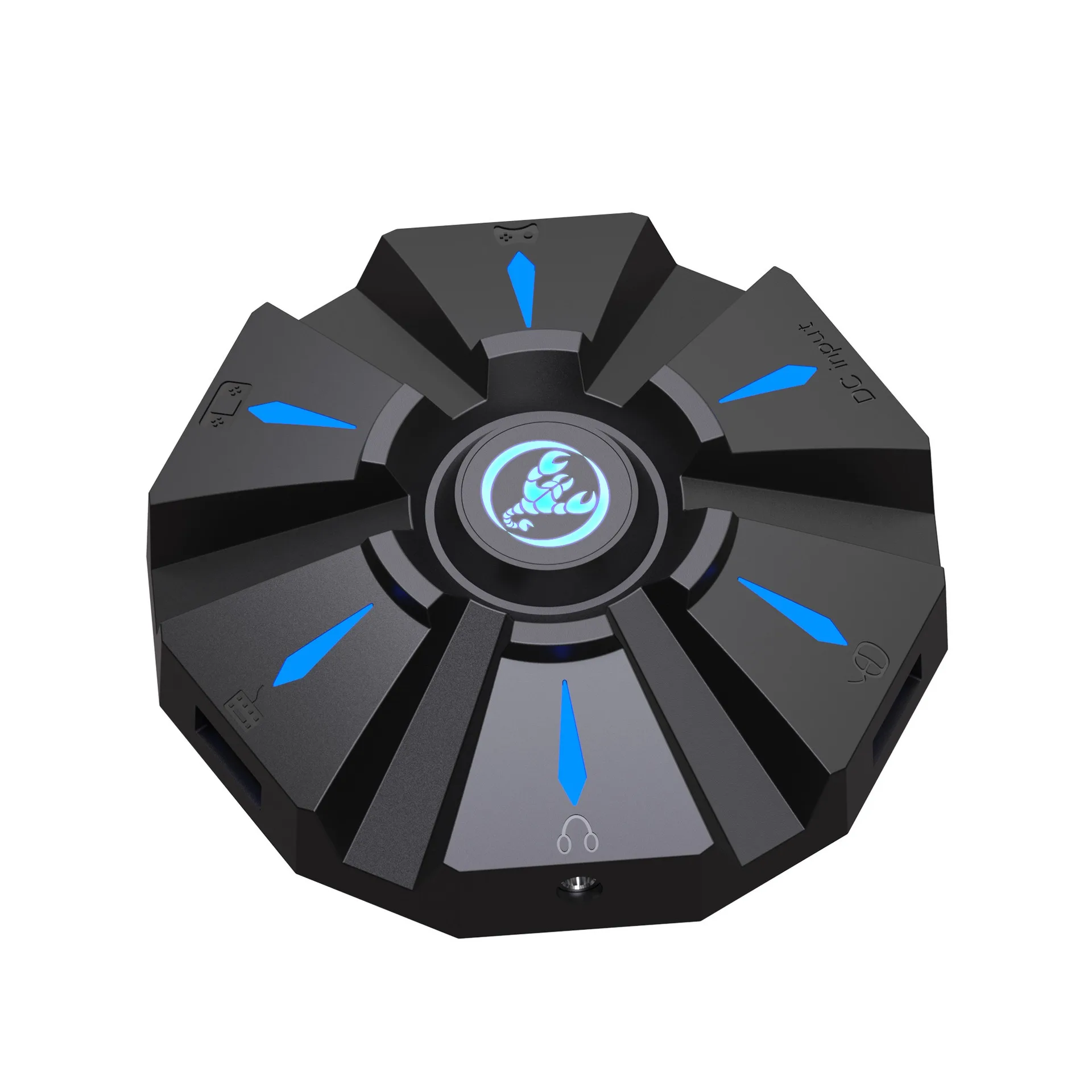
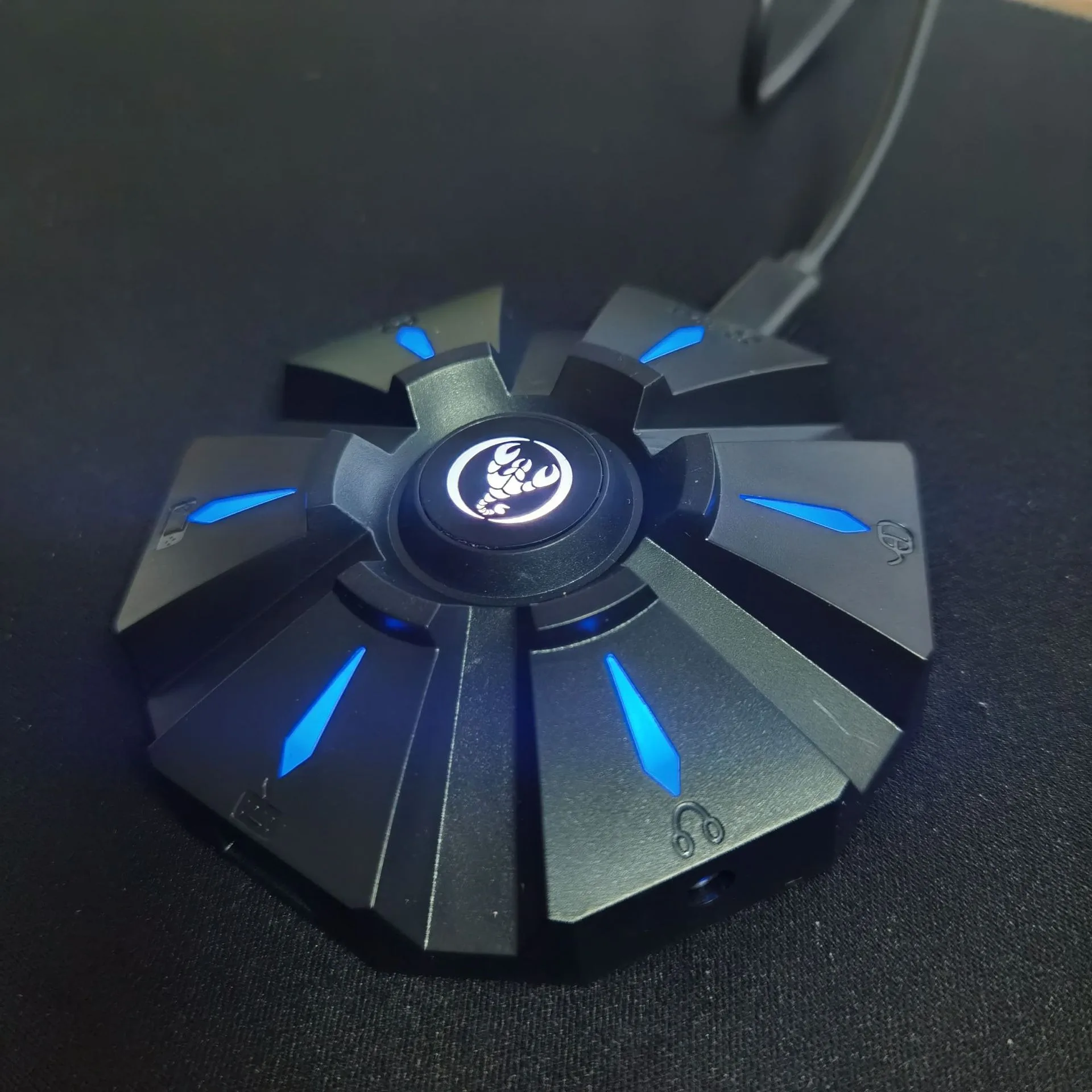
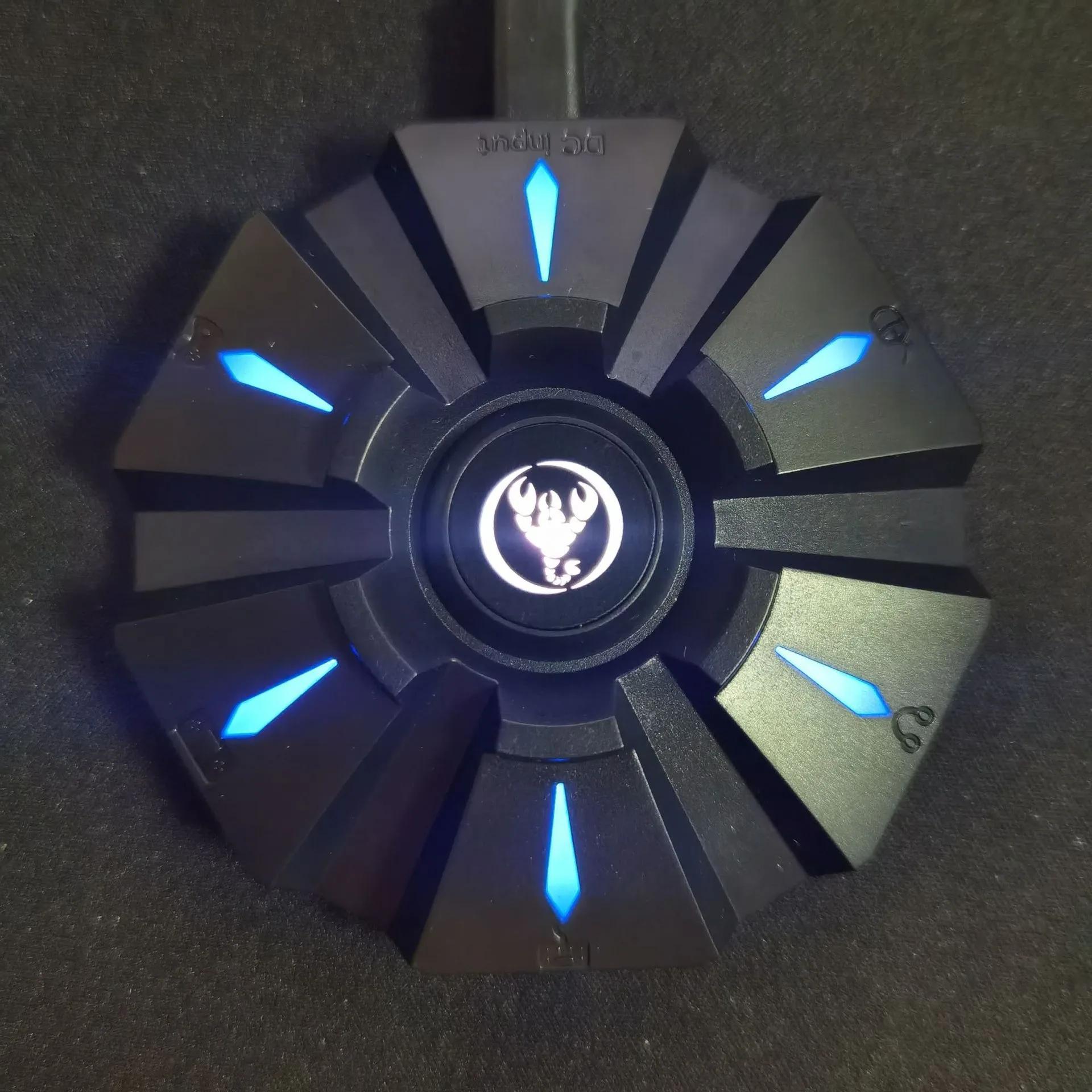
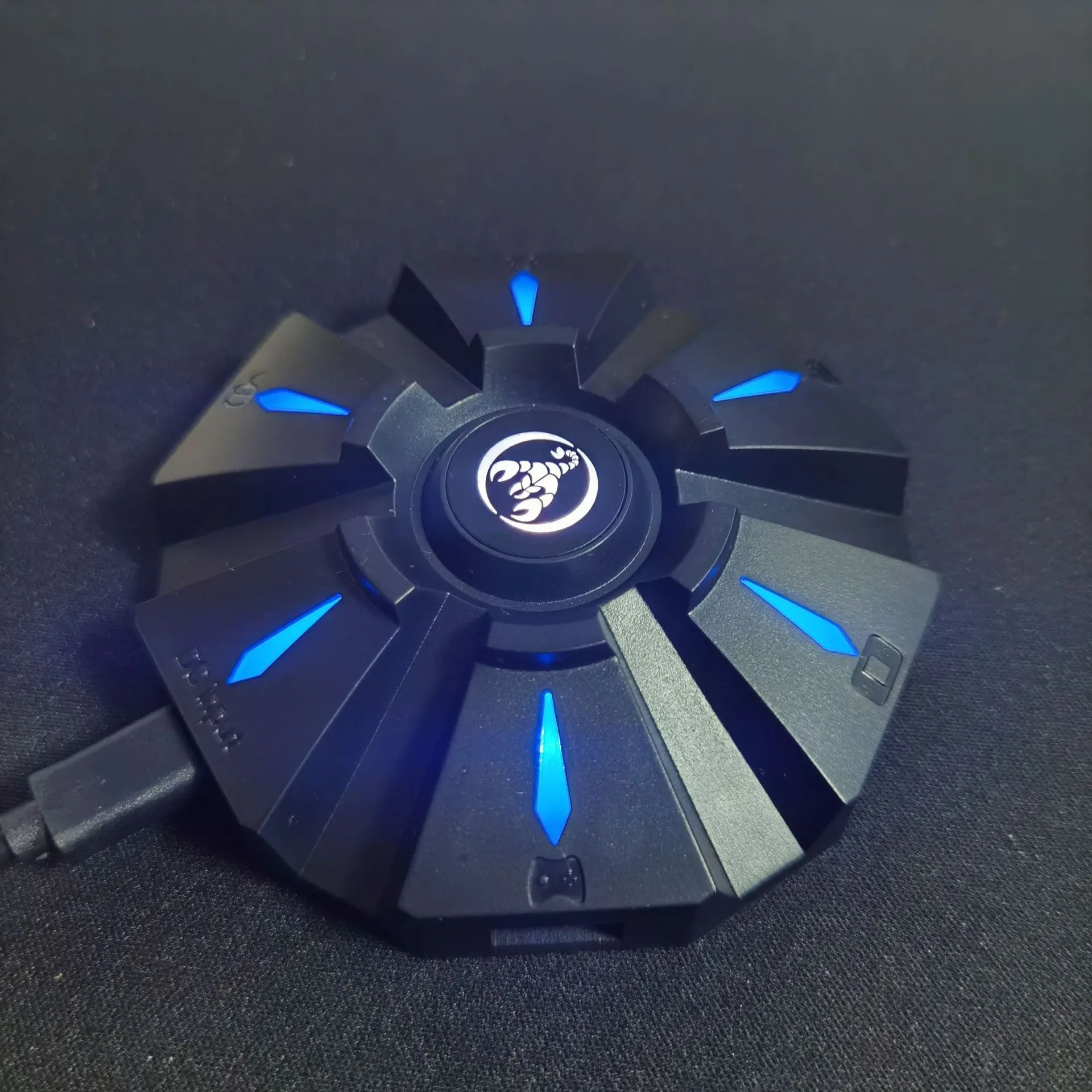
Item name: Keyboard mouse converter
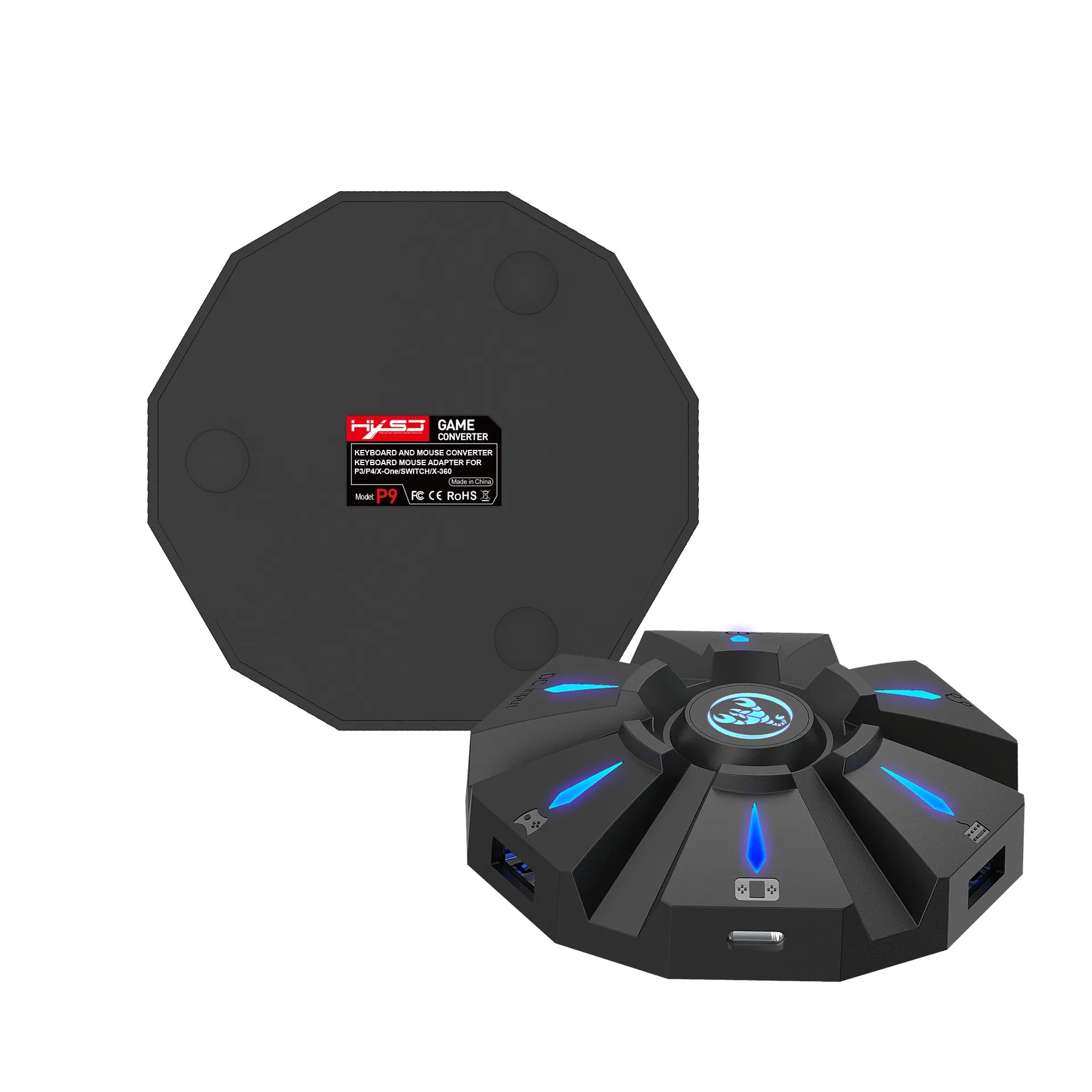
Brand/Model: HXSJ/P9
Color: Black
Material: ABS
Product interface:TYPE-C charging interface
Rated voltage / current: DC 5V / 100mA
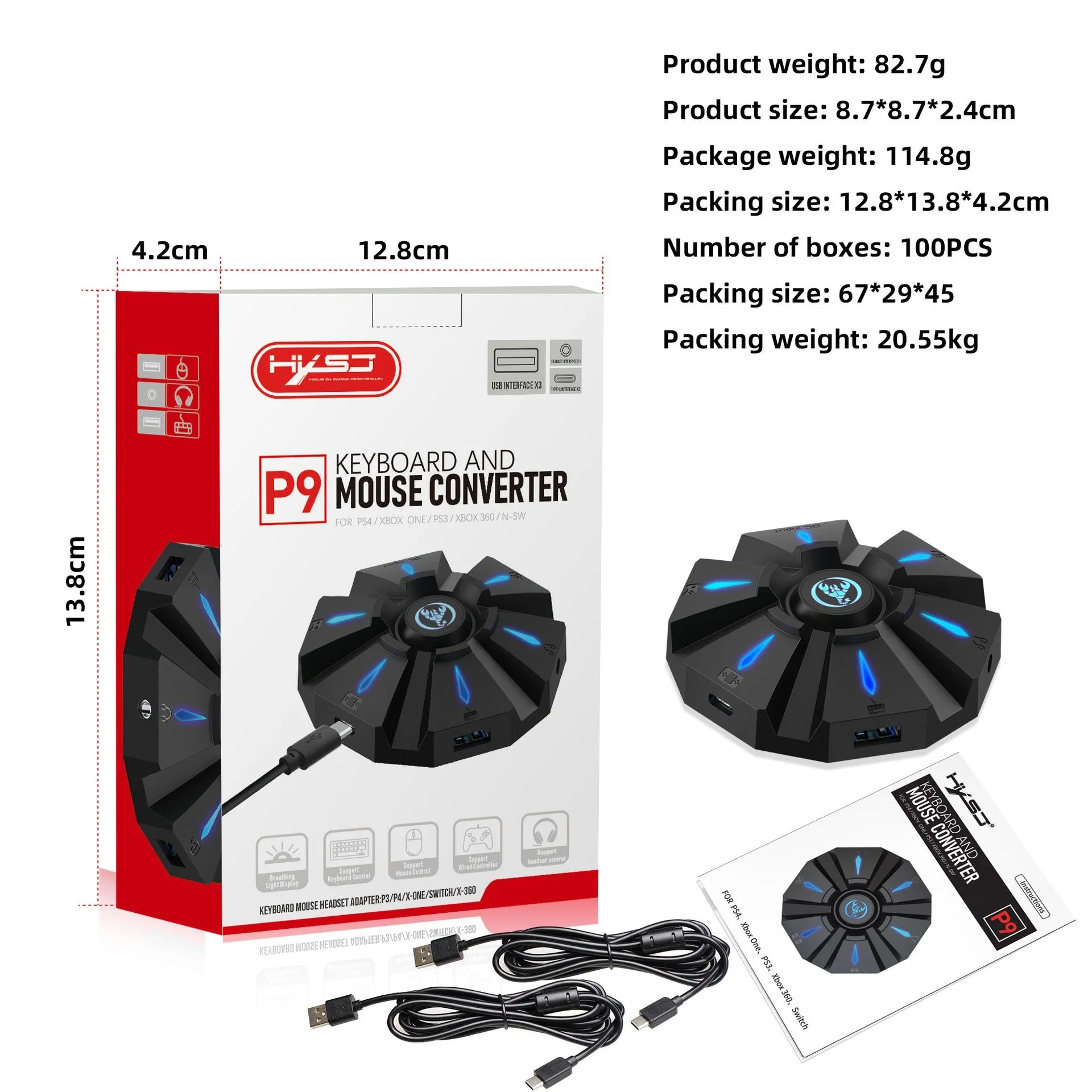
Product weight: 83g
Product size: 8.7*8.7*2.4cm
Package weight: 197g
Packing size: 12.8*13.8*4.2cm
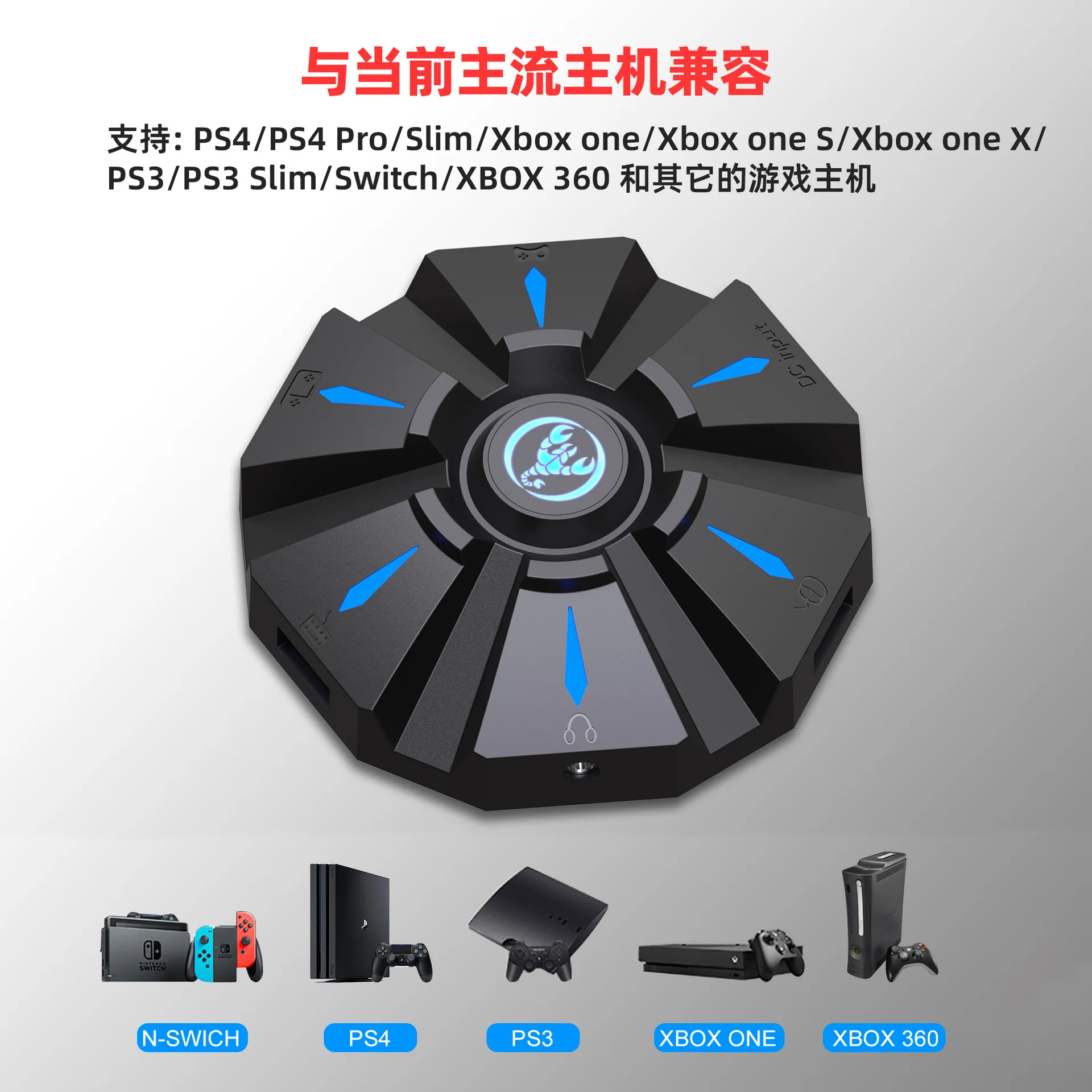
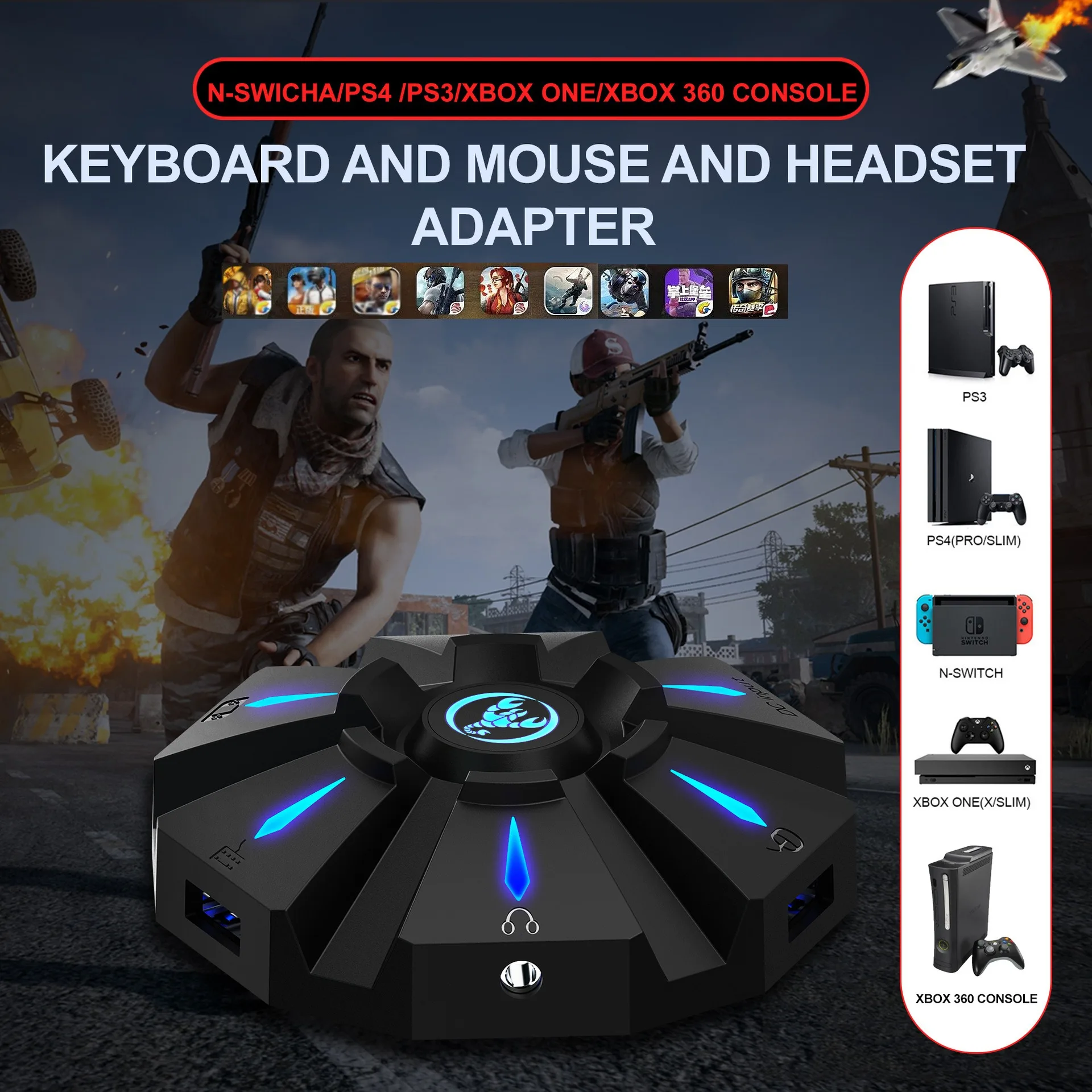
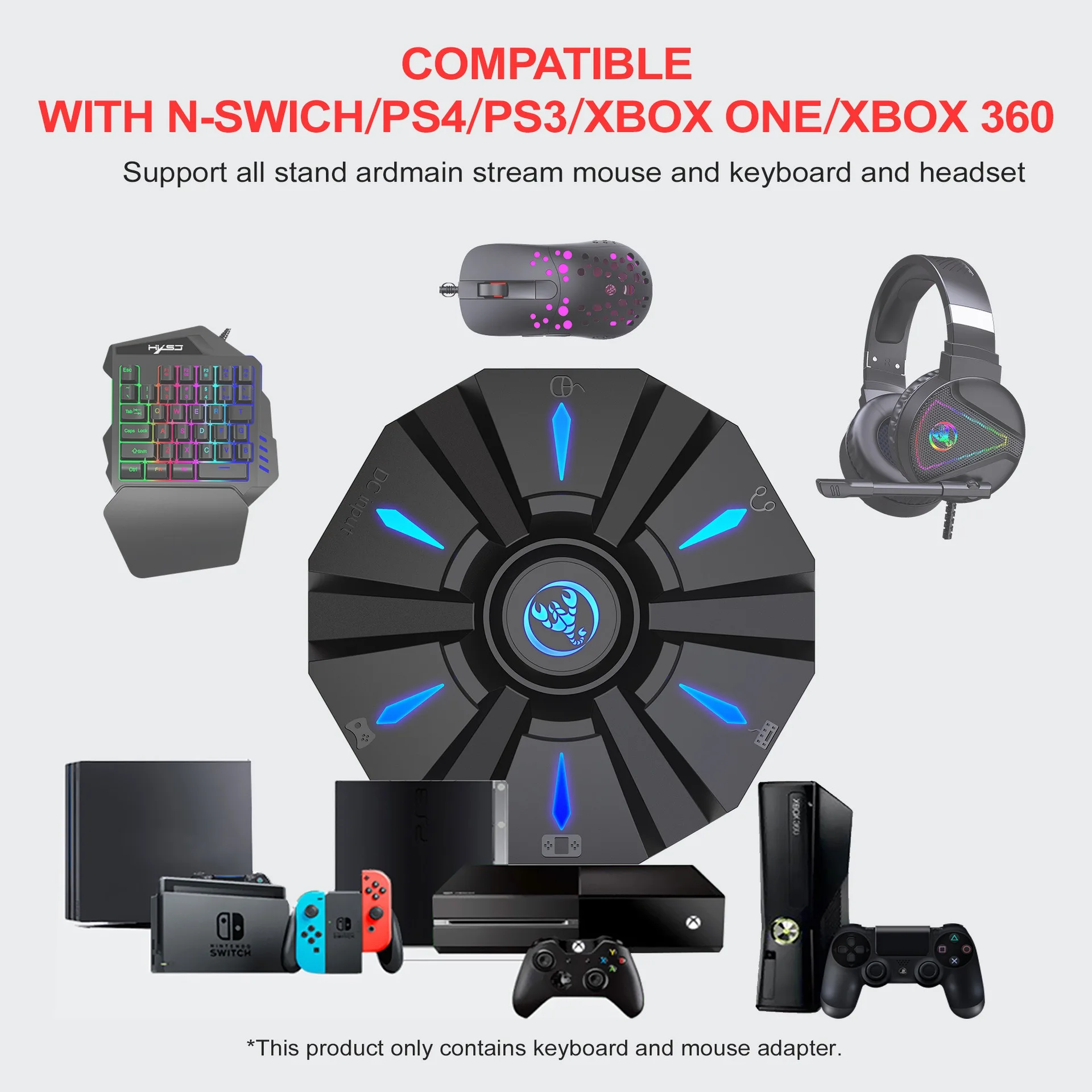
Suitable game consoles: PS4, Xbox One, PS3, Xbox 360, N-Switch
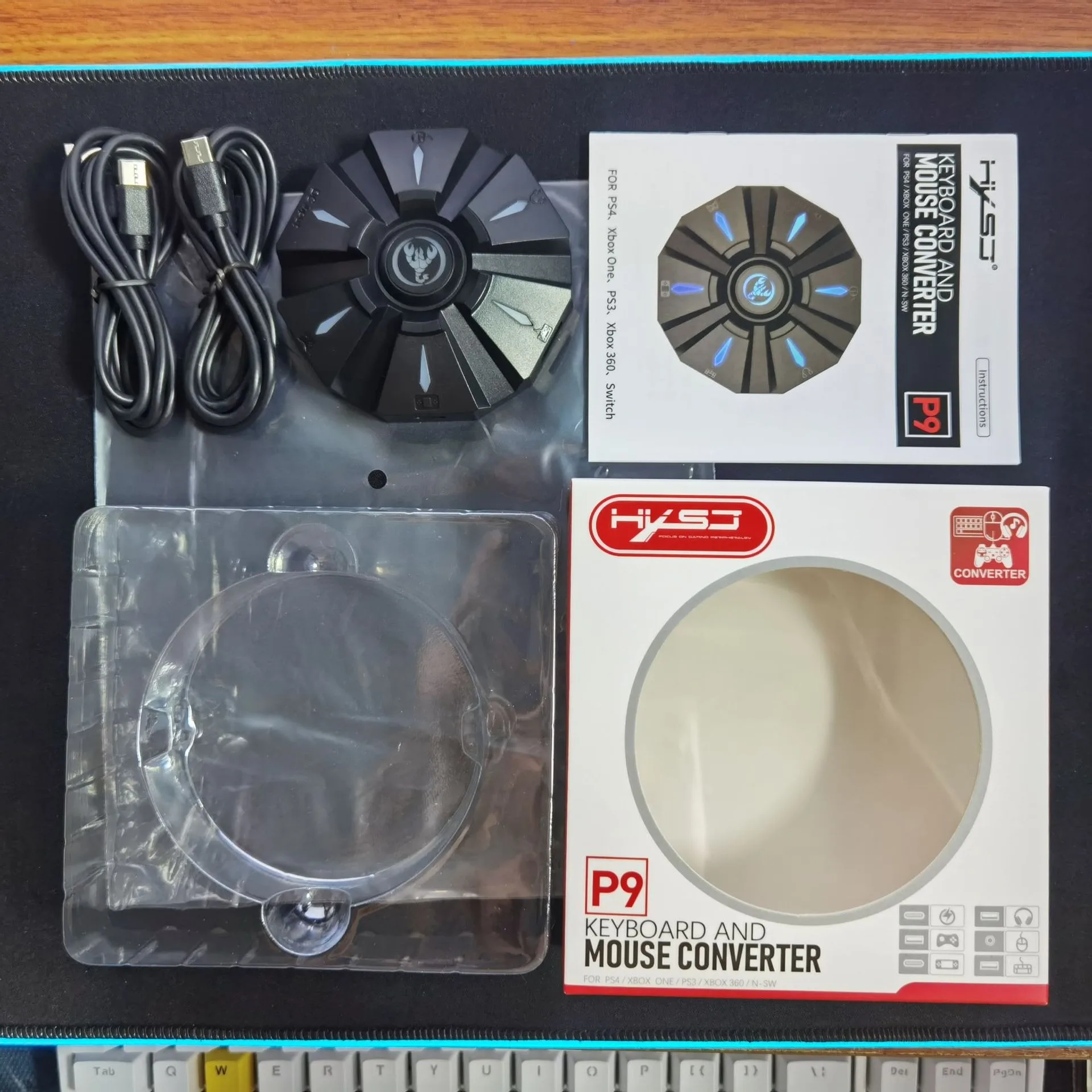
Packing list:
1 * Keyboard mouse converter
1 * User manual
2*TYPE-C Data cable charging cable (100cm length)
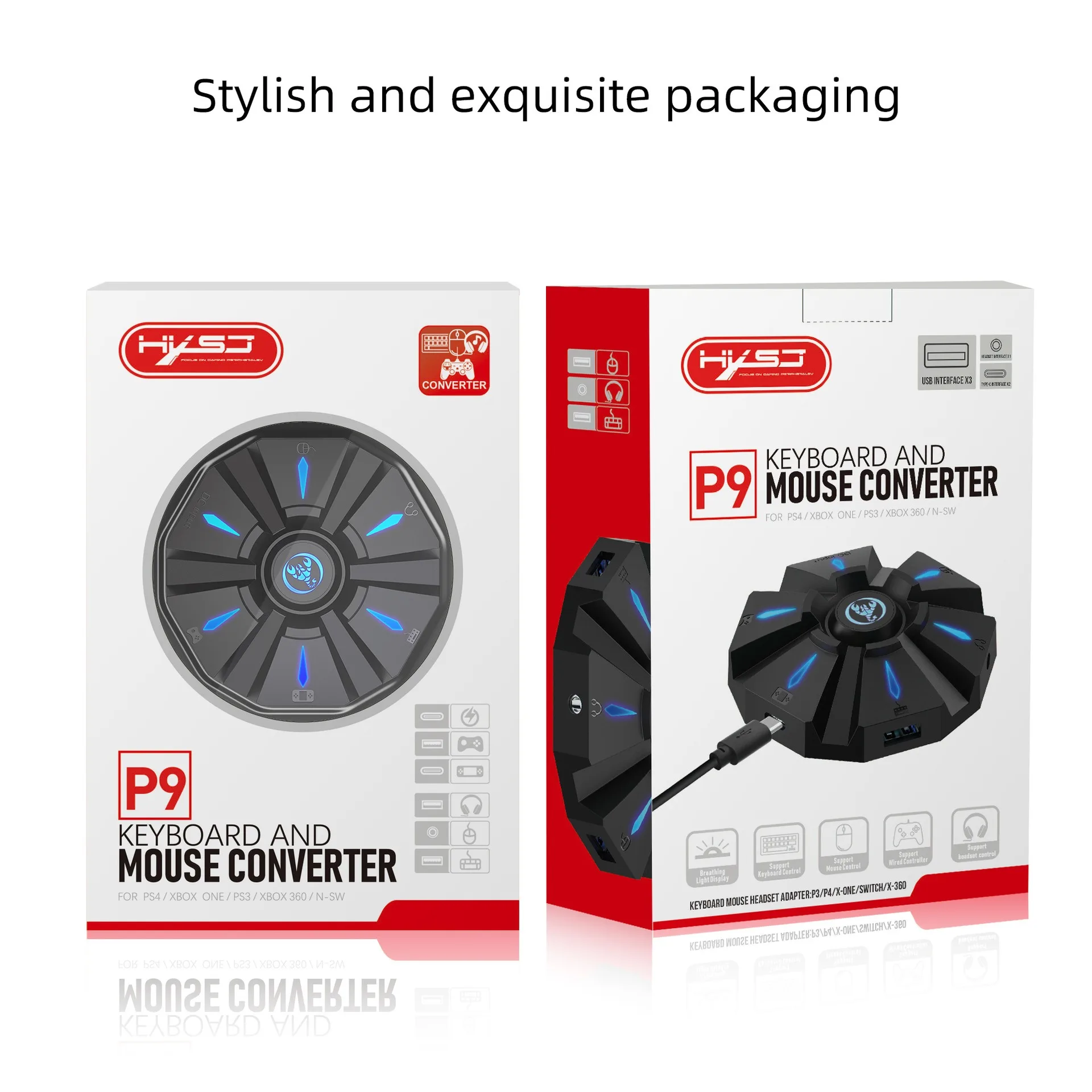
1*Color box English packaging
PRODUCT CONNECTION INSTRUCTIONS:
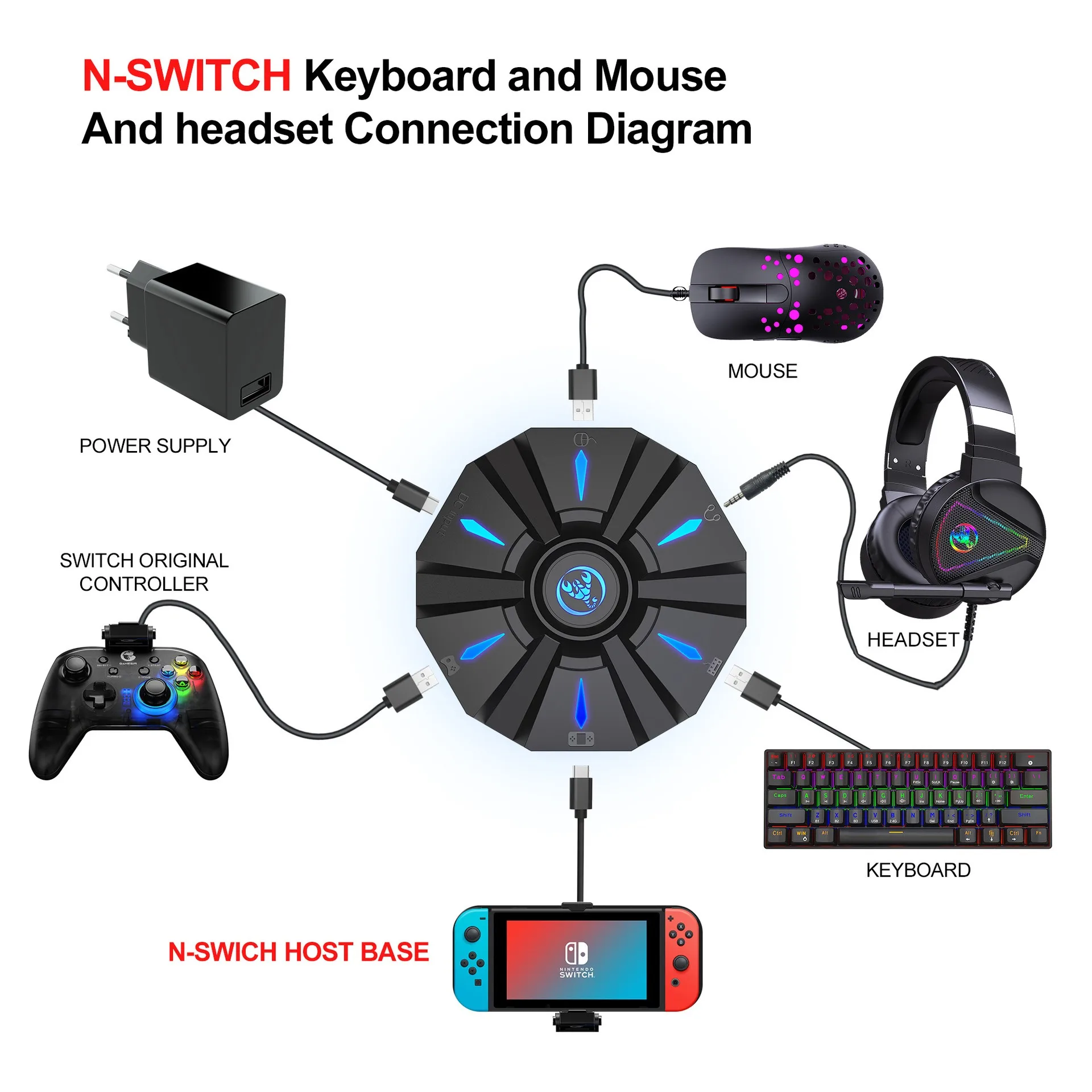
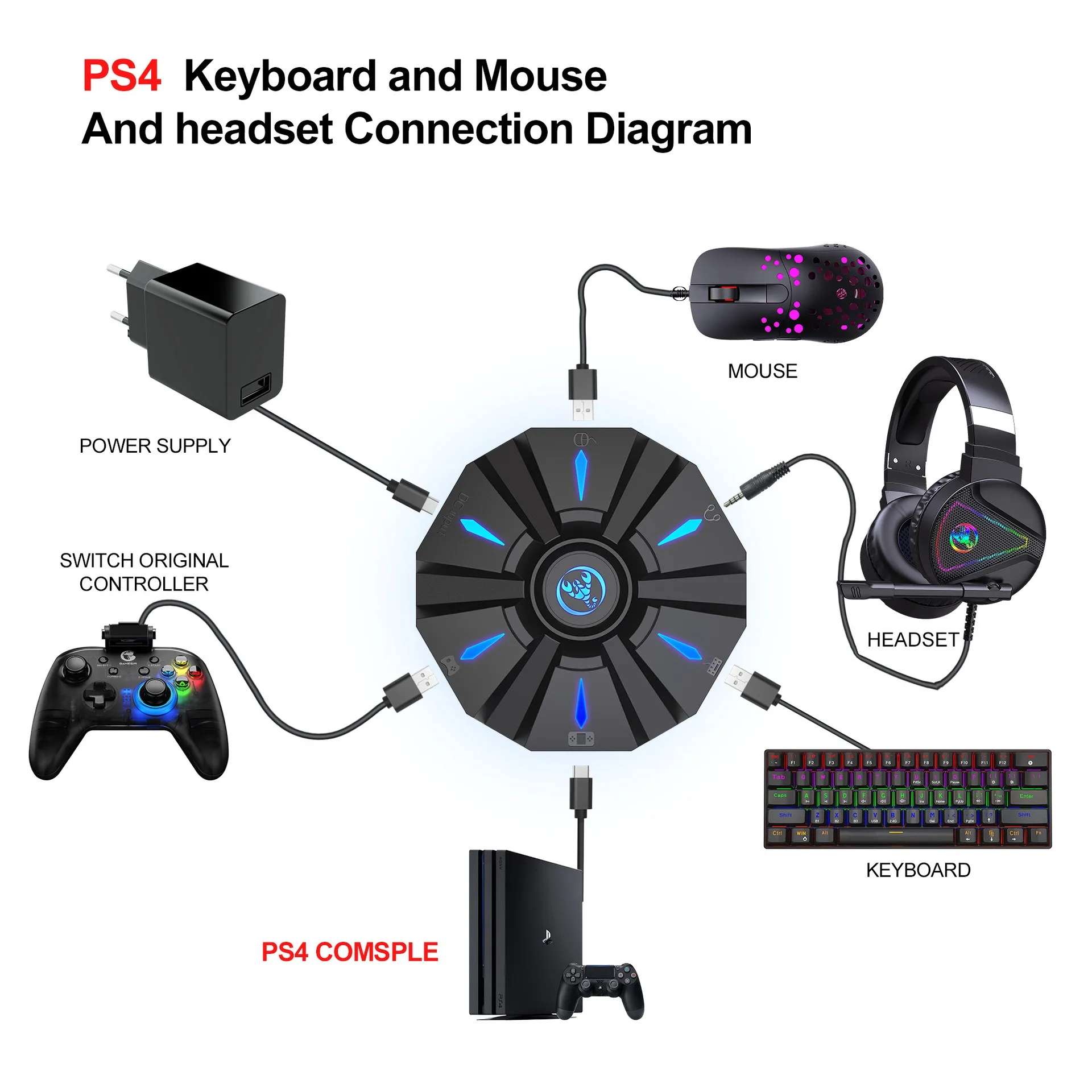
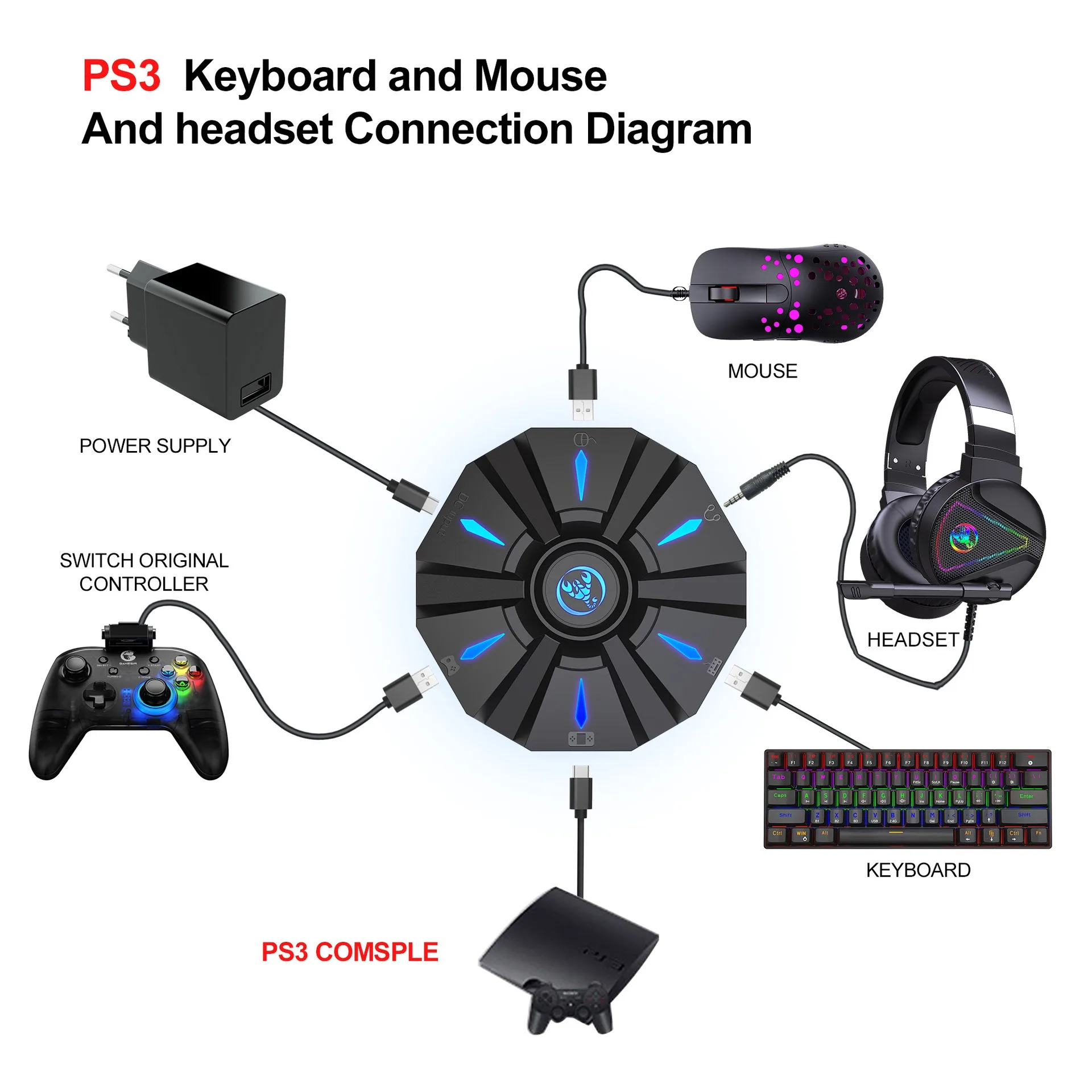
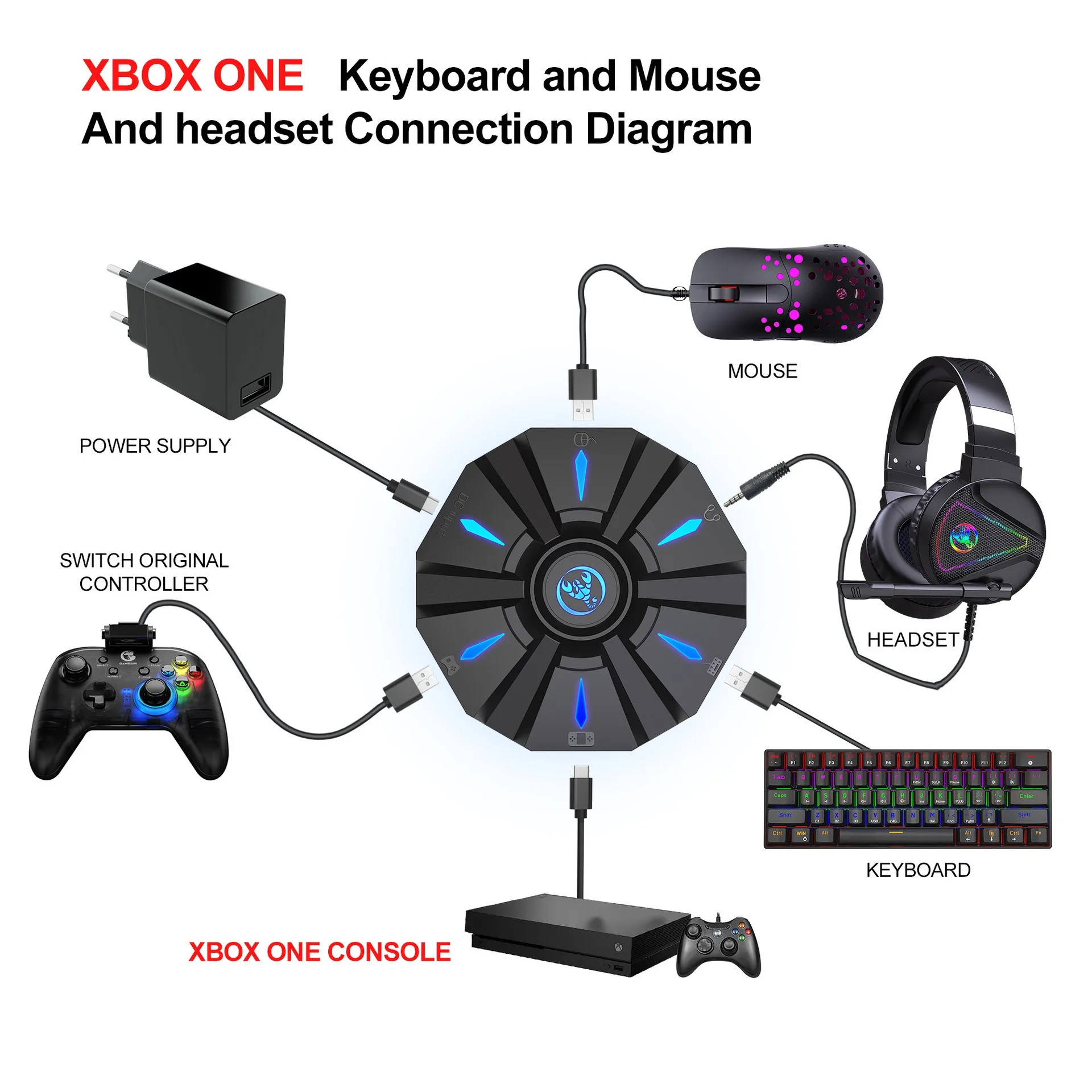
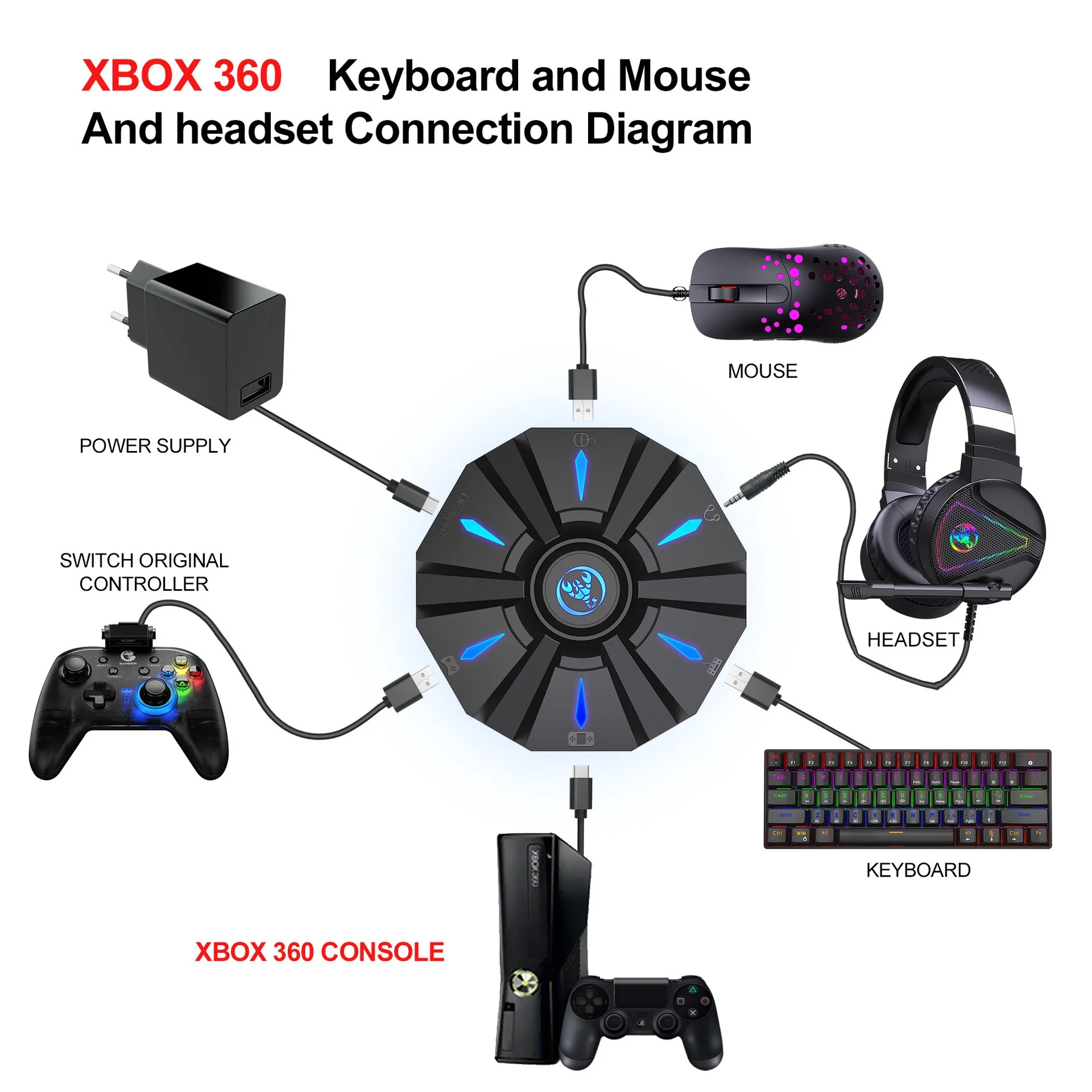
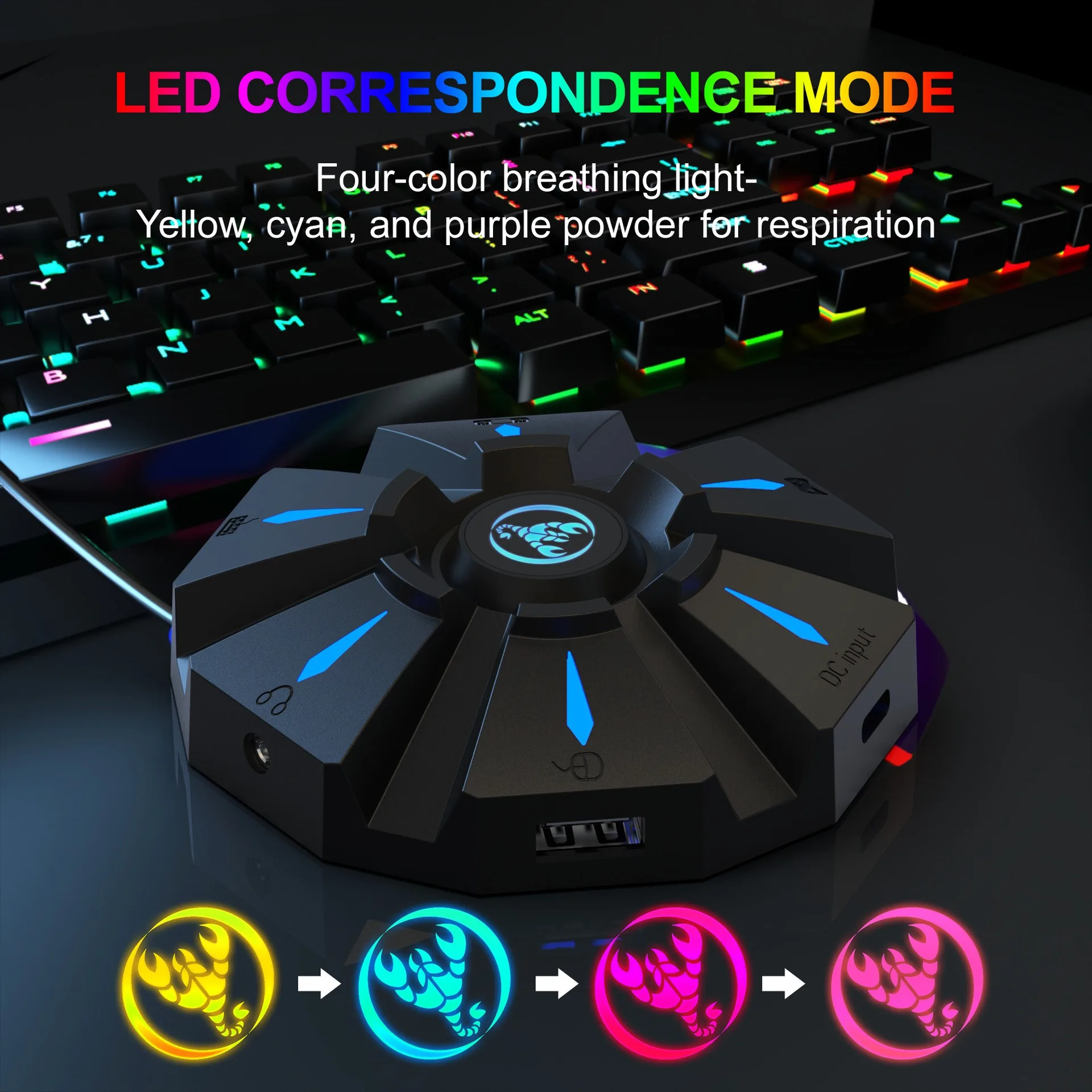
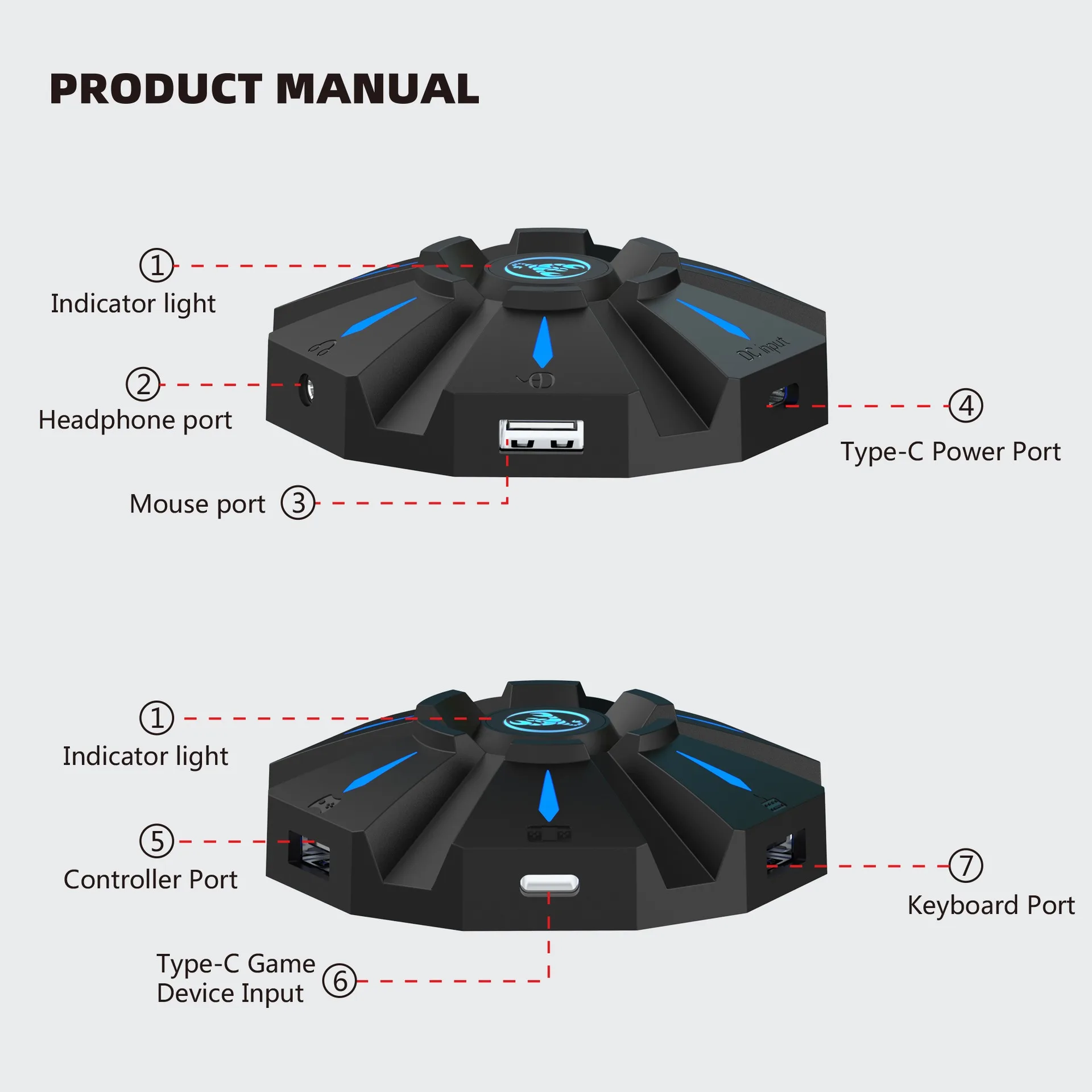
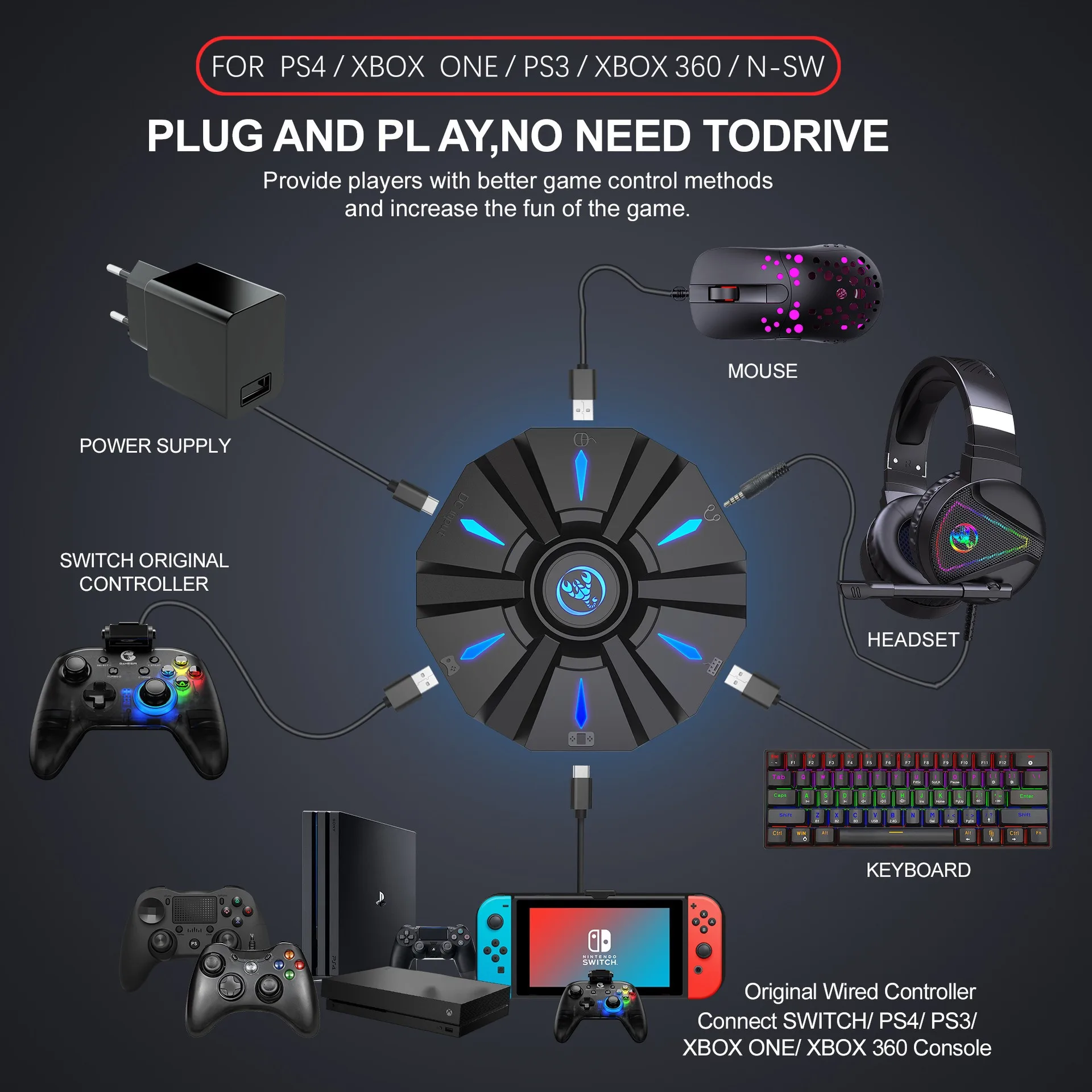
Start the console and connect the adapter via an USB TYPE-C data cable ( USB port plug to the console, TYPE-C port plug to the converter) then LED white light.Plug the original wired controller to guide the yellow LED light.Insert the keyboard then LED red light ;insert the mouse then LED green light.After all connected,the LED will breathe in circulation from yellow,cyan,purple and pink.
SETTING INSTRUCTIONS:
1、Set Keyboard And Mouse Functions
■Press the keyboard ESC + SPACE (space bar) at the same time to enter the function mode of setting the keyboard and mouse buttons (LED blue light)
■Press and hold the function button you want to set on the original controller, then press the button on the keyboard or mouse you want to set, and release the button on the original controller and the button on the keyboard or mouse.
■After the setting is completed, press ESC + SPACE on the keyboard to save the current setting and exit the setting mode.
■For example: press ESC + SPACE (space bar) to enter the setting mode, press and hold the original SWITCH controller A key, and then press the keyboard F key to release the original SWITCH controller A key. The function of the controller A key.
2、Note On Keyboard And Mouse Setting Functions:
■During the setting process, if you do not hold down the original controller function key or joystick to the end, the original set function of the keyboard or mouse will be cleared
■When setting the functions of the original joystick left and right to the keyboard, the direction of the joystick must be pushed to the end, and only the four directions of the joystick up, down, left, and right can be set.
■For the setting of the mouse, when the original joystick direction must be pushed to the end, the mouse slides in the corresponding direction, and the mouse only supports the corresponding function of the left and right joystick directions.
■Original controller cross key supports 8 directions setting
3、Mouse Speed Adjustment:
■The product supports mouse movement speed adjustment, the default is the third gear.
■Shaft speed adjustment: ESC + CAPSLOCK+A/ S/ D/ F / G
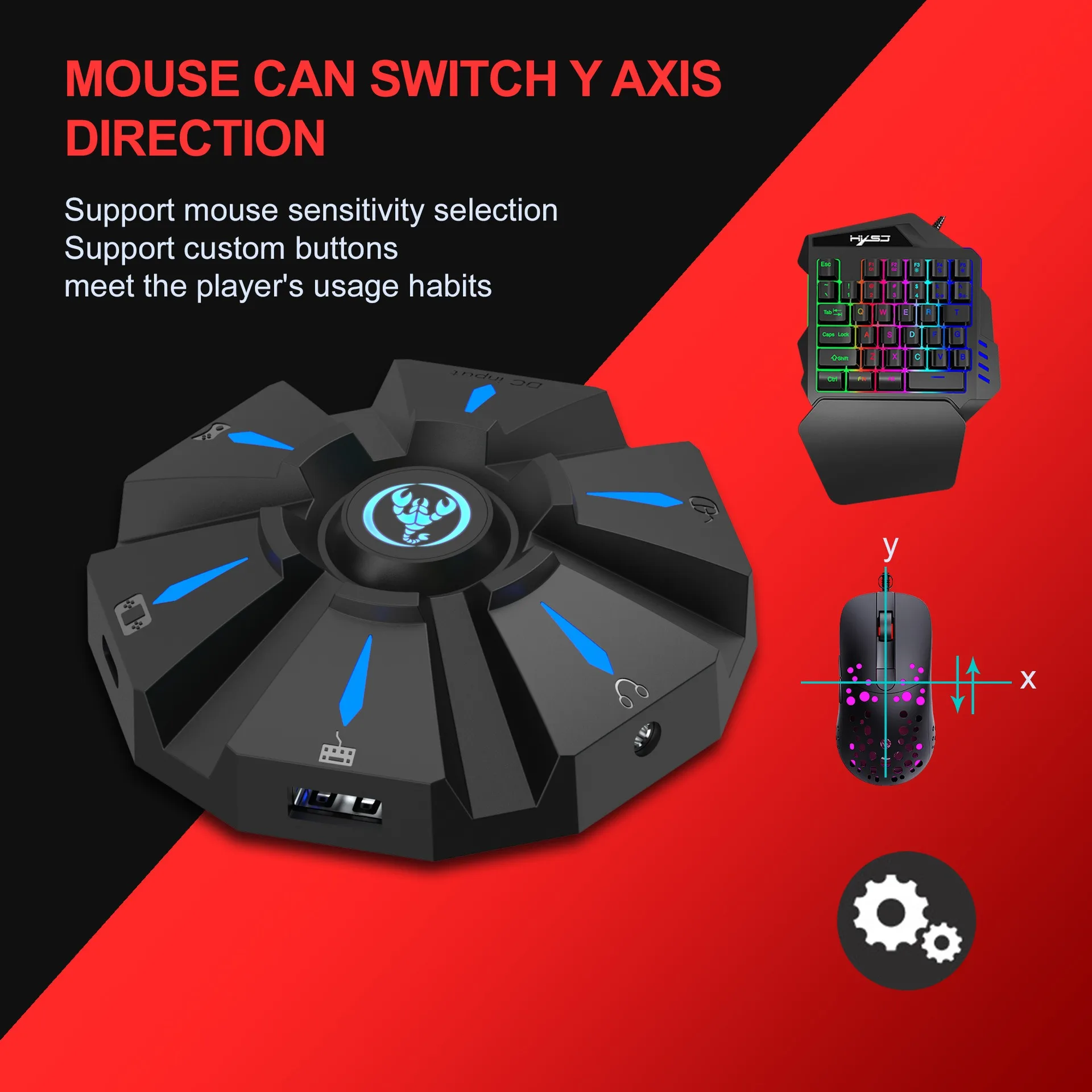
4、Mouse Y Axis Direction Switch:
The control of the Y axis of some games is opposite to the set value.The game operator can adjust the Y axis direction of the mouse according to his needs by pressing ESC + R.
5、Function Switching Instructions:
■Enter setting mode: ESC + SPACE
■Default page 1: SC+ CTRL + Q
■Exit setting mode: ESC + SPACE
■Mouse speed switch: ESC + CAPSLOCK+A/ S/D/ F / G
■Y axis plus reverse: ESC + R
■Page area selection: ESC+ TAB+Q /W/ E/ R/ T
■Key value restore default: SC + CTRL + ALT (long press for 3 seconds)
6、Upgrade Instructions:
(you cannot upgrade at will without the correct upgrade program)
■On a Windows computer, open the upgrade software. When the converter does not enter the upgrade mode, "Update rm ware" is light gray.
■Connect the converter to the computer through the USB data cable. At this time, the converter's white LED is on, plug in the keyboard and the red LED is on. Press the keyboard SC+ CTRL + ALT + SPACE and hold it for 3s. At this time, the "Update rm ware "Is black, click the button"Update rm ware "to update the converter rm ware.
■The OK window pops up and displays "Update Success", indicating that the upgrade is complete. Click OK.
SETTING INSTRUCTIONS :
I The conversion box is connected to the console and not connected to the external devices, and is displayed as a white light.
■Insert the original controller to guide and display the yellow light,
insert the rst device to light red, then insert another device to turn on the green light, successfully turn yellow, and then the color of the breathing light will turn yellow, green, purple and pink (circulation).
Each color breathes 4 times to change one color.
Press the set key function to light up blue.
PRECAUTIO NS:
■To ensure the normal use of di erent consoles by keyboard and mouse, you must use the original controller (supporting wired functions) corresponding to each platform to guide.
■The keyboard and mouse interface cannot be connected to the controller.
■Supports 95% of keyboards and mice on the market. If you encounter incompatibilities, please provide the actual product to customer service for up grade.
Package Included:
1*Wired gaming Keyboard
Or With Mouse Coverter





Care & Maintenance
To maintain the beauty and integrity of your purchase, we recommend treating it with care. Simple maintenance practices, such as gentle washing and proper storage, can effectively preserve the longevity of your favorites. We encourage you to refer to the care instructions included with each item, designed to help you keep your purchase in top condition.
Size & Fit
Our products are crafted to fit true to size, ensuring that you can confidently select your usual size with ease. Whether you’re looking for a relaxed or tailored fit, our designs are made to complement your unique shape and style.